Playing iPhone, iPod touch music with
this unit
If you update your “iPhone/iPod touch/iPad” to iOS 4.2.1 or later, you can
stream music stored in your “iPhone/iPod touch/iPad” directly to this unit.
1
Connect your iPhone, iPod touch or iPad Wi-Fi to the
same network as this unit.
0
For details, see your device’s manual.
2
Turn this unit ON.
Set “Network Control” to “On” for this unit. (v p. 94)
NOTE
When “Network Control” is set to “On”, the unit consumes more standby
power.
3
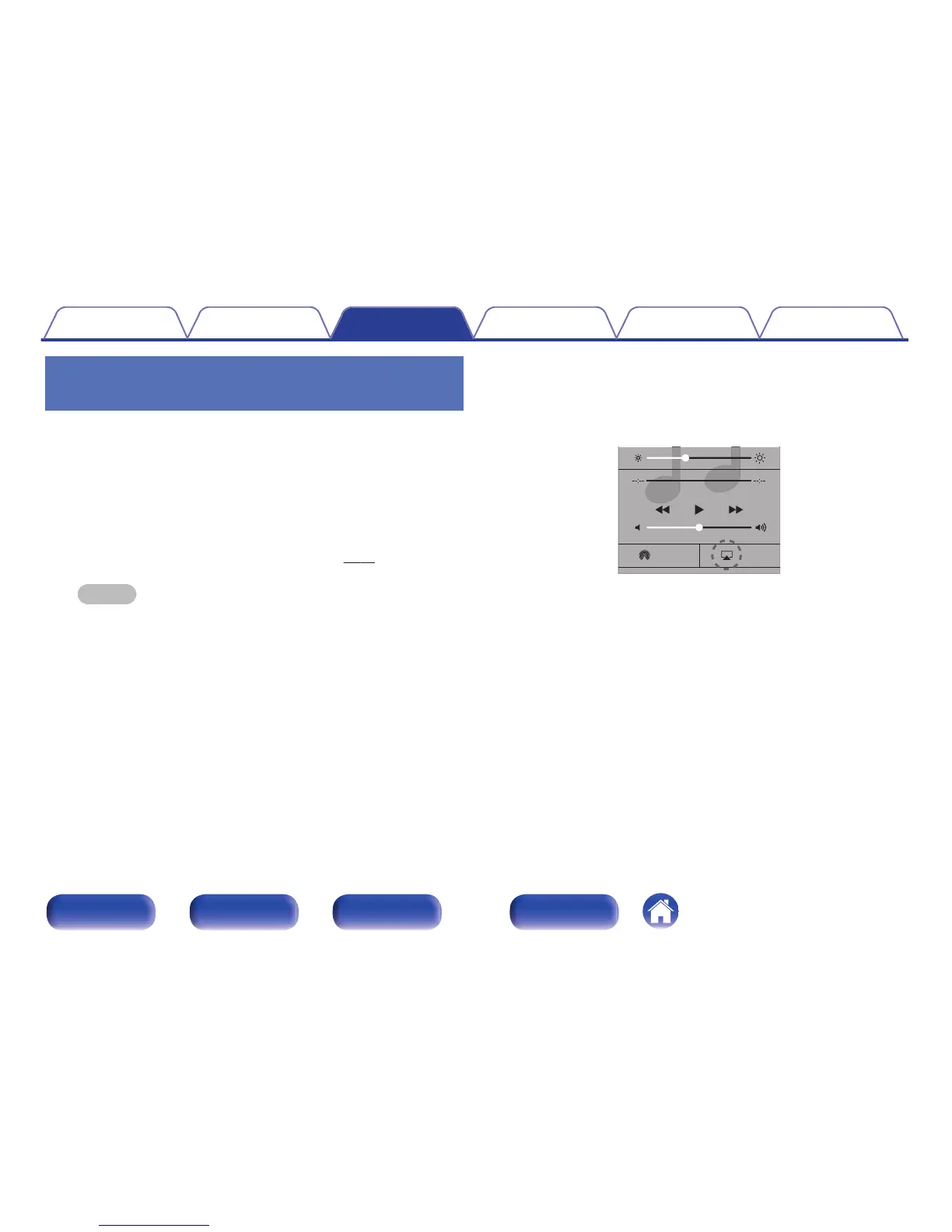
Play the song on your iPhone, iPod touch or iPad.
' is displayed on the iPhone, iPod touch or iPad screen.
4
Tap the AirPlay icon '.
.



 To Next Page