Playing iTunes music with this unit
1
Install iTunes 10, or later, on a Mac or Windows PC that
is connected to the same network as this unit.
2
Turn this unit ON.
Set “Network Control” to “On” for this unit. (v p. 94)
NOTE
When “Network Control” is set to “On”, the unit consumes more standby
power.
3
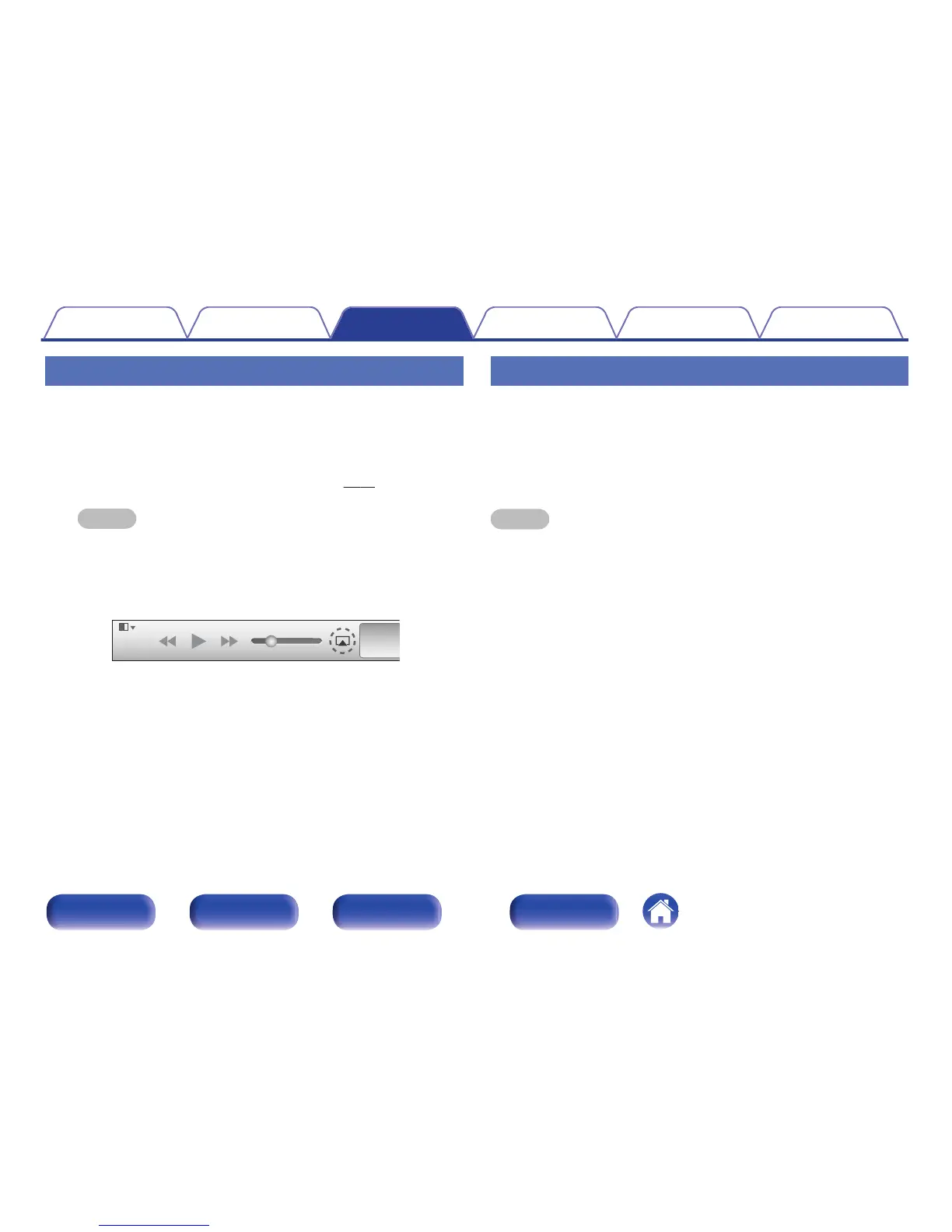
Start iTunes and click the AirPlay icon ' to select the
main unit.
.
4
Choose a song and click play in iTunes.
The music will stream to this unit.
Selecting multiple speakers (devices)
It is possible to play iTunes songs on your home’s AirPlay compatible
speakers (devices) other than those of this unit.
1
Click the AirPlay icon ' and select “Multiple”.
2
Check the speakers you want to use.
NOTE
In playback using the AirPlay function, the sound is output at the iPhone, iPod touch,
iPad or iTunes volume setting level.
You should turn down the iPhone, iPod touch, iPad or iTunes volume prior to
playback and then adjust it to a suitable level.
Contents
Connections Playback Settings Tips Appendix
65
Front panel Rear panel
Remote control
unit
Index



 To Next Page