Playing an iPod
1
Press USB to switch the input source to “USB”.
2
Connect the iPod to the USB port. (v p. 22)
3
Operate iPod itself directly while seeing the iPod
screen to play back music.
4
Press MODE to select the display mode.
The display mode switches each time MODE is pressed.
0
There are two modes for displaying the contents recorded on the
iPod.
Remote mode:
Display iPod information on the display of this
unit.
Direct mode
(Default):
Display iPod information on the iPod screen.
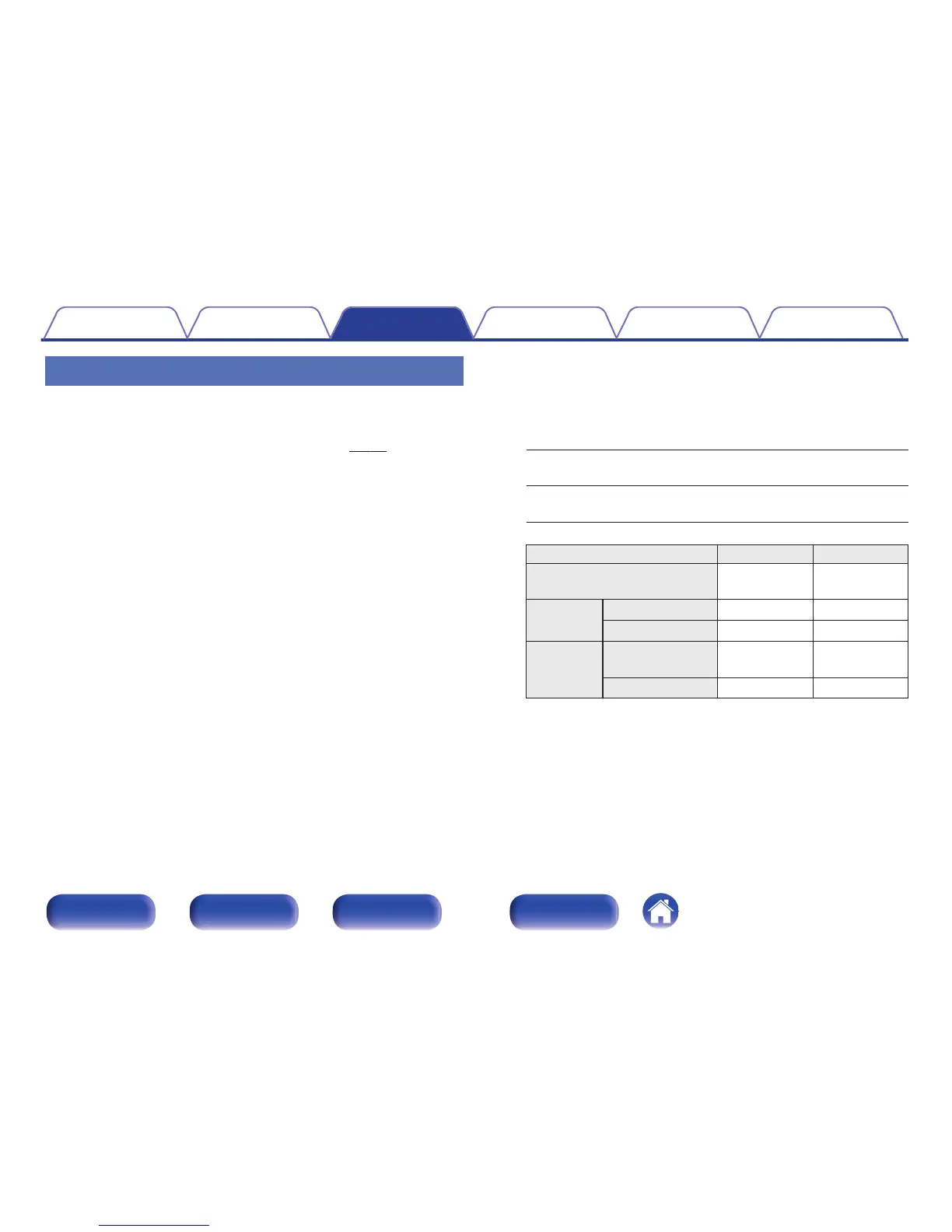
Display mode Remote mode Direct mode
Display location
Main unit
Display
iPod
Display
Playable
files
Music file
P P
Video file
P z
Active
buttons
Remote control
unit (This unit)
P P
iPod
P
z
Only the sound is played.
Contents
Connections Playback Settings Tips Appendix
56
Front panel Rear panel
Remote control
unit
Index



 To Next Page