10
但しリセット行うと、セットアップメニューにて設
定した内容、サラウンドモードの設定の情報が消去
されますことをご了承ください。
SURROUND
DOWN
UP
VOLUME
INPUT SELECTOR
POWER ON/OFF PHONES
STANDBY
MUTE
7.1CH INPUT
S. SPEAKER B
ATT
PURE
SETUP
DIRECT
SIMPLE
AUTO
HT-EQ
MENU
ENTER
DISPLAY
EXIT
MODE
AV SURROUND AMPLIFIER PS3001
NIGHT
SLEEP
V-OFF
A
/
D
DISP V
–
OFF NIGHT PEAK ANALOG
DIGITAL
ATT
SLEEP
SURR
AUTO
DIRECT DISC 6.1 MT X 6.1 SPKR AB EQ
DIGITAL
SURROUND
AAC
PCM
L
C
R
SL S SR
LFE
1.
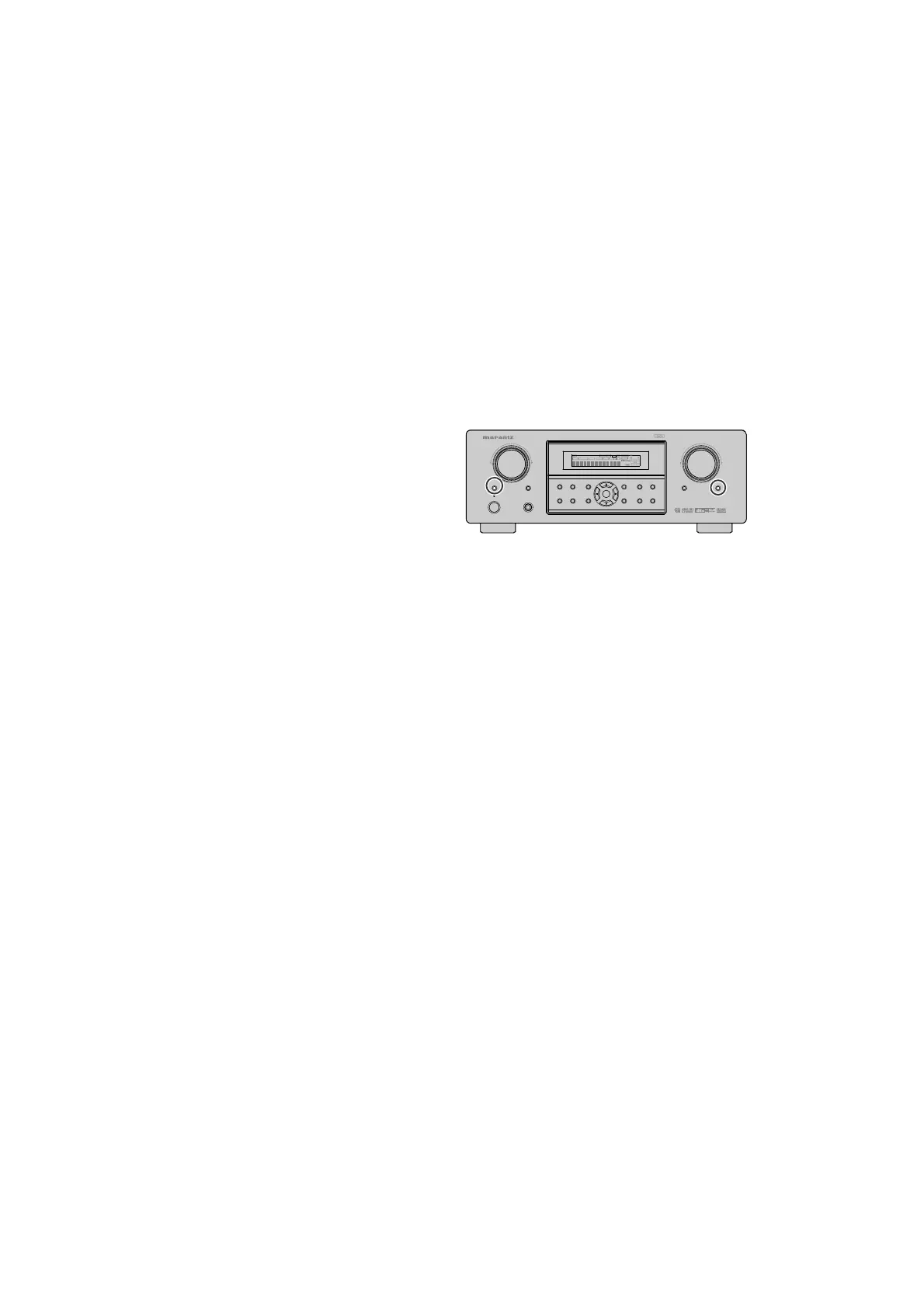
電源が入っていることを確認します。
2.
本体の
7.1CH INPUT
ボタンを押しながら、
ATT
ボタンを 3 秒以上押します。
本機は一度スタンバイ状 態になった後、再度
POWER − ON 状態となり、各種設定された内容
が初期化され、工場出荷時の状態に戻ります。
Note :
Step3, 4 is to check if CPU software is capable of DSP code.
"Software Type No" is to show what "DSP Code Group" CPU
is capable of. And vice versa.
Step 8 is to manage the 16 codes for DSP.
• When the unit is once turned into Service Mode, the
unit keeps this mode until the main power is turned off.
(Turn ing into stand-by mode does not make it quit from
Service Mode.) When the unit quits from Service Mode,
In for ma tion in the memory is also cleared and the unit
returns to the status when it is out from the factory.
Product Reset
To reset the back up memory of the unit into the default
sta tus, follow the procedure below.
1. Turn of the unit and press ATT and 7.1CH INPUT button
si mul ta neous ly more than 3 seconds.
2. After "DEFAULT" is displayed on FLD, power is turned
off once and turned of again, EEPROM is cleared to
the de fault status, microprocessor is reset and the unit
returns to the nor mal status.
Note :
When the unit is shipped from the factory, the pro ce dure
above must be done to set the unit to initial status after
the tests.
Product Reset


 To Next Page