2
2. SERVICE MODE
2-1. Factory mode
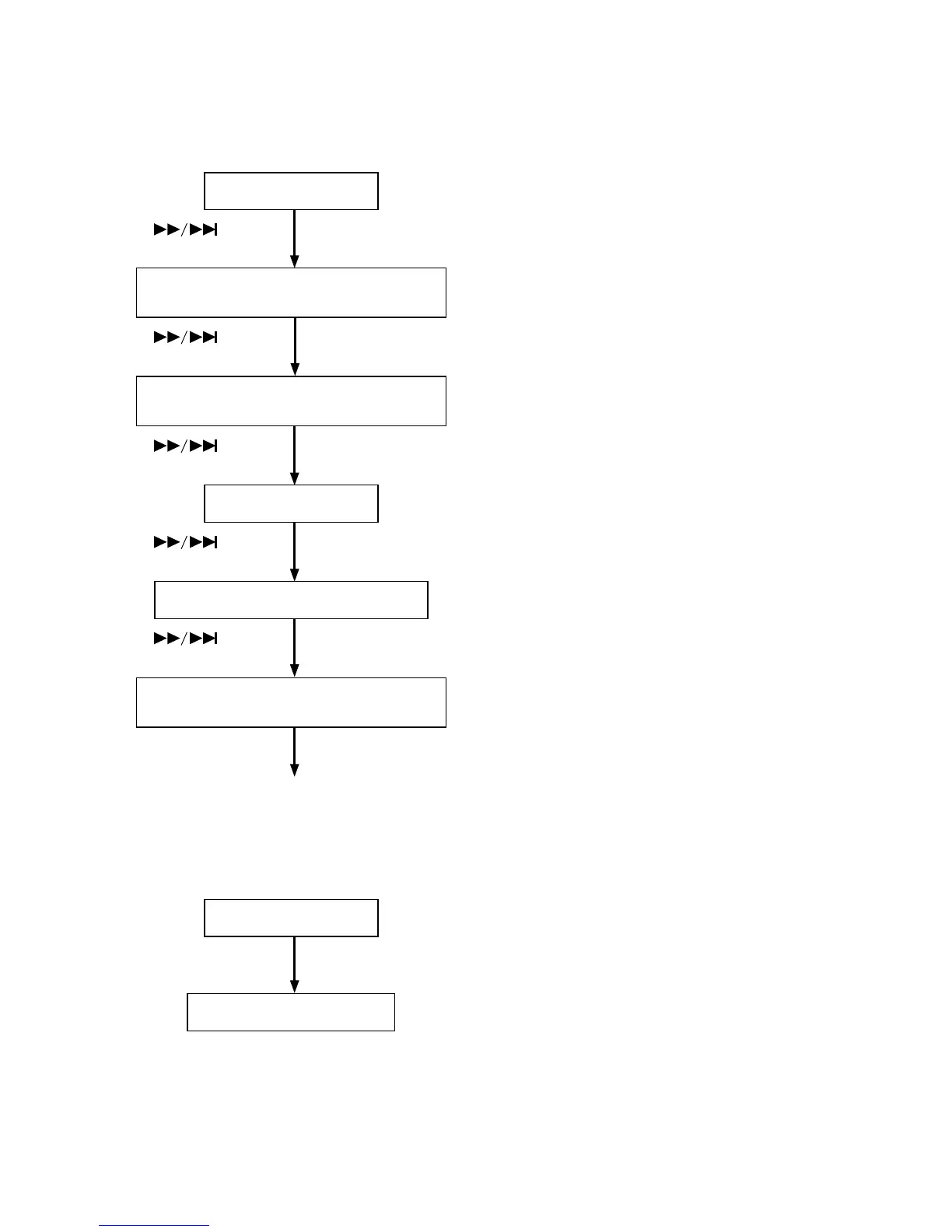
While pressing <OPEN/CLOSE>and<NEXT>plug in the Mains cord.
"SA-17S1" is displayed
Press<
>
Version of Backend(QF01) u-COM is displayed
"Ver : X.XX" is displayed
Press<
>
Version of Frontend(Q125) µ-COM is displayed
"DrvVer : XX.XX" is displayed
Press<
>
All parts of FTD is turned on
Press<
>
Each Segment is displayed one by one
Press<
>
Check of key
When key is depressed,key name is displayed
Turn off Power to quit Service Mode.
2-2. Reset the unit to the default settings
While pressing <OPEN/CLOSE>and<NEXT>plug in the Mains cord.
"SA-17S1" is displayed
Press <PHANTOM-C>
"EEPROM Clear" is displayed
All the setting are restored to the default setting.


 To Next Page