4
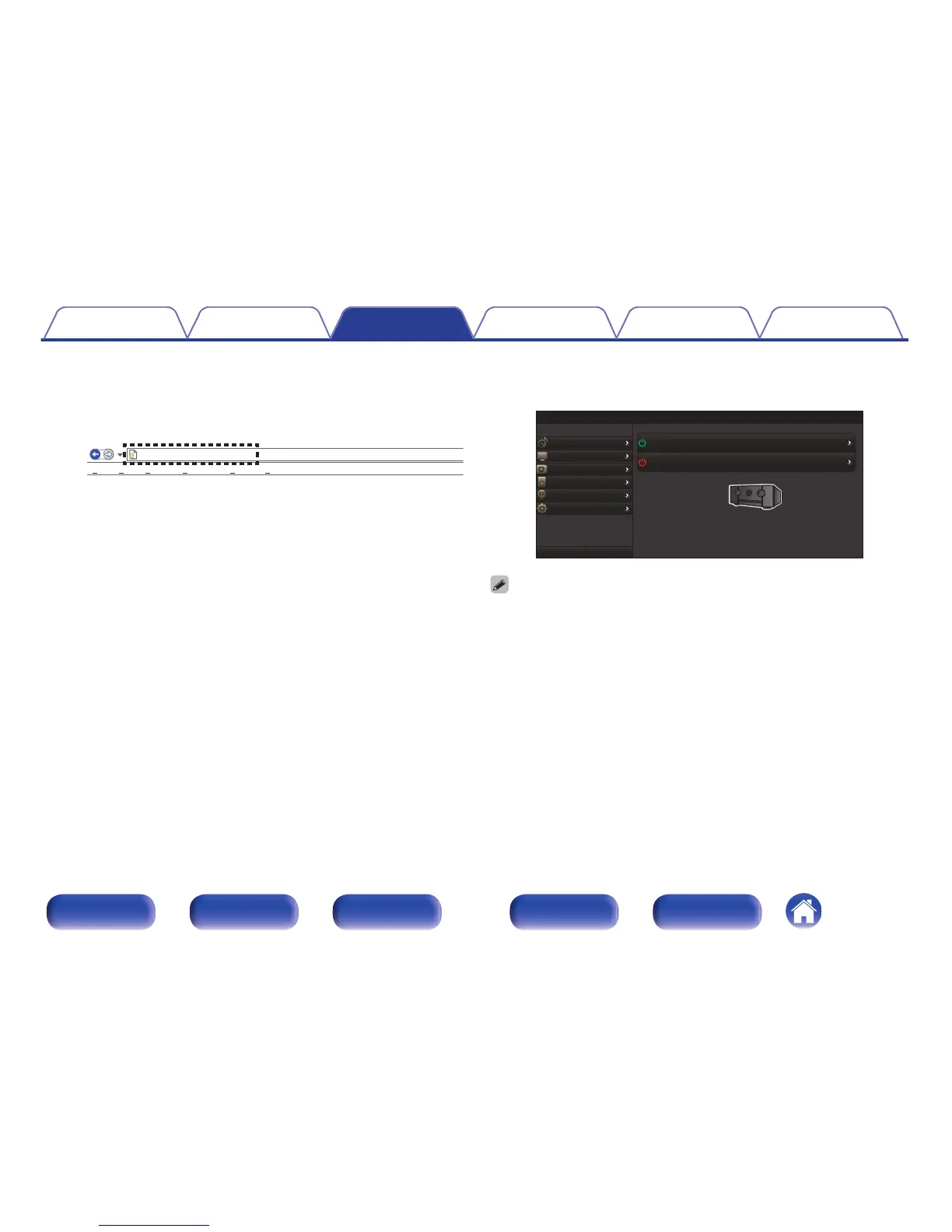
Enter the IP address of this unit in browser’s address
box.
For example, if the IP address of this unit is “192.168.100.19”, enter
“http://192.168.100.19”.
.
5
When the top menu is displayed, click on the menu
item you want to operate.
.
0
You can use the “Save” and “Load” functions to store or recall various function
settings using web control from a PC.
0
To memorize settings, click “Save” on the Setup Menu screen.
0
To call up settings, click “Load” on the Setup Menu screen.
0
We recommend using one of the following web browsers.
Internet Explorer 10 and above
Mozilla Firefox 24 and above
Google Chrome 29 and above
Safari 5.x and above
Contents Connections Playback Settings Tips Appendix
129
Front panel Display Rear panel Remote Index



 To Next Page