o
Notifications
Displays and sets notifications.
Also, sets whether or not to display the notification when the power is
turned on.
Notification Alerts
On
(Default):
Notification messages are displayed.
Off: Notification messages are not displayed.
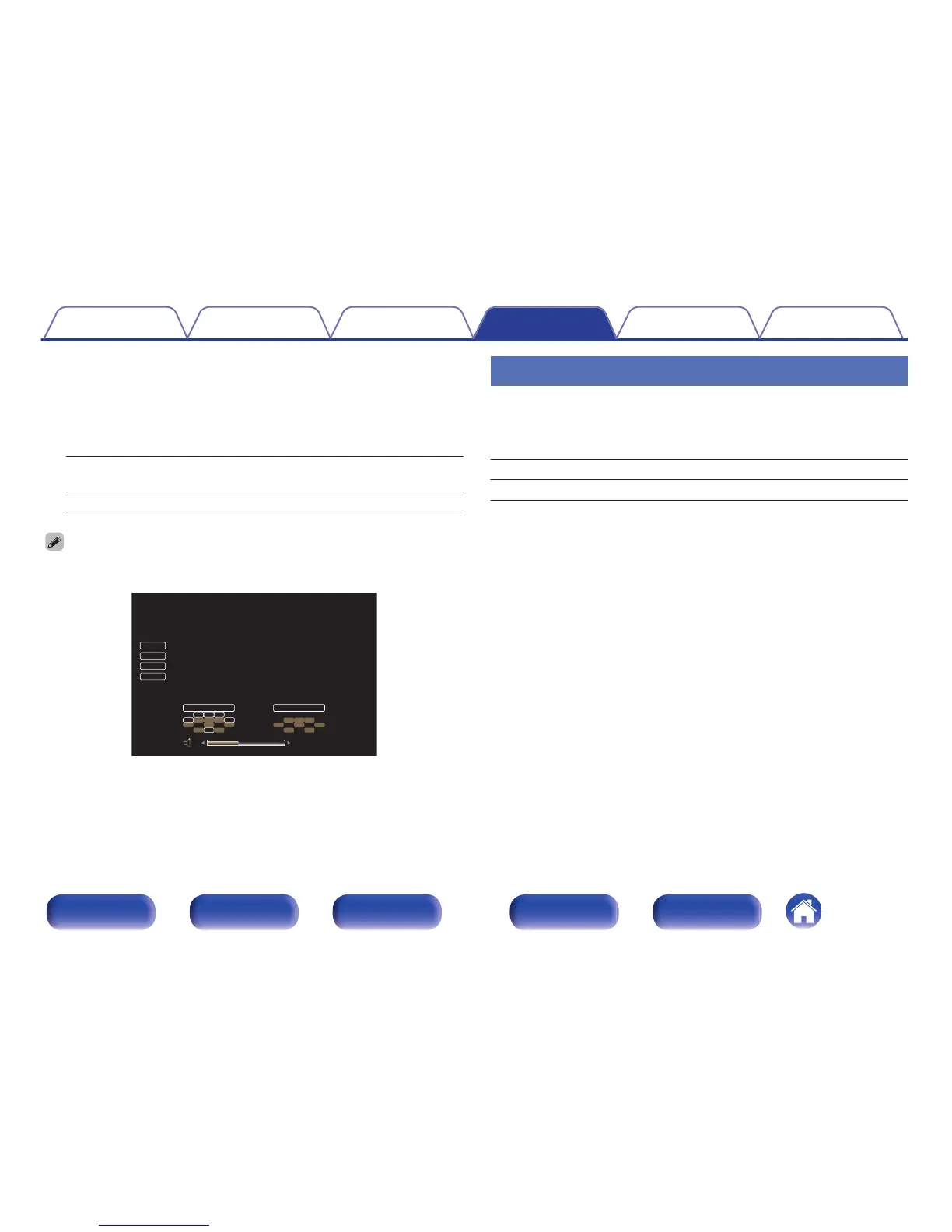
Press INFO on the remote control unit to display current source name, volume,
sound mode name, and other information at the bottom of the screen.
.
Usage Data
To help us improve our products and customer service, Marantz collects
anonymous information about how you use your AV receiver (such as
frequently used input sources and sound modes and speaker settings).
Marantz will never provide any information we collect to third parties.
Yes: Provide information on the operating status of this unit.
No: Do not provide information on the operating status of this unit.
Contents Connections Playback Settings Tips Appendix
202
Front panel Display Rear panel Remote Index



 To Next Page