EasyManua.ls Logo

Marantz SR5009 - Display

Marantz SR5009
270 pages
Print Icon
To Next Page IconTo Next Page
To Previous Page IconTo Previous Page
Loading...
Display
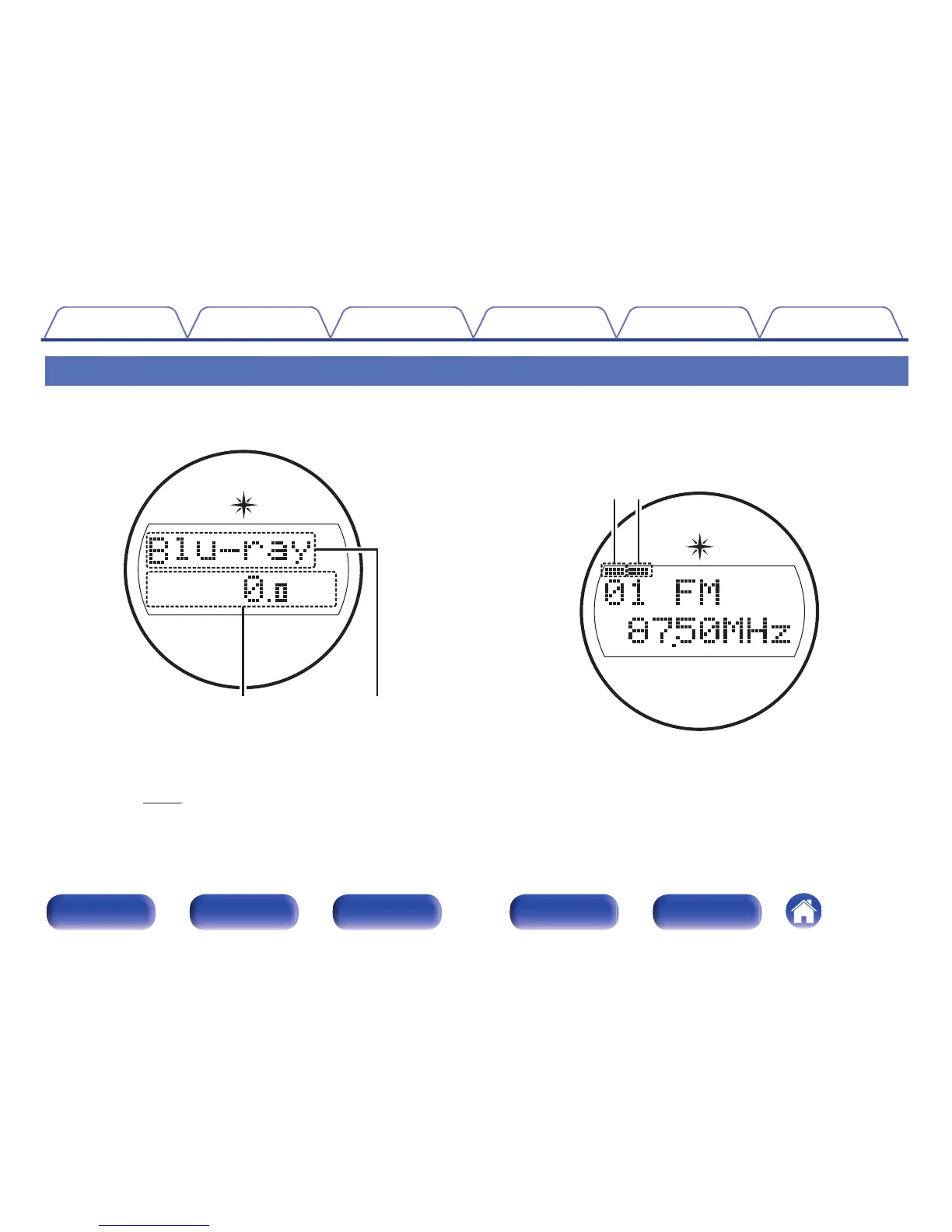
The input source name, sound mode, setting values and other information are displayed here.
o
Standard display
.
A
Volume indicator
B
Input source indicator
The currently selected input source name is displayed.
If the input source name has been changed using “Source
Rename” (v p. 169) in the menu, the input source name after the
change is displayed.
o
Tuner display
These light up according to the reception conditions when the input source
is set to “Tuner”.
.
e
r
C
Lights up when the broadcast is properly tuned in.
D
In the FM mode, this lights up when receiving stereo broadcasts.
Contents Connections Playback Settings Tips Appendix
16
Front panel Display Rear panel Remote Index

Table of Contents

Other manuals for Marantz SR5009

Related product manuals