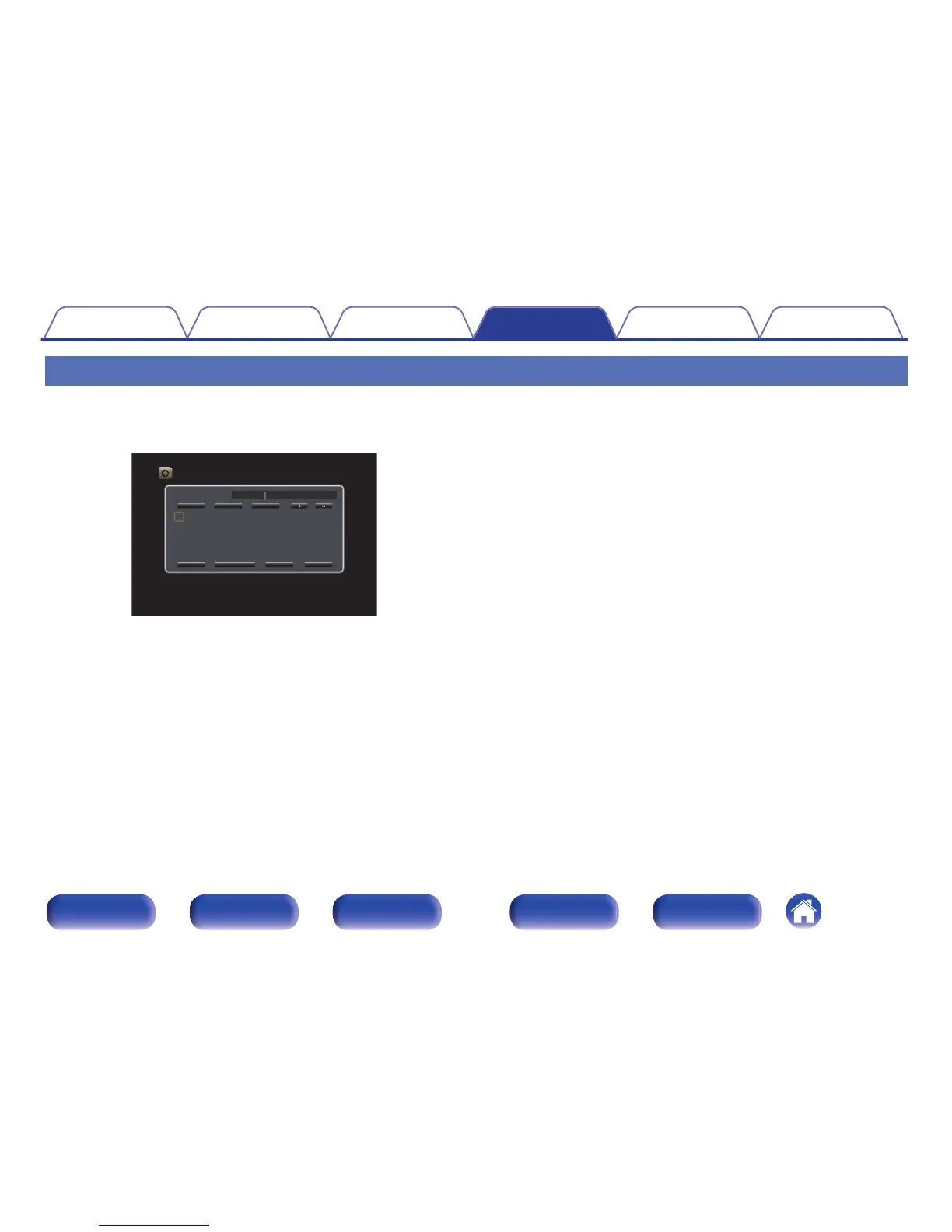
Using the keyboard screen
1
Display the screen for inputting characters.
GExampleH “Source Rename” screen
.
2
Use uio p to select , or ..
3
Press ENTER to move the cursor to the character that
you wish to change.
0
Each time ENTER is pressed, the cursor moves by one
character.
4
Select a character to be input with uio p then press
ENTER.
5
Repeat steps 2 - 4 to change the name.
6
Use uio p to select “OK”, then press ENTER.
Contents Connections Playback Settings Tips Appendix
142
Front panel Display Rear panel Remote Index



 To Next Page