16
MAINCPU(IC105)Version,DSP(IC111)
Version,HDMICPU(IC61),USBCPU(IC35)
VersionandSegmentCheckMode.
1. 本機に電源コードを接続します。
2. POWERON/OFF(STANDBY) ボタンを押し、本機の電
源を入れます。
3. AUTO,EXIT,CLEAR の 3 つのボタンを同時に 3 秒以上
押します。
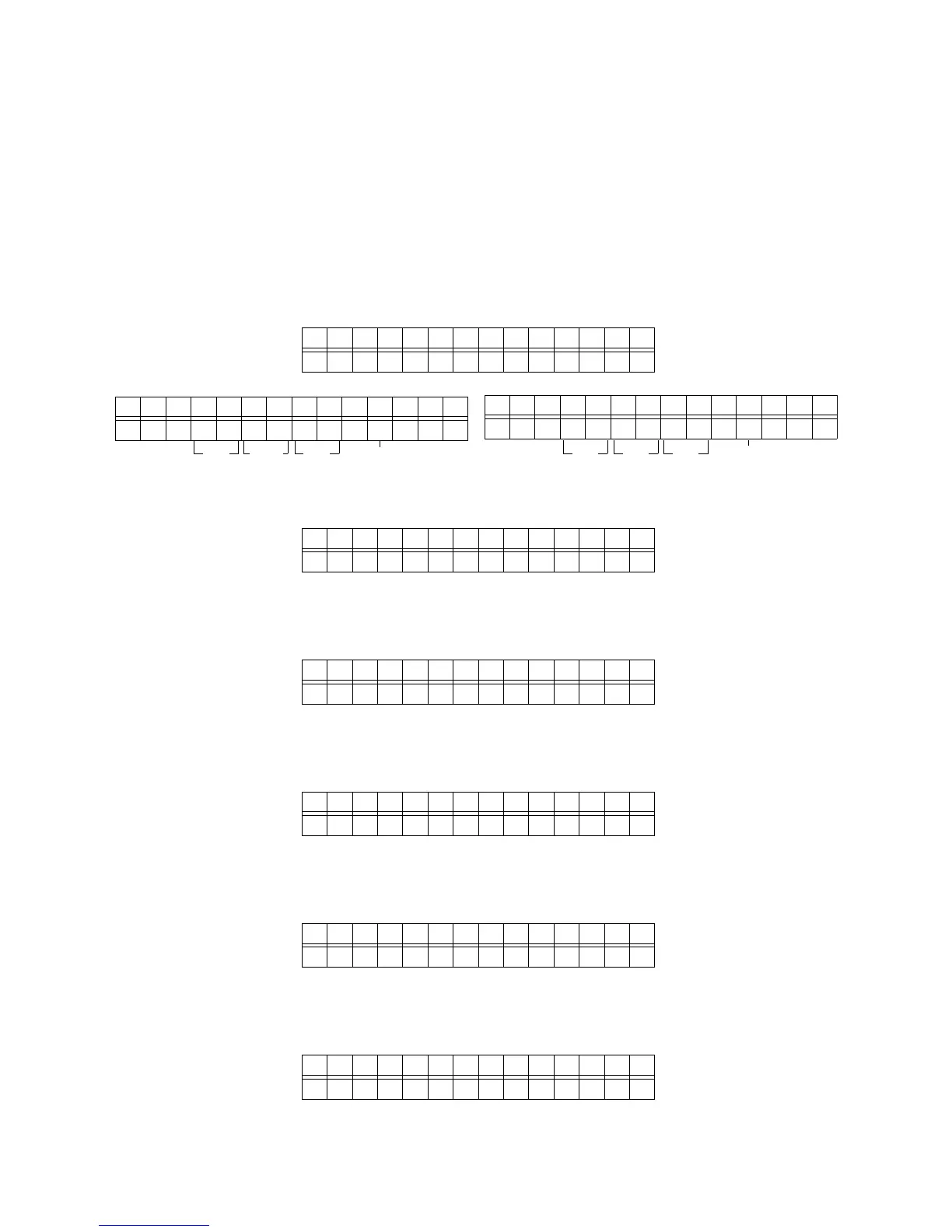
4. FL に "SERVICEMODE" と 2 秒表示し、次にモデル名と
MAIN マイコン (IC105) を表示します。
5. 更に ENTER ボタンを押すと、ソフトウエアシリアルナン
バーが表示されます。
6. 更に ENTER ボタンを押すと、TIDSP(IC111)B1
Code が表示されます。
7. 更に ENTER ボタンを押すと、TIDSP(IC111)B2
Code が表示されます。
8. 更に ENTER ボタンを押すと、HDMICPU(IC61)のバー
ジョンが表示されます。
9. 更に ENTER ボタンを押すと、USBCPU(IC35) のバー
ジョンが表示されます。
SR6004 :AH1
V070927 0
4. SERVICE MODE
MAIN CPU (IC105) Version, DSP (IC111) Version,
HDMI CPU (IC61), USB CPU (IC35) Version and
Segment CheckMode.
1. Connect the mains cord into the unit.
2. Press the POWER ON/OFF (STANDBY) button for turn
on the unit.
3. Press the AUTO, EXIT and CLEAR buttons
simultaneously more then 3 seconds.
4. The FL display shows “SERVICE MODE” for 2 seconds
then shows the model name and the software version of
the MAIN CPU (IC105) is displayed the format below.
5. Press the ENTER button again, the software serial
Number of the unit is displayed.
6. Press the ENTER button again, the TI DSP (IC111) B1
code is displayed.
7. Press the ENTER button again, the TI DSP (IC111) B2
code is displayed.
8. Press the ENTER button again, the software version of
the HDMI CPU (IC61) is displayed.
9. Press the ENTER button again, the software version of
the USB CPU (IC35) is displayed.
BLU-RAY : AH1
SERV I CE MODE
SR6004 :AH1
V070927 0
SR6004
MZ XXXXXXXXXX
SR6004
B1 29705171
SR6004
B2 29704021
SR6004
HDM I Ve r . hXX
SR6004
USB: 080507 1
Year
Month Date Destination
年
月 日 仕向け
s
s
s



 To Next Page