33
ユーティリティのダウンロード
[A] ソフトウェア (fdtv403r00.exe) のダウンロード
とインストール手順
[A-1] ソフトウェアのダウンロード
(FlashDevelopmentToolkit: 以下 FDT)
メイン CPU アップデート用ソフトのダウンロード
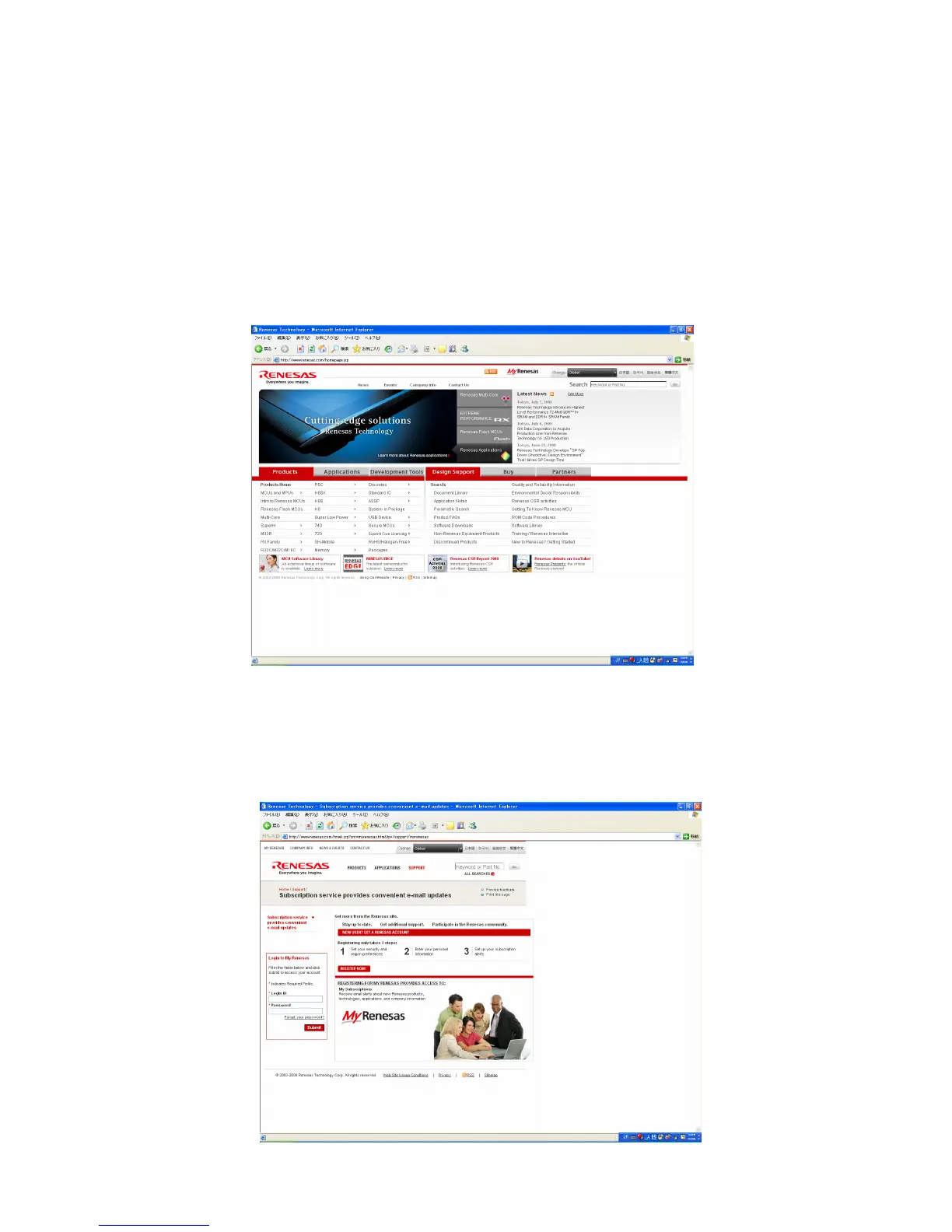
1. ブラウザ ( インターネットエクスプローラー等 ) を起動し
ます
2. アドレスバーに http://www.renesas.com/ を入力して、
キーボードの Enter を押します。
ご注意 : このサイトは株式会社ルネサステクノロジーが管理し
ているため、説明と実際のサイト構成が異なる場合が
あります。その場合は実際のルネサスのサイト構成に
沿って進めて下さい。
FDT をダウンロードするにはログイン ID が必要です
既にログイン ID をお持ちの方は手順 8 へ進んでください。
ログイン ID を持っていない方は MYRENESAS をクリック
してください。
3. " 新規登録 " をクリックしてください。
Download Utility (FDT)
[A] SOFTWARE (fdtv403r00.exe) DOWNLOADS
AND INSTALLS PROCEDURE
[A-1] DOWNLOADS OF THE SOFTWARE
(Flash Development Toolkit: the rest is FDT)
Download the software for update of the MAIN CPU.
1. Launch the browser.
2. Type the "http://www.renesas.com/" into an address. And
click the Go or press the Enter on keyboard of PC.
NOTE : This site is managed by RENESAS technology corp.
The following explanation may differ from the actual
composition. When different, please proceed alon-
with the site composition of RENESAS.
A login ID is necessary to download the FDT.
If you have Login ID, please advance to step 8.
If you do not have Login ID, Click the MY RENESAS.
3. Click the "REGISTER NOW!".



 To Next Page