70
-ODE5PDATE$OWNLOAD53"#05gSSOFTWARETO
INTERNAL&LASH2/-
5PDATE$OWNLOAD3OFTWAREFOR53"#05-ODE
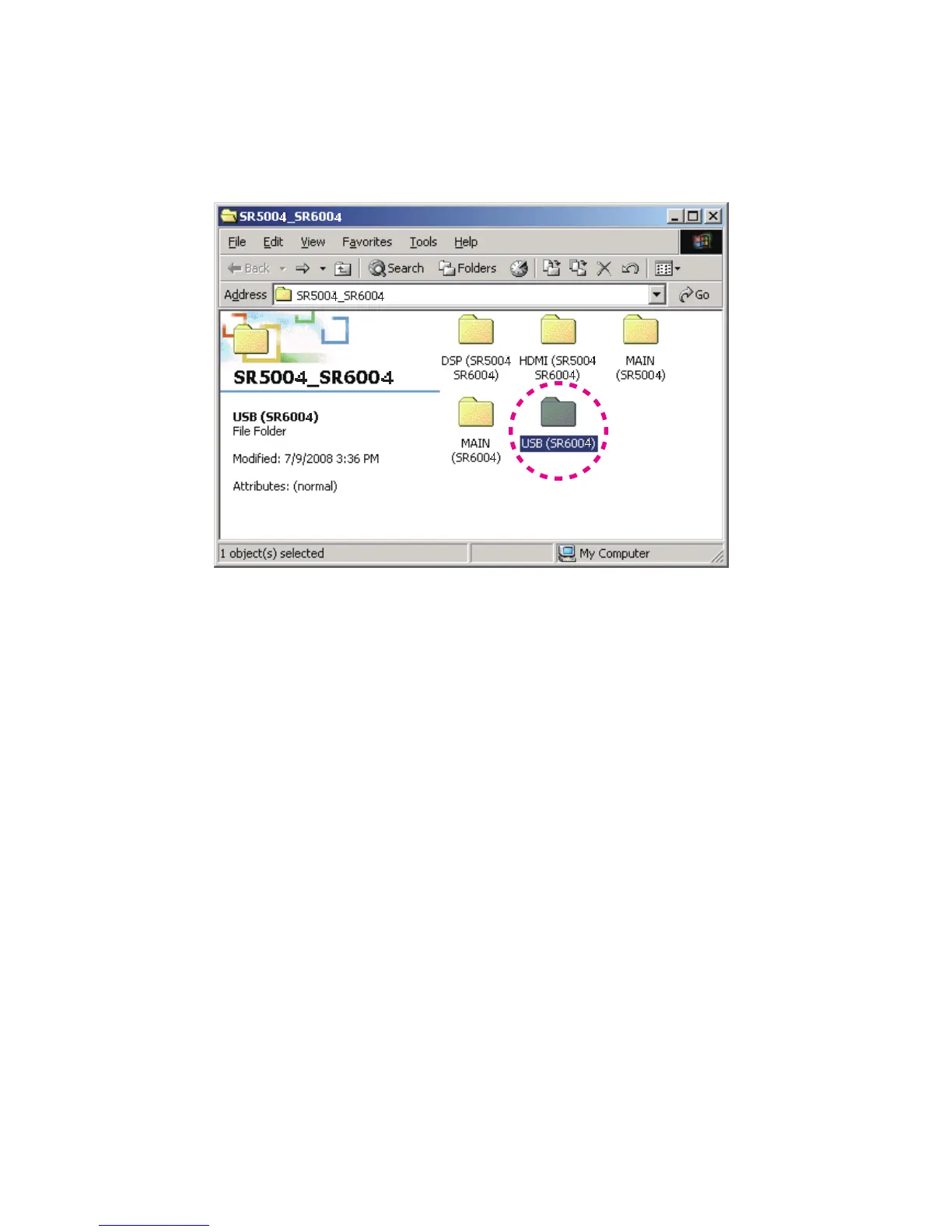
Put the "USB (SR6003)" folder into anywhere on your 1.
PC's hard disc.
Connect the RS-232C on rear panel of the unit and the 2.
Serial Port of windows PC with RS-232C cable.
Connect the mains cord into the unit.3.
Press the 4. 0/7%2/./&& (34!.$"9) button for turn
on the unit.
Press the 5. ENTER, CLEAR and BAND buttons
simultaneously more than 3 seconds to turn the unit into
Loading Mode.
The FLD shows "SELECT MAIN" after showed 6.
"LOADING MODE".
Turn the 7. ).0543%,%#4/2 to change display from
"SELECT MAIN" to "SELECT USB" on FLD.
Press the 8. ENTER button.
"SELECTED: USB" shows on the FLD.9.
MoDe :UpDaTeDoWNLoaD U3B CPUgS SoFTWare To
iNTerNaL&LaSH-ROM.
UpDaTeDoWNLoaD3oFTWare For U3B CPU MoDe
"USB (SR6003)"
フォルダをPCの任意のフォルダにコピー1.
します。
本機のリアパネルにある
RS-232CコネクタとWindows PC2.
のSerialポートをRS-232Cケーブルで接続します。
本機に電源ケーブルを差します。
3.
PO7ER ONO&&4. (3TANDBY)
ボタンを押し、本機の電源
を入れます。
ENTER、CREAR、BANDの3つボタンを同時に3秒以上押5.
し続け、本機をローディングモードにします。
FLに"LOADING MODE"と表示された後、"SELECT6.
MAIN"
と表示されます。
本機の
INPUT SELECTORを回して、FLの表示が"SELECT7.
MAIN"
から"SELECT USB"に換えます。
ENTERボタンを押します。8.
FL
に"SELECTED: USB"と表示されます。9.
4 4



 To Next Page