132
Display
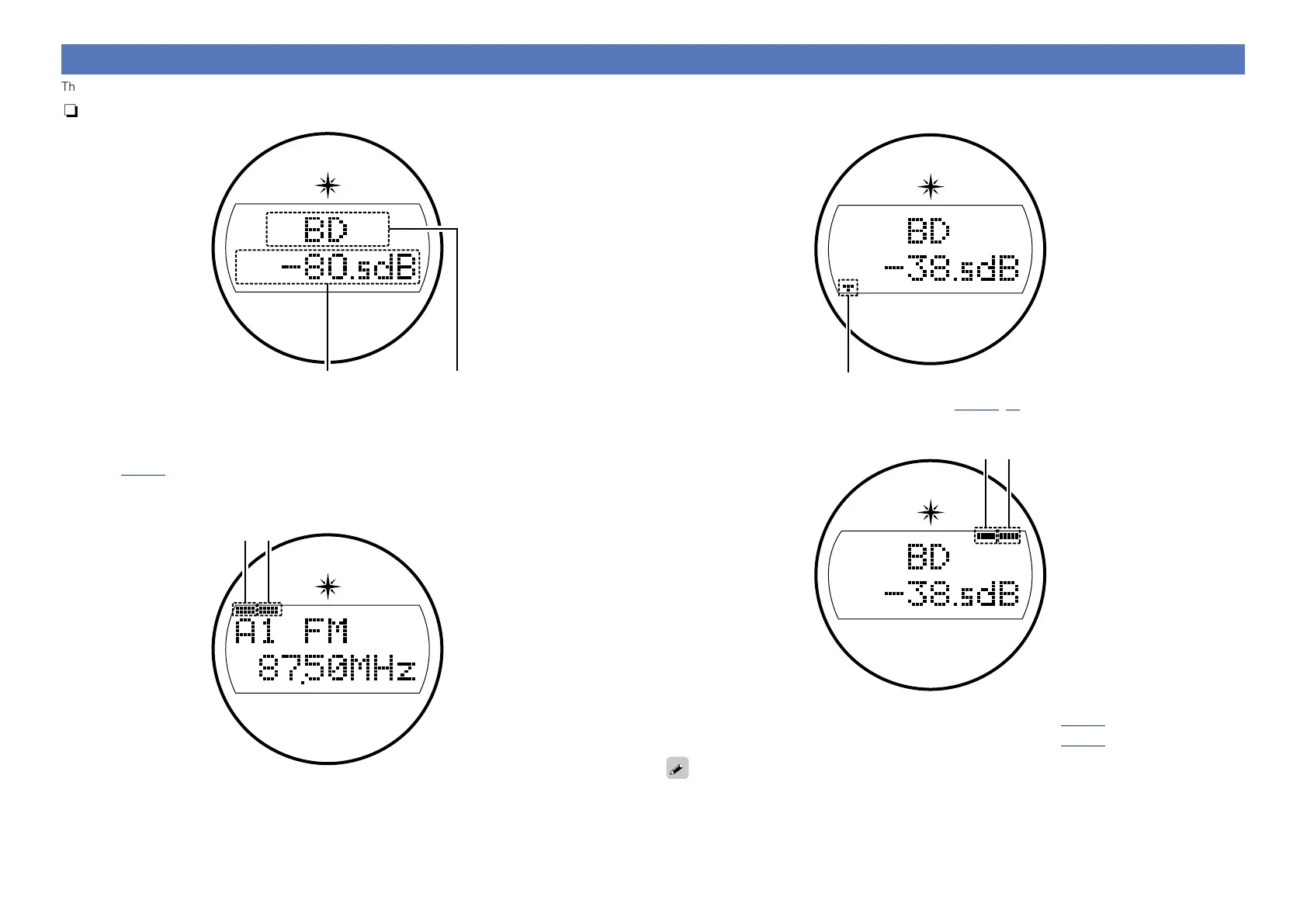
The input source name, surround mode, setting values and other information are displayed here.
nStandard display
q w
q Master volume indicator
w Input source indicator
The currently selected input source name is displayed.
If the input source name has been changed using “SOURCE SELECT” – “Rename”
(vpage96) in the menu, the input source name after the change is displayed.
nTuner display
these light according to the reception conditions when the input source is set to “HD Radio”.
e
r
e Lights up when the broadcast is properly turned in.
r In the FM mode, this lights up when receiving stereo broadcasts.
nSleep timer display
t
t This lights when the sleep mode is selected (vpage74, 86).
nZONE2/ZONE3 power on display
y u
y This lights up when ZONE2 (separate room) power is turned on (vpage84).
u This lights up when ZONE3 (separate room) power is turned on (vpage84).
When the power is switched on in ZONE2 or ZONE3, y and u light.



 To Next Page