52
Playing a network audio
Listening to Rhapsody
1
Prepare for playback.
q Check the network environment, then turn on this unit’s
power (vpage19 “Connecting to a home network
(LAN)”).
w If settings are required, make the “Network Connecting”
(vpage112).
2
Press 3 to display the “SOURCE SELECT” menu,
then select (vpage 28).
3
Press NET/USB to switch the remote control
operating mode to “NET/USB”.
4
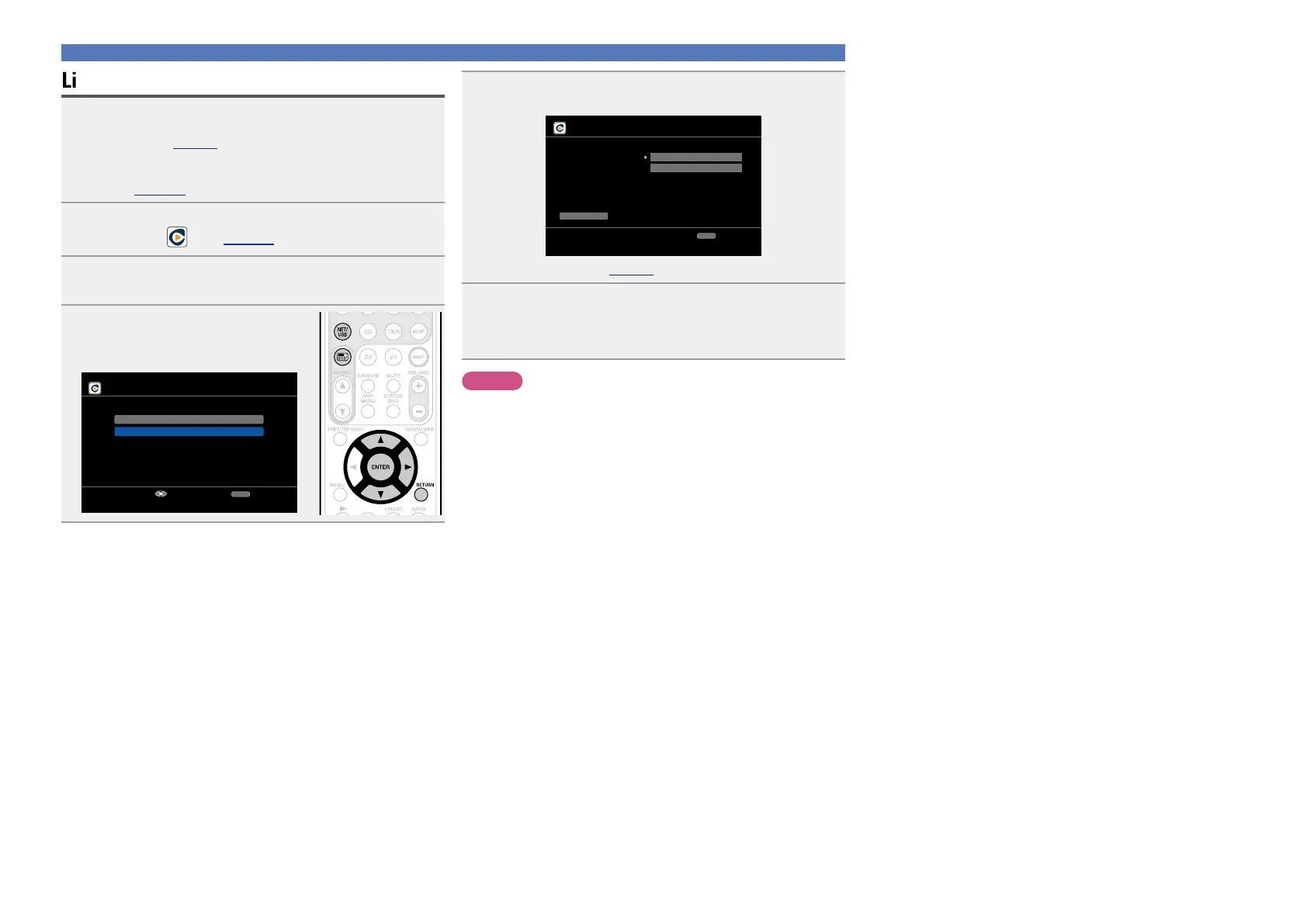
Use ui to select “Sign in to
your account”, then press ENTER
or p.
Rhapsody
Start a 30-day trial
Sign in to your account
Enter
RETURN
Cancel
5
Input Username and Password.
Rhapsody account sign in
OK
Enter Username
Username
Password
RETURN
Cancel
•For character input, see page90.
6
After inputting the “Username” and “Password”,
select “OK”, then press ENTER.
If the “Username” and “Password” match, the top menu for
Rhapsody is displayed.
NOTE
•The password should be no longer than 99 characters.
•Press RETURN to cancel the input. When “Cancel input?” is
displayed, select “Yes”, then press ENTER.



 To Next Page