51
Playing a network audio
nArranging tracks within radio stations
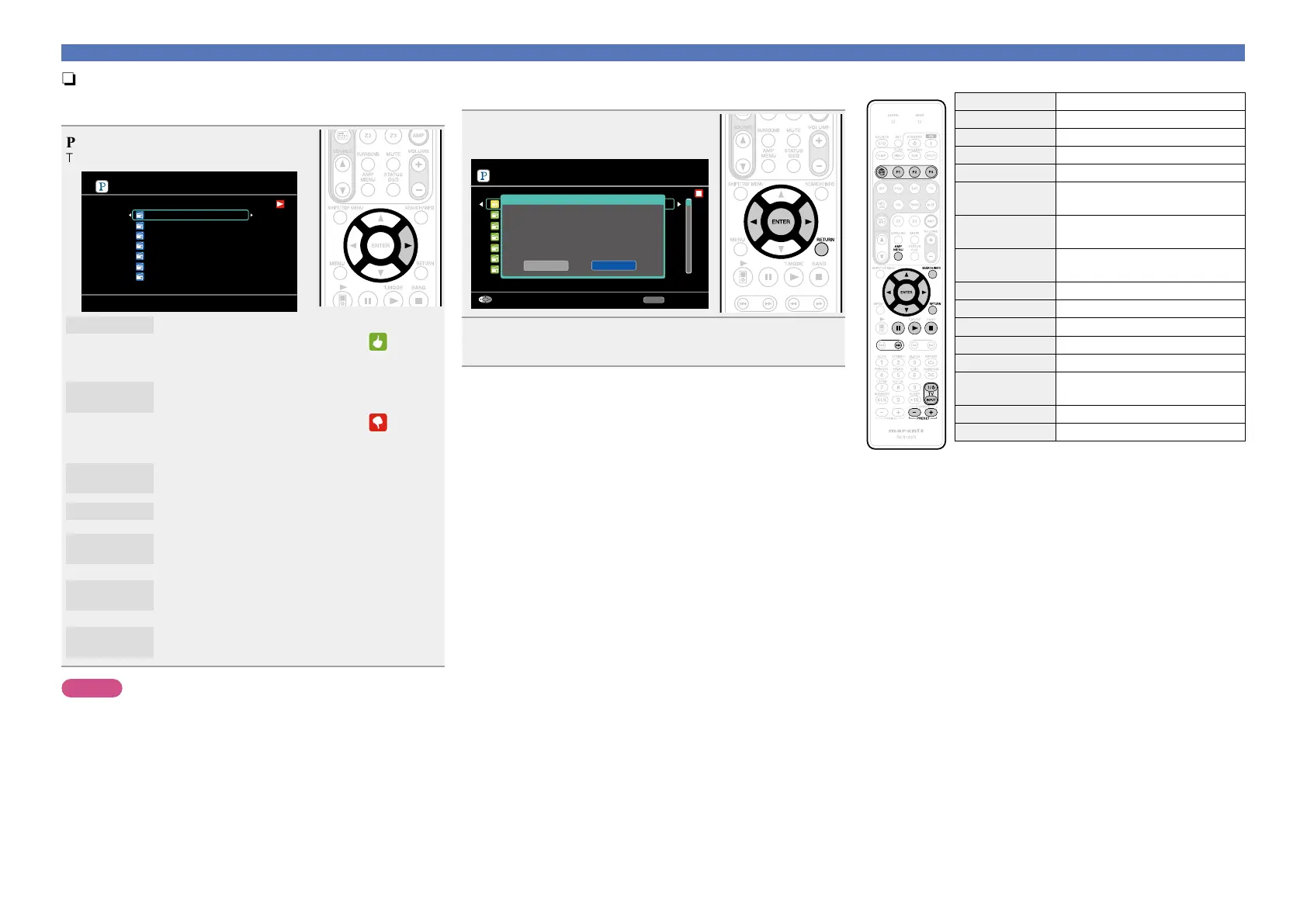
You can sort tracks by operating the Pandora menu screen while
a track is playing.
Press p while a track is playing.
The Pandora menu screen is displayed.
Menu
I like this track
I don’t like this track
Bookmark this track
I’m tired of this track
Delete this station
Why is this track playing?
Create station
[1/7]
I like this track
•Press when you like the track that is being played.
•It will return to the Play Screen. And
(Thumbs
up) icon is displayed. (The icon is not displayed on
the next track.)
I don’t like
this track
•Press when you don’t like the track that is being
played.
•It will return to the Play Screen. And
(Thumbs
down) icon is displayed. (The icon is not displayed
on the next track.)
Why is this
track playing?
•Displays the reason why Pandora selected this
track.
Create station
•Creates a Station for the Track or Artist being
played.
Bookmark
this track
•Bookmarks the track currently being played.
•You can check on a computer or iPhone etc.
•For details, see the Pandora web page.
I’m tired of
this track
•Press when you don’t like the track that is being
played.
•The track will not be played for 1 month.
Delete this
station
•Press when you want to delete the station that is
being played.
NOTE
•You can Skip up to 6 Tracks that are being played back within 1 hour.
•You can create up to 100 New Stations (radio stations).
nSign out
Disassociate this unit from your Pandora account.
1
While the Pandora top menu is
displayed, press RETURN.
[1/99]
New Station
Quick Mix
Hilary Duff Radio
Michelle Branch Radio
B.B. King Radio
Carrie Underwood Radio
B.o.B. Radio
My Station
RETURN
Exit Sign out
Yes
No
Are you sure you want to sign out
xxxxx_xxxxxxx@marantz.co.jp?
2
When the popup menu appears, press o p to select
“Yes”, then press ENTER.
nPandora operation
Operation buttons Function
V
Last played internet radio station
P1 – P3 Preset channel (1 – 3) selection
AMP MENU Amp menu
SEARCH/INFO Page search
z
uio p
Cursor operation /
Auto search (cue, i)
ENTER
(Press and release)
Enter / Pause
ENTER
(Press and hold)
Stop
RETURN Return
3
Pause
1
Playback
2
Stop
9
Auto search (cue)
TV Z / X
TV power on/standby
(Default : marantz)
TV INPUT Switch TV input (Default : marantz)
PRESET +, – Preset channel (A1 – G8) selection
z When the menu screen is displayed, press
SEARCH/INFO twice,
then press o (previous page) or p (next page).
To cancel, press ui or SEARCH/INFO.



 To Next Page