53
Playing a network audio
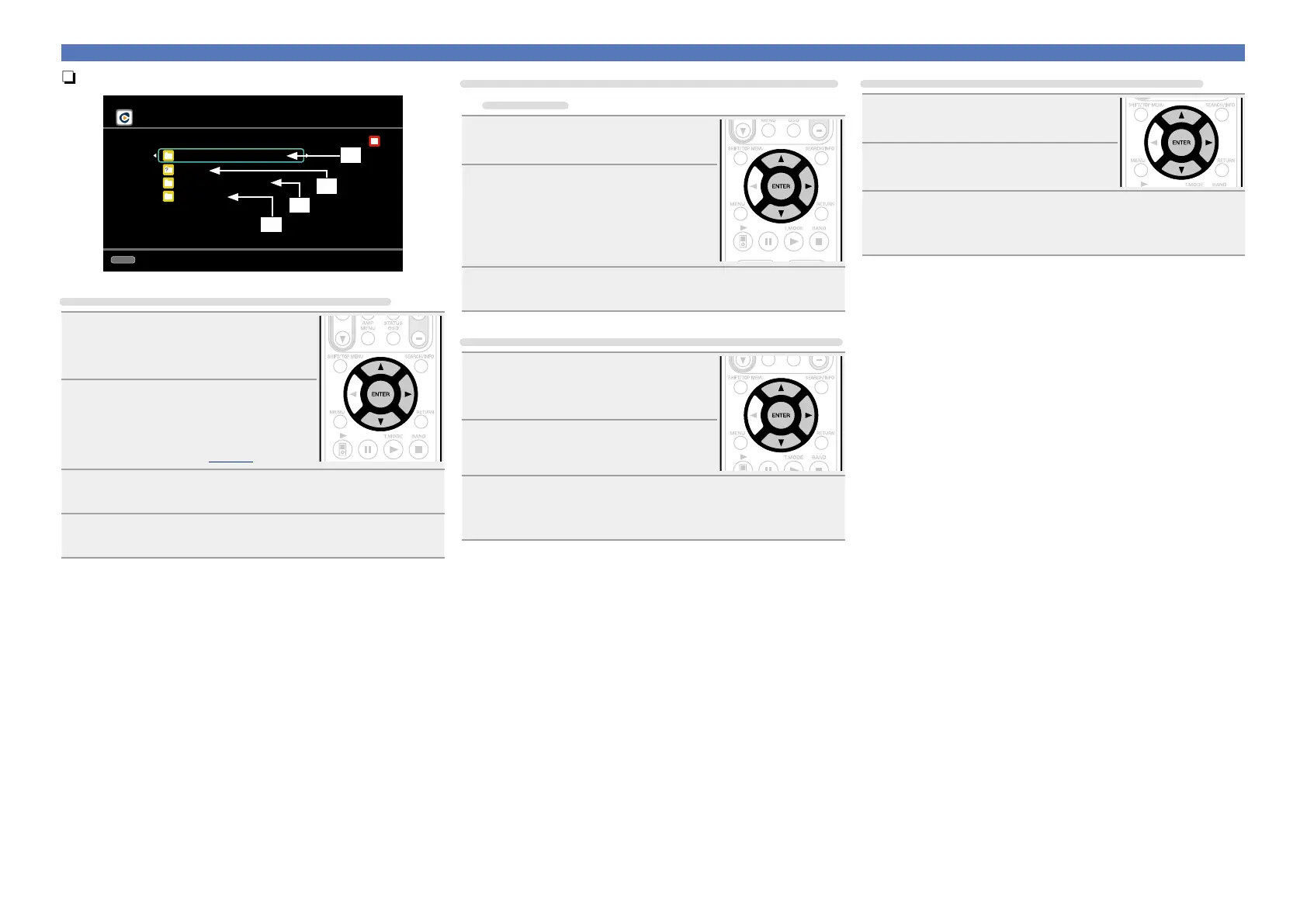
nSelect the search mode
CH+/-
Preset
Rhapsody
Rhapsody Music Guide
Search
Rhapsody Channels
My Library
[1/4]
q
w
e
r
q Search from Rhapsody latest information
1
Use ui to select “Rhapsody
Music Guide”, then press ENTER
or p.
2
Press ui to select the
information for track selection,
then press ENTER or p.
•For character input, see page90.
3
Repeat step 2 until the track is displayed.
4
Use ui to select the track, then press ENTER or p.
w Enter a character search for the track you want
to listen to
1
Use ui to select “Search”, then
press ENTER or p.
2
Use ui to select the search item,
then press ENTER or p.
The search display appears.
•You can search by artist name, album name,
track name or keyword.
3
Enter the characters, then press ENTER.
e Search from the Rhapsody internet radio station
1
Use ui to select “Rhapsody
Channels”, then press ENTER or
p.
2
Repeat step 1 until the radio
station is displayed.
3
Use ui to select radio station, then press ENTER
or p.
The search display appears.
r Listening to tracks registered in my library
1
Use ui to select “My Library”,
then press ENTER or p.
2
Repeat step 1 until the track is
displayed.
3
Use ui to select the information or track, then
press ENTER or p.
After selecting, the information is displayed



 To Next Page