o
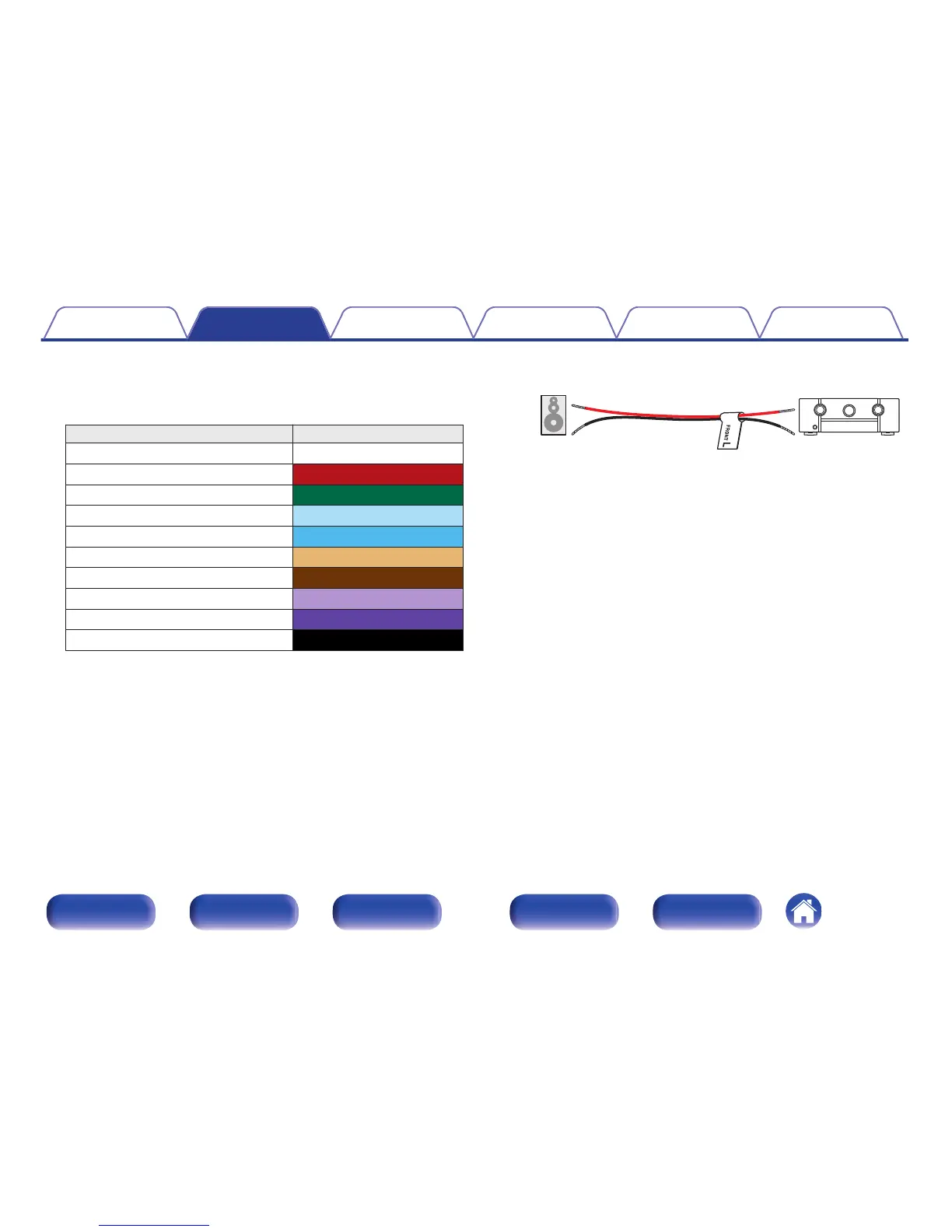
About the speaker cable label (supplied) for
channel identification
The channel display section for speaker terminals on the rear panel is
color-coded for each channel to be identifiable.
Speaker terminals Color
FRONT L White
FRONT R Red
CENTER Green
SURROUND L Light blue
SURROUND R Blue
SURROUND BACK L Beige
SURROUND BACK R Brown
FRONT HEIGHT / WIDE L Light purple
FRONT HEIGHT / WIDE R Purple
SUBWOOFER Black
Attach the speaker cable label for each channel to its speaker cable as
shown in the diagram.
Refer to the table above and attach the label to each speaker cable.
Then, make connection so that the color of the speaker terminal
matches that of the speaker cable label.
G How to attach the speaker cable label H
.



 To Next Page