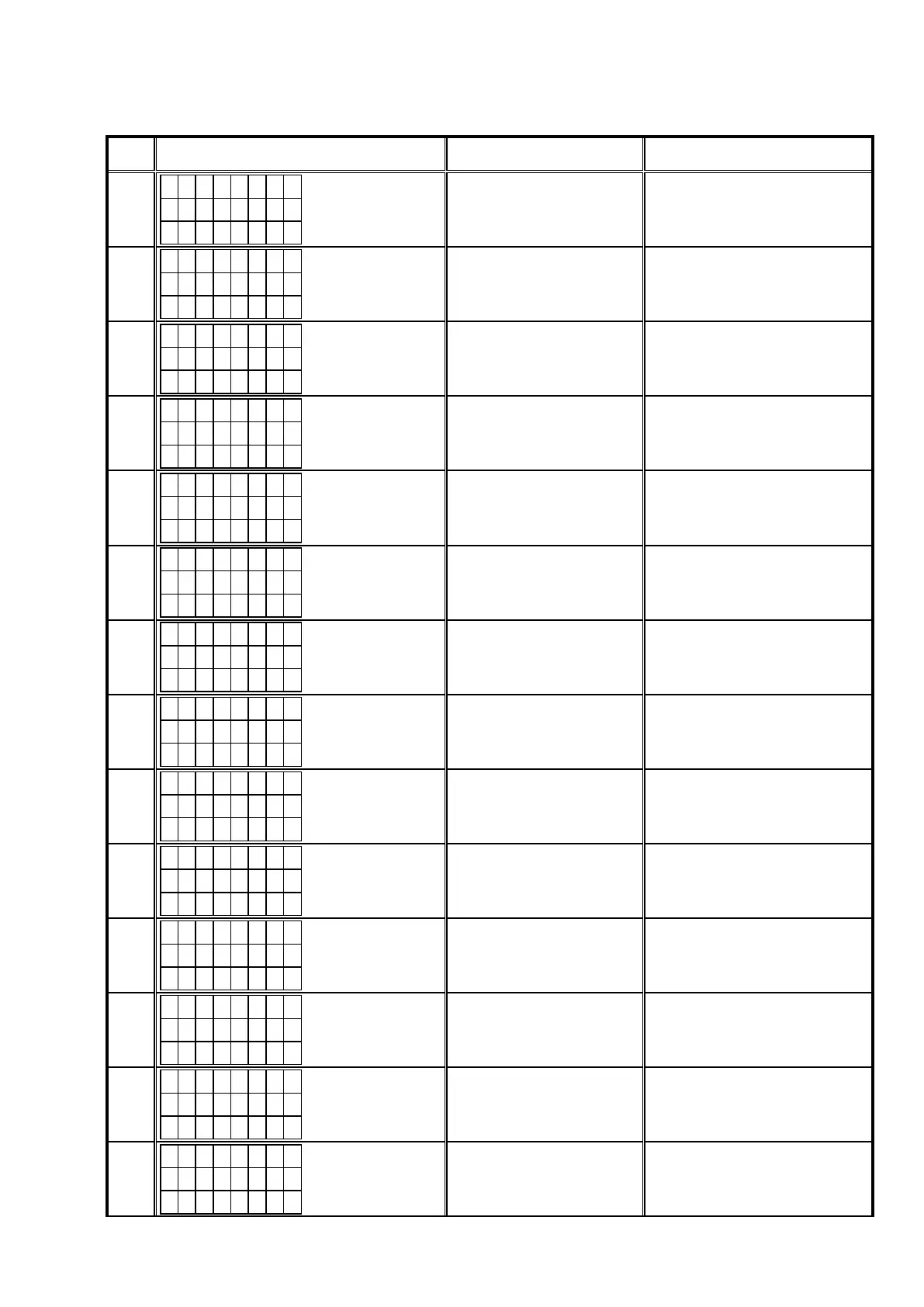
2.3. About the error codes
See the following table for details on the error code display, details of the error code, remedies when updating the rm-
ware via DPMS. (DPMS : D&M Product Management Server)
Error
Code
DPMS Update Error Display Details of Error code Remedies
01
L o g i n
f a i l e d
0 1
Failed to log in to DPMS.
Initialize the unit and try updating
again.
Carry out the update in an environment
that has little network load.
02
S e r v e r
i s b u s y
0 2
Line etc. is congested when log-
ging in to DPMS.
Carry out the update in an environment
that has little network load.
03
C o n n e c t
f a i l e d
0 3
Connection to DPMS failed.
Check the network connection. Carry
out the update in an environment that
has little network load.
04
C o n n e c t
f a i l e d
0 4
Failed to obtain the entire Firm-
ware information.
Check the network connection. Carry
out the update in an environment that
has little network load.
05
C o n n e c t
f a i l e d
0 5
Time Out while obtaining the
entire Firmware information.
Check the network connection. Carry
out the update in an environment that
has little network load.
06
C o n n e c t
f a i l e d
0 6
Failed to obtain the individual
Firmware information.
Check the network connection. Carry
out the update in an environment that
has little network load.
07
C o n n e c t
f a i l e d
0 7
Time Out while obtaining the
individual Firmware information.
Check the network connection. Carry
out the update in an environment that
has little network load.
08
C o n n e c t
f a i l e d
0 8
Error notication received while
requesting the Firmware Info.
Check the network connection. Carry
out the update in an environment that
has little network load.
09
C o n n e c t
f a i l e d
0 9
Time Out while obtaining Firm-
ware information.
Check the network connection. Carry
out the update in an environment that
has little network load.
0A
D o w n l o a d
f a i l e d
0 A
Error(NG) notication received
while requesting Firmware Down-
load.
Check the network connection. Carry
out the update in an environment that
has little network load.
0B
D o w n l o a d
f a i l e d
0 B
Error(Server Busy) notication re-
ceived while requesting Firmware
Download.
Check the network connection. Carry
out the update in an environment that
has little network load.
0C
D o w n l o a d
f a i l e d
0 C
Error(Connect failure) notication
received while requesting Firm-
ware Download.
Check the network connection. Carry
out the update in an environment that
has little network load.
0D
C o n n e c t
f a i l e d
0 D
Received value with the invalid
Package Version.
Check the network connection. Carry
out the update in an environment that
has little network load.
0E
C o n n e c t
f a i l e d
0 E
Connection to DPMS failed.
(Cannot get NTP)
Check the network connection. Carry
out the update in an environment that
has little network load.
87



 To Next Page