37
Simple version Advanced version Information
ENGLISHDEUTSCHFRANÇAISITALIANOESPAÑOLNEDERLANDSSVENSKA
Basic version
Playing a network audio
n Presetting internet radio stations
Preset Internet radio stations can be selected directly.
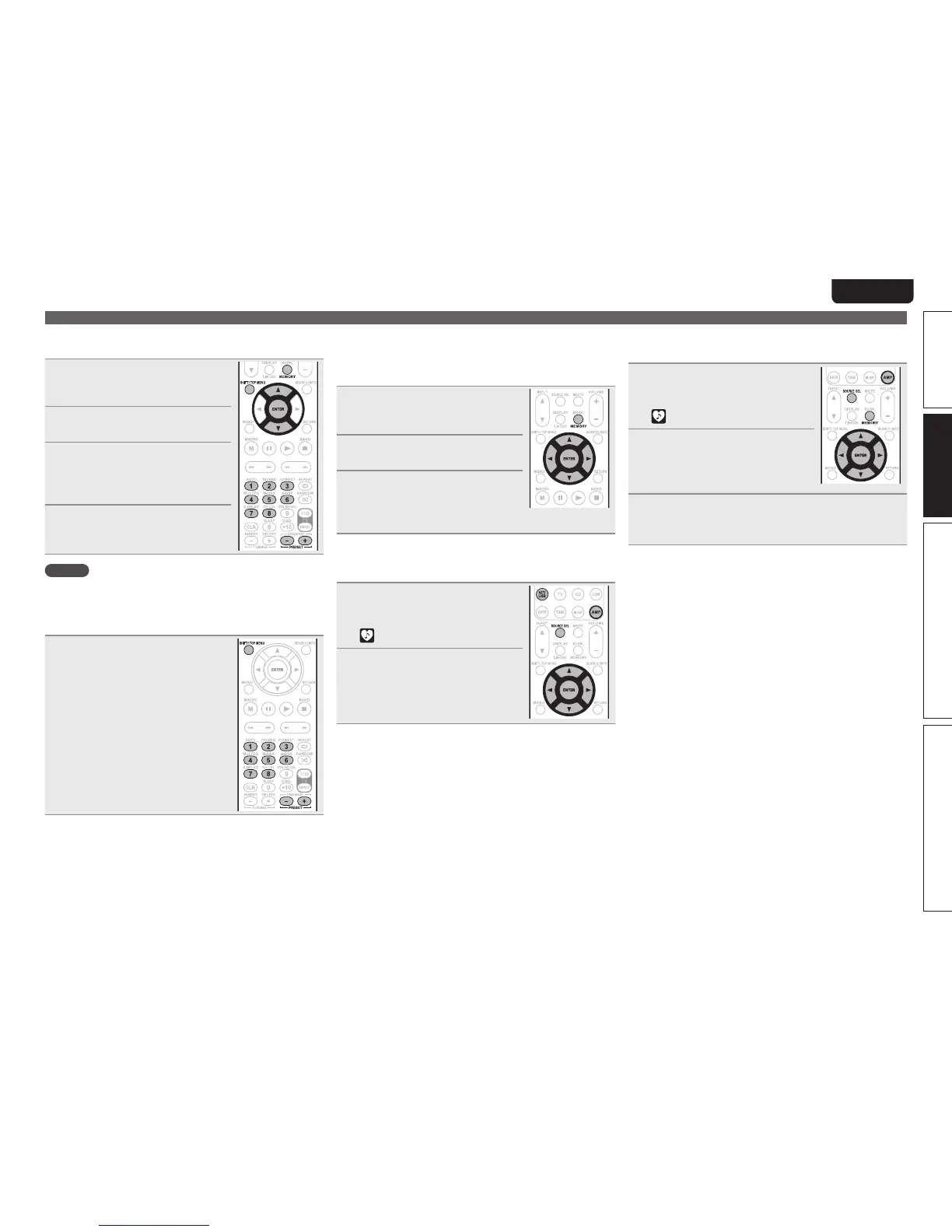
1
While the Internet radio station
you want to preset is playing,
press MEMORY.
2
Press ui to select “Preset”,
then press ENTER.
3
Press SHIFT/TOP MENU, then
press PRESET +, PRESET – or
1 – 8 to select the desired preset
number.
4
Press MEMORY again to complete
the setting.
The Internet radio station is now preset.
NOTE
If registered at a number that has already been preset, the previously
registered setting is cleared.
n Listening to preset internet radio stations
After pressing SHIFT/TOP MENU, press
PRESET +, PRESET – or 1 – 8 to select
the registered preset number.
This unit automatically connects to the
Internet and playback begins.
n Registering internet radio stations as your
favorites
Favorites are listed at the top of the menu screen, so when a
station is registered as a favorite it can be tuned in easily.
1
Press MEMORY while the Internet
radio station you want to register
is playing.
2
Press ui to select “Favorites”,
then press ENTER.
3
Press o to select “Add”.
The Internet radio station is registered.
• If you do not want to register the station,
press
p.
n Listening to internet radio stations registered in
your favorites
1
Press AMP and then press
SOURCE SEL to display the
Source Select menu, then select
(vpage 26).
2
Press NET/USB and then press
ui to select the Internet radio
station, then press ENTER or p.
This unit automatically connects to the
Internet and playback begins.
n Clearing internet radio stations from your
favorites
1
Press AMP and then press
SOURCE SEL to display the
Source Select menu, then select
(vpage 26).
2
Press NET/USB and then press
ui to select the Internet radio
station you want to clear, then
press MEMORY.
3
Press o to select “Remove”.
The selected Internet radio station is cleared.
• To cancel the operation without clearing the station, press
p.



 To Next Page