EasyManua.ls Logo

Marantz SR7010 - Page 139

Marantz SR7010
377 pages
Print Icon
To Next Page IconTo Next Page
To Previous Page IconTo Previous Page
Loading...
5
Input “Email address” and “Password”.
0
For character input, see “Using the keyboard
screen” (v p. 203).
0
Press BACK to cancel the input. When “Cancel input?” is
displayed, select “Yes”, then press ENTER.
6
After inputting the “Email address” and “Password”,
select “OK”, then press ENTER.
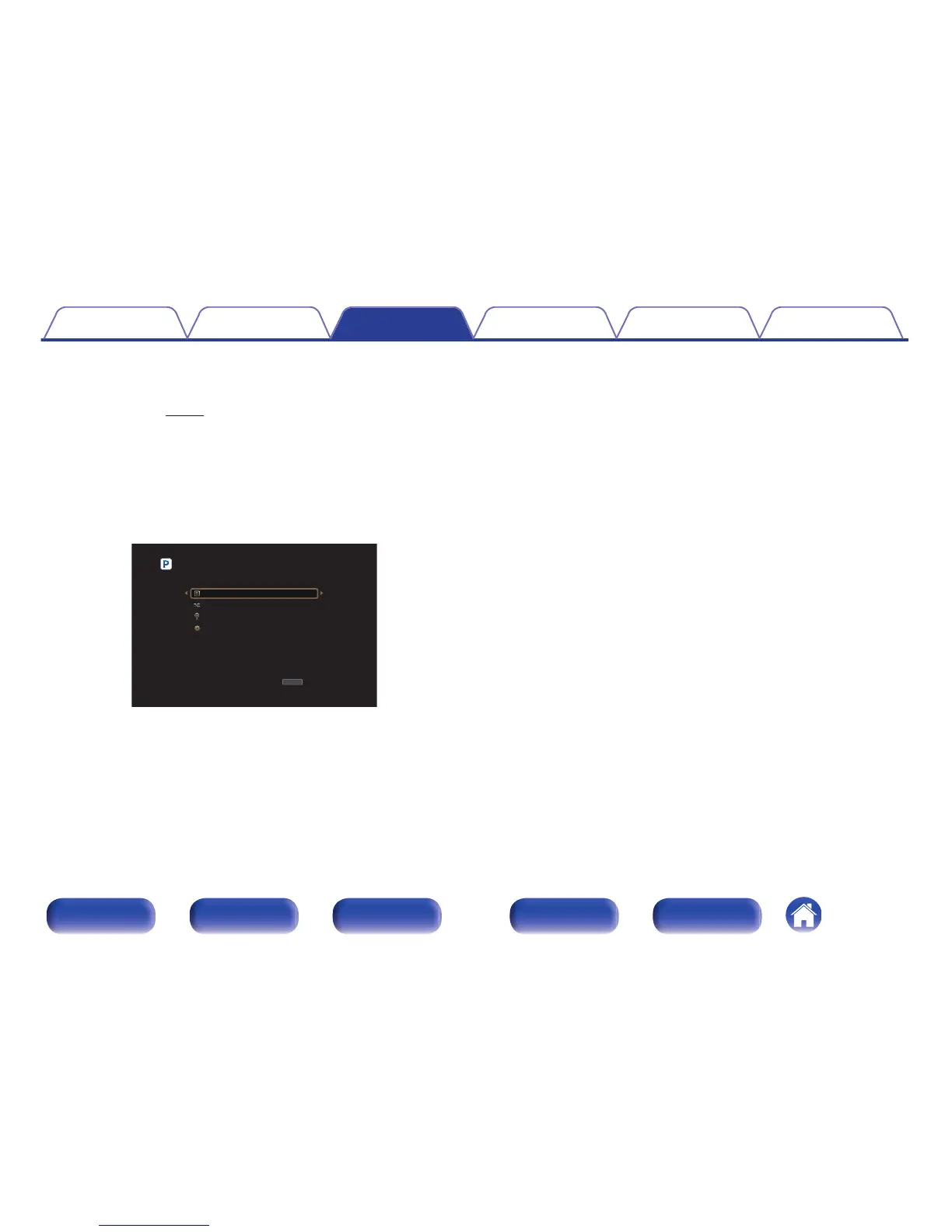
If the “Email address” and “Password” match, the top menu for
Pandora is displayed.
.

OPTION
OPTION
My Station [1/4]
Option
New Station
Shuffle
Music1 Radio
Sign Out
Contents
Connections Playback Settings Tips Appendix
139
Front panel Display Rear panel Remote Index

Table of Contents

Other manuals for Marantz SR7010

Related product manuals