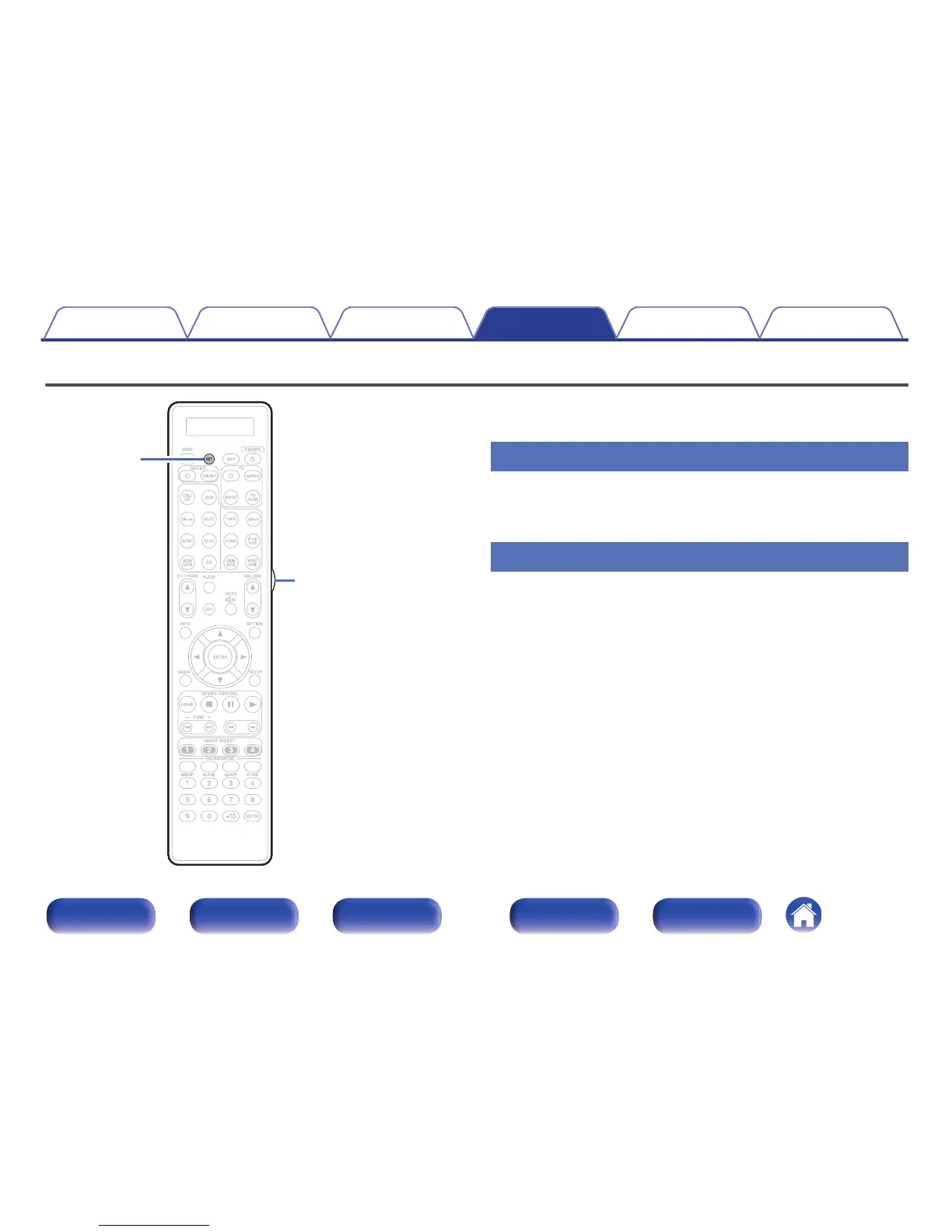
You can turn off the backlight of the remote control unit.
0
Backlight is set on in the factory settings.
Disabling the backlight
1
Press and hold both SET and Light button until “OFF”
indicator flashes twice.
Turning the backlight on
1
Press and hold both SET and Light button until “ON”
indicator flashes twice.
Contents Connections Playback Settings Tips Appendix
304
Front panel Display Rear panel Remote Index



 To Next Page