Hardware Software Interface (HSI) Spec. Page: 15 / 19
SR7300/SR7300OSE Document Version [2.01]
Request Status Char. & Sample Status answer Char. & Sample
F-DIRECT ON T1 (“@1T1”,0x0D)
F-DIRECT OFF T0
F-DIRECT ‘T’ (“@1?T”,0x0D)
Not available T-
D DIGITAL(AC-3) U0
DD SURROUND U1
DD SURR EX U2
DTS U3
DTS ES U4
AAC U5
MPEG U6
MLP U7
PCM U8
HDCD U9
DSD UA
OTHER UB
NONE_DETECTION UC
DTS ES DISCRATE UE
SIGNAL FORMAT ‘U’ (“@1?U”,0x0D)
DTS ES MATRIX UF
32K V0
44.1K V1
48K V2
88.2K V3
96K V4
176.4K V5
192K V6
OUT OF RANGE V7
SAMPLING FREQ. ‘V’ (“@1?V”,0x0D)
Not available V-
See below W1$%
CHANNEL STATUS ‘W’ (“@1?W”,0x0D)
Not available W-
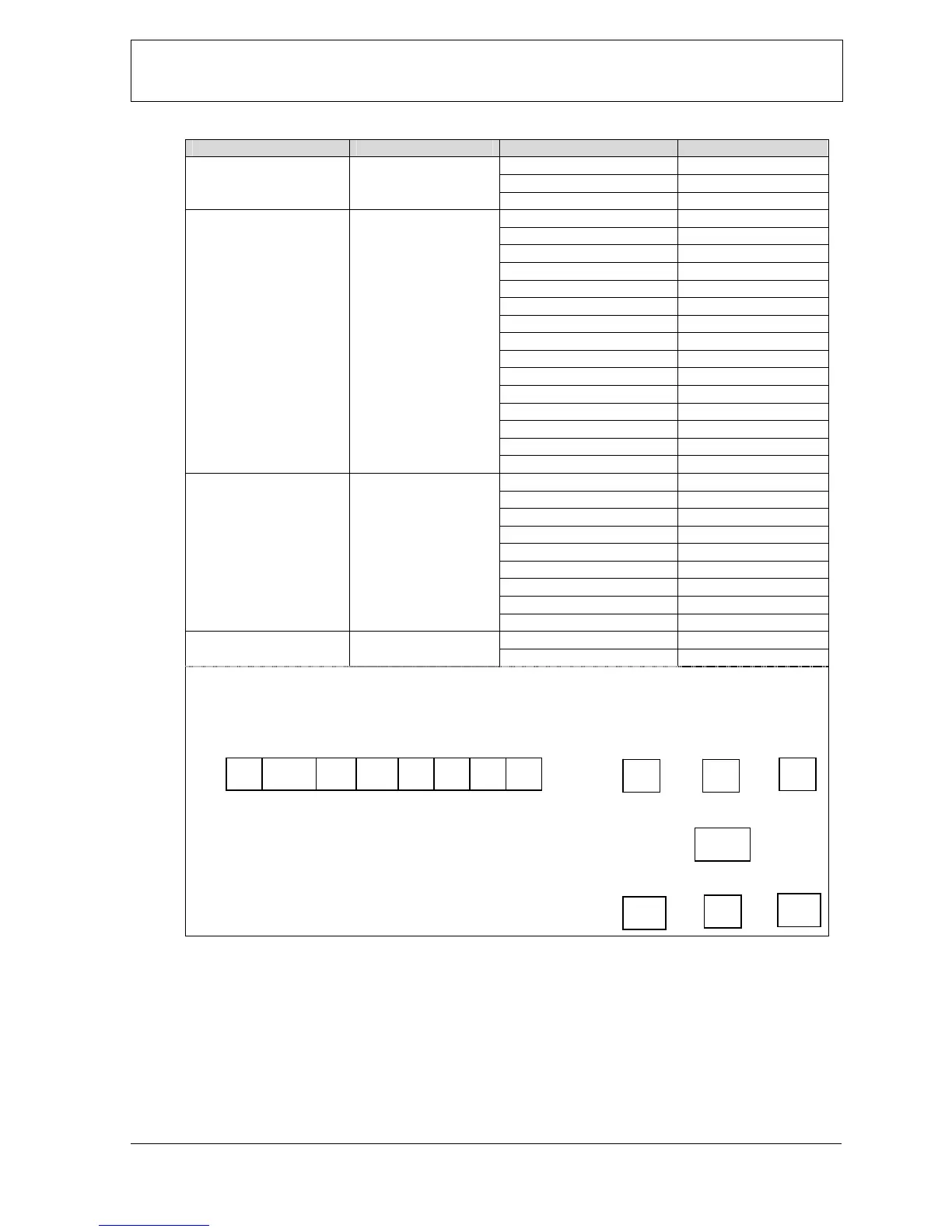
* Description of CHANNEL STATUS answer character. (about : $%)
(Character $ and % would be ‘0’ to ‘9’ or ‘A’ to ‘F’,it uses to as hex. bit data.)
| $ bit | % bit |
Bit 3 2 1 0 3 2 1 0
When a bit of channel status is effective, it sets to 1.
And when it is opposite condition, it sets to 0.
ex.)
* If front L and R channel status are only effective, it will send “@1W146”,0Dh.
* If front and surr. L/R channel status are effective, it will send “@1W1B6”,0Dh.
* If all channel status are effective, it will send “@1W1FF”,0Dh.
* If all channel status are not effective, it will send “@1W180”,0Dh.
L C
R
LFE
SL
SR
S
1
LFE
SL
SR S L R C



 To Next Page