Menu map
When using menu operations, connect this unit to a TV and operate this unit while viewing the TV.
The recommended settings are configured for this unit by default. You can customize this unit based on your existing system and your preferences.
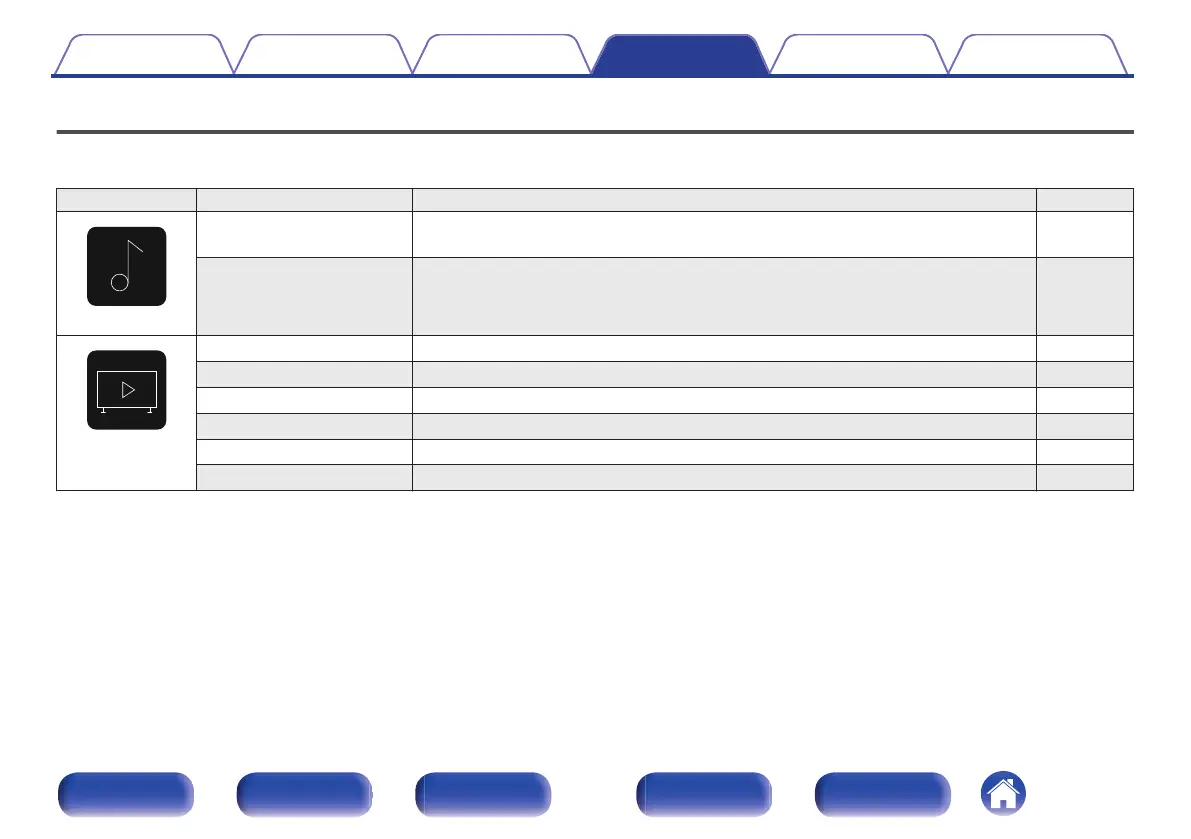
Setting items Detailed items Description Page
Audio
M-DAX Expands the low and high frequency components of compressed audio content such as
MP3 files to enable richer audio playback.
135
Volume Sets the MAIN ZONE (room where the unit is located) volume setting. 136
Video
HDMI Setup Makes settings for HDMI Audio Out, HDMI Pass Through and HDMI Control settings. 137
HDMI Upscaler Sets the mode for upscaling 1080p and 4K HDMI content to 8K. 141
On-Screen Display Selects the on-screen display user interface preferences. 142
Screensaver Sets the screen saver setting. 143
4K/8K Signal Format Sets signal format options for your 4K or 8K video equipment. 143
HDCP Setup Sets the HDCP version for each HDMI input source. 145
Contents Connections Playback Settings Tips Appendix
129
Front panel Display Rear panel Remote Index


 To Next Page