Inputs
Perform settings related to input source playback.
You do not have to change the settings to use the unit. Make settings when needed.
Input Assign
By making connections as indicated by the input sources printed on the
audio/video input connectors of this unit, you can just press one of the
input source select buttons to easily play back audio or video from a
connected device.
Please change the assignment of the HDMI input connector, digital audio
input connector, analog audio input connector and video input connector
when connecting an input source that differs from that printed to the audio/
video input connectors of this unit.
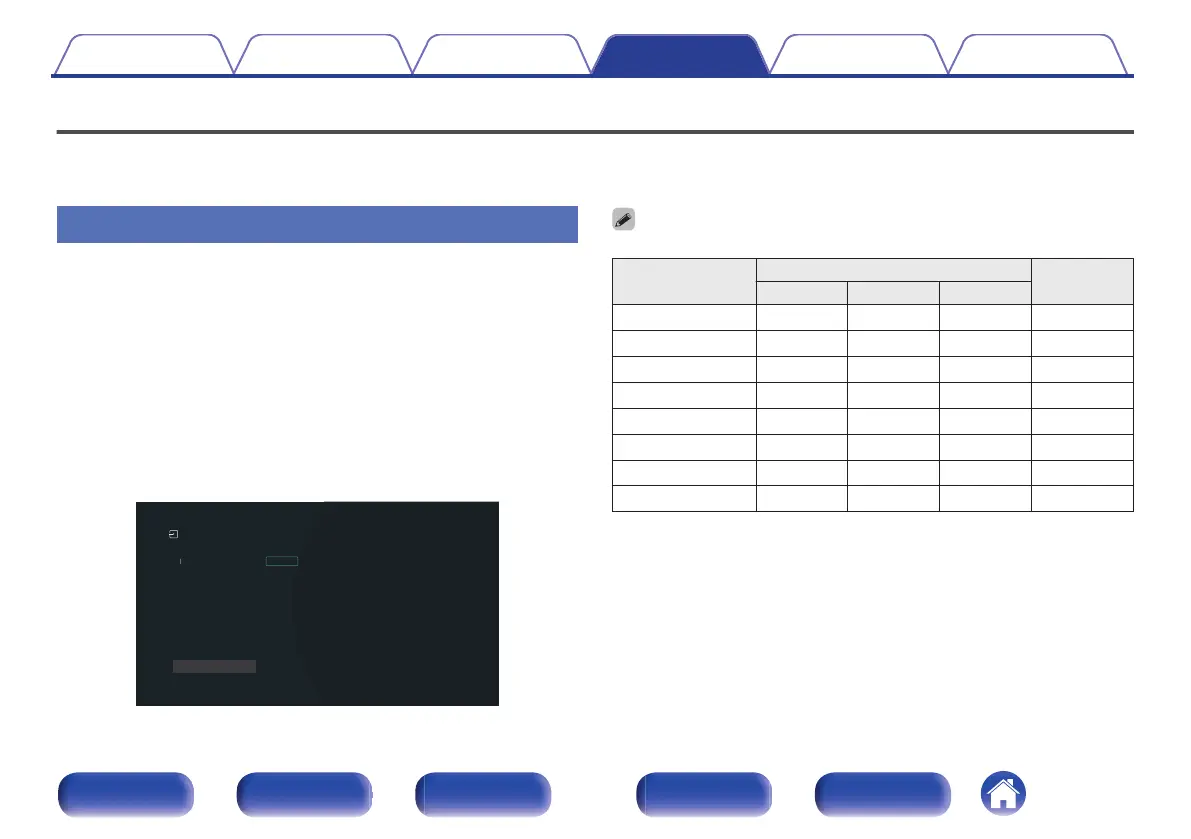
Sets the audio input mode for each “INPUT MODE” source. “AUTO” is
normally recommended for this setting. This automatically detects and
plays signal input to this unit prioritized in the following order: HDMI >
DIGITAL > ANALOG.
CBL/SAT
Media Player
Blu-ray
Game
AUX1
AUX2
TV Audio
CD
1
[ INPUT MODE ]
2
3
4(8K)
5(8K)
6(8K)
-
-
1
-
-
-
2
-
-
3
COAX
-
-
-
-
-
OPT
-
AUTO
HDMI
HDMI
HDMI
AUTO
HDMI
DIGITAL
ANALOG
[ HDMI ][ DIGITAL ][ ANALOG ]
Inputs/Input Assign
Changes HDMI input assignments.
Set Defaults
0
By default, each item is set as follows.
Input source
Input connector
INPUT
MODE
HDMI DIGITAL
ANALOG
CBL/SAT 1 COAX 1 AUTO
Media Player 2 – – HDMI
Blu-ray 3 – – HDMI
Game 4 (8K) – – HDMI
AUX1 5 (8K) – 2 AUTO
AUX2 6 (8K) – – HDMI
TV Audio – OPT – DIGITAL
CD – – 3 ANALOG
Contents Connections Playback Settings Tips Appendix
146
Front panel Display Rear panel Remote Index


 To Next Page