Resetting factory settings
If the indicators are incorrect or the unit cannot be operated, restarting the unit may improve the problem. We recommend restarting the unit before
returning the settings to the default settings. (v p. 181)
If the operations are not improved by restarting the unit, follow the steps below.
Various settings are reset to the factory default values. Make settings again.
1
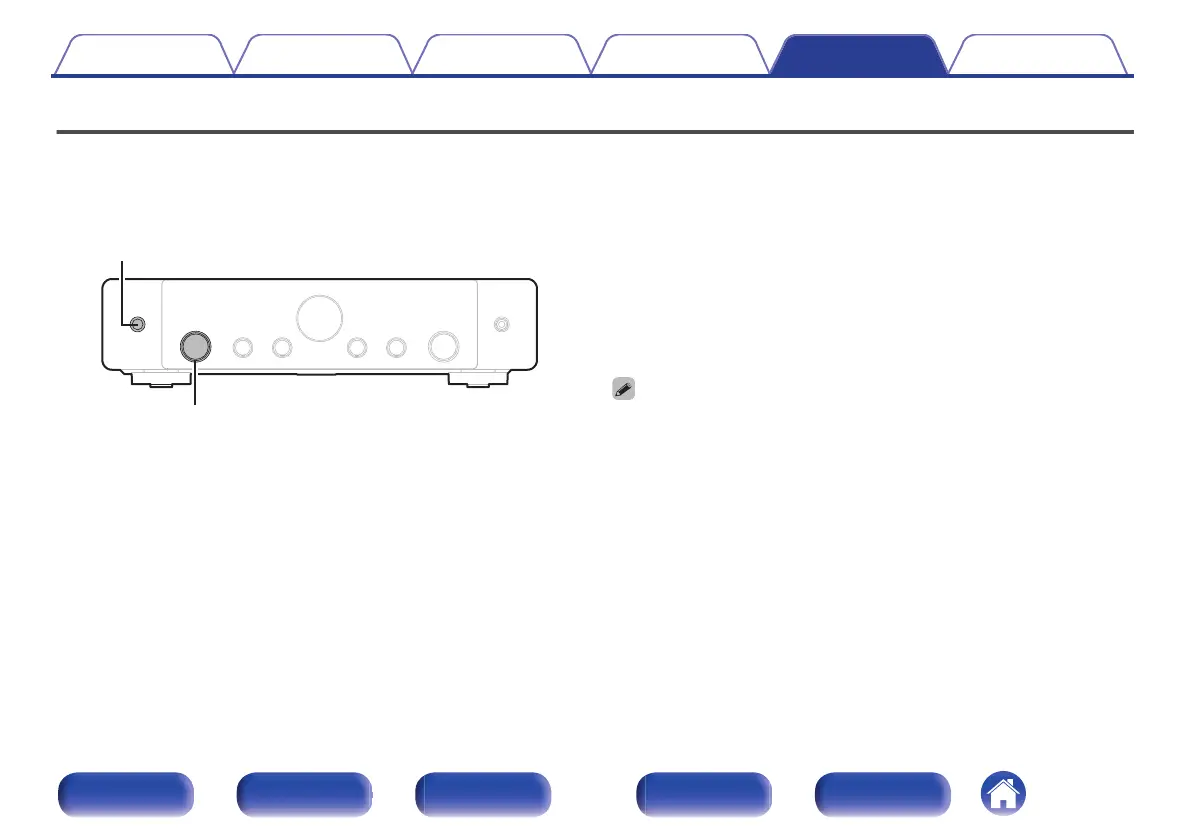
When this unit is turned on, press and hold X on the
main unit until “SPECIAL MODE” appears on the
display.
2
Turn the INPUT selector knob to select “2All Reset”,
then press X.
0
Before returning the settings to the default settings, use the “Save & Load” function
from the menu to save and restore the details of various settings configured on the
unit. (v p. 174)
0
You can also reset all settings to the factory defaults using “Reset” - “All Settings”
in the menu. (v p. 175)
Contents
Connections Playback Settings Tips Appendix
199
Front panel Display Rear panel Remote Index


 To Next Page