18 Rev 20201007
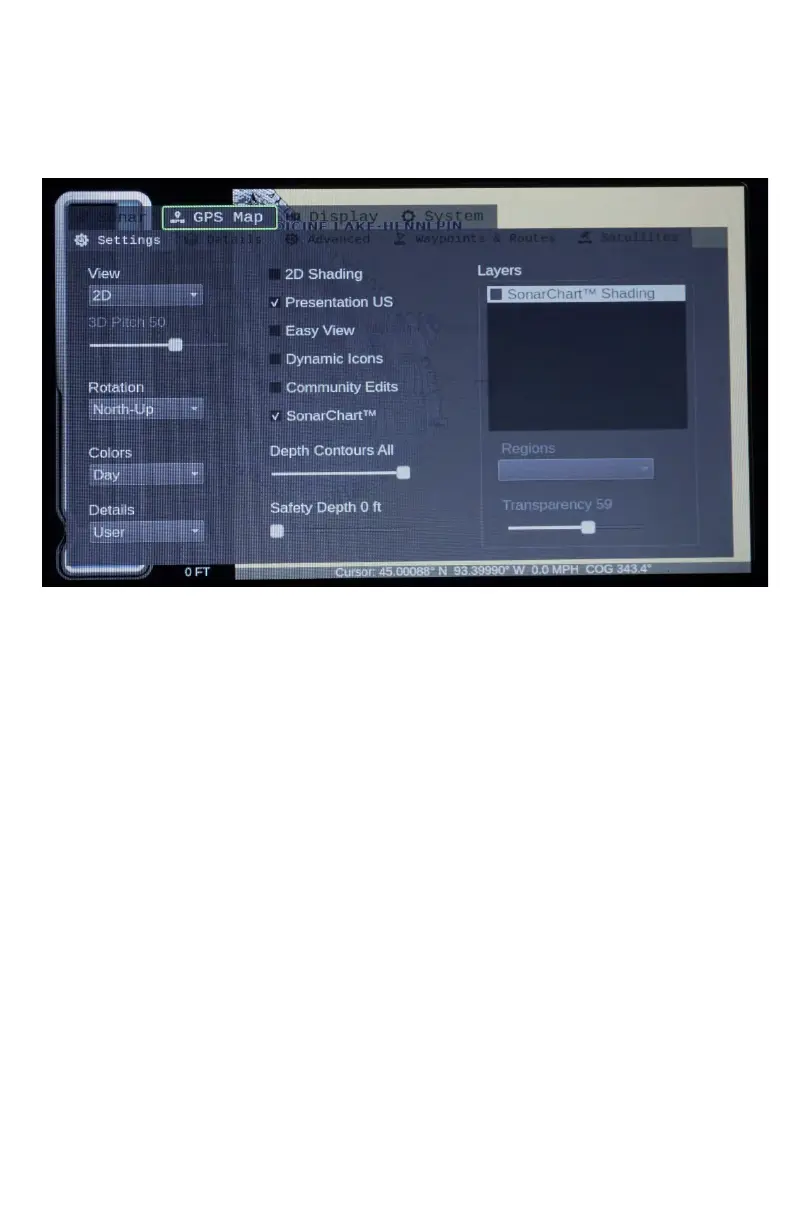
GPS Map Settings
2D / 3D Mode: Toggle the map between 2D and 3D mode by
turning this on/off (3D functionality is only available on Navionics®
Platinum products)
3D Pitch: Changes the pitch, (viewing angle), of the map when in
3D mode (This functionality is available only for Navionics®
Platinum products)
Rotation: Choose between North-Up or Track-Up. North- Up keeps
North at the top of the screen. Track-Up keeps compass directions
according to the direction you are traveling.
Colors: Changes your map colors for Day, Night or Bright for the
Map.


 To Next Page