27 Rev 20201007
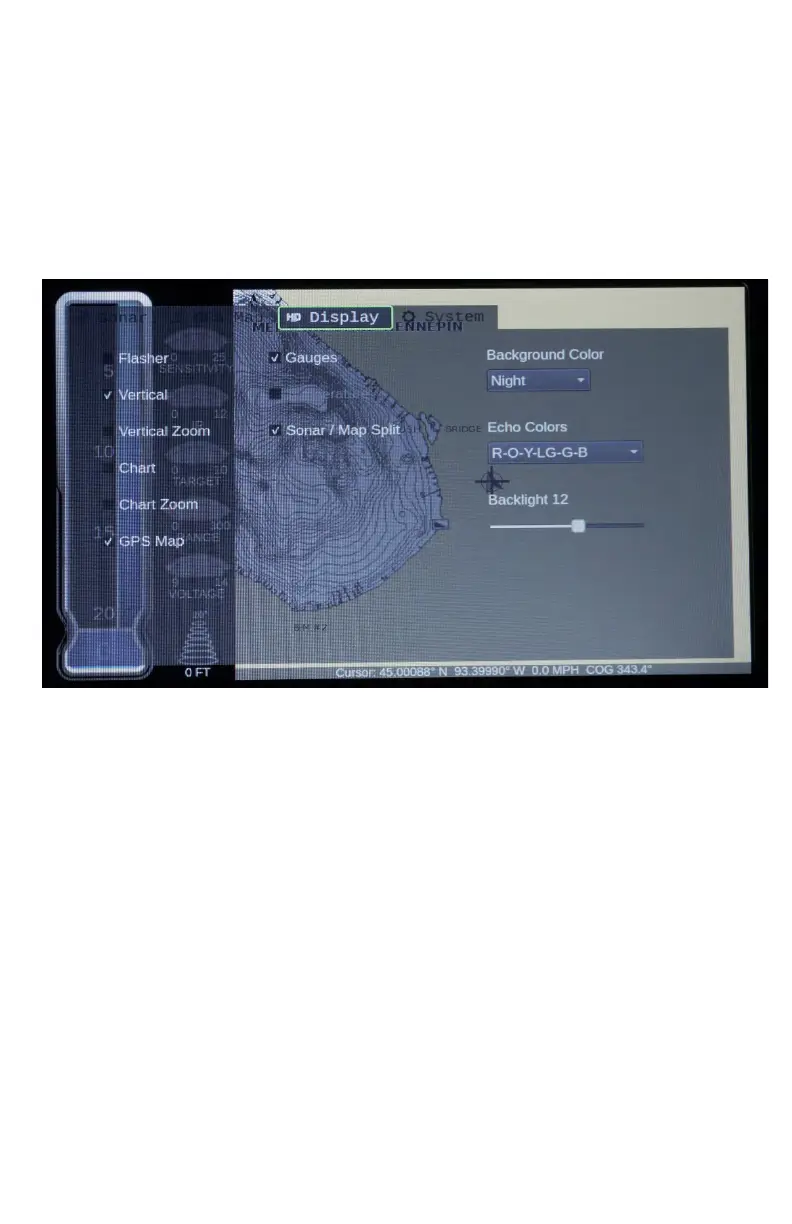
Be sure to experiment with different color palettes and backgrounds,
too. All of panels can be displayed at once, but this cause
SONAR/MAP SPLIT to be over-ridden. To keep the SONAR/MAP
SPLIT screen and all the SONAR options, you will have to remove
the FLASHER OPTION.
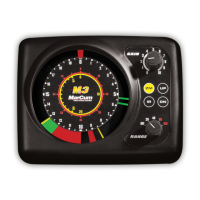
Flasher: This Sonar window will read much like a traditional flasher-
style display. Signals are displayed as various colored lines on the
dial, and the different colors represent different signal strengths.
Vertical: Sometimes referred to as a “Showdown” display, this one
is very easy to interpret; top is the top, bottom is the bottom.
Anything in between the top and bottom is weeds, fish, or your lure.
Vertical Zoom: Same as Vertical but allows for a magnified view of
a selected portion of the water column. The ZOOM window can be
adjusted by entering SONAR SETTINGS to change your
preferences.


 To Next Page