25 Rev 20201007
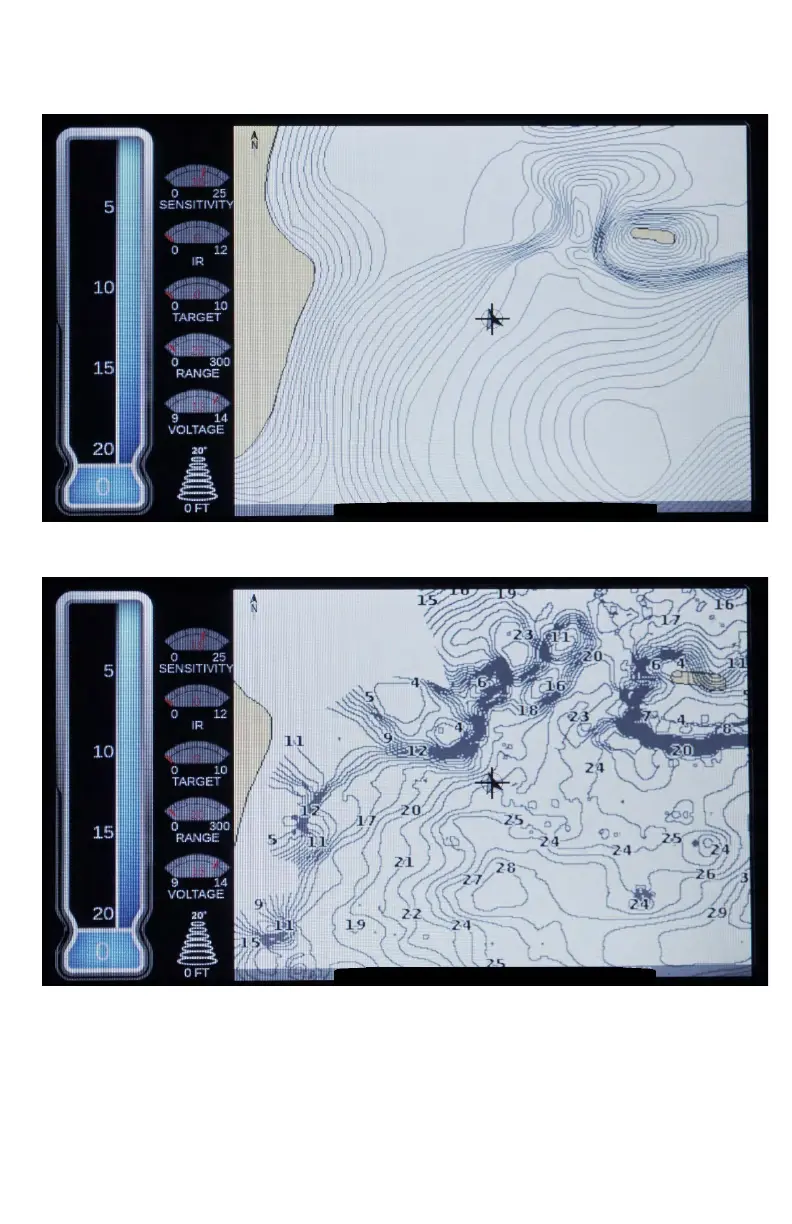
Note: In this above image the GPS Map Setting had the
SonarChart™ selected and Navionics® Hotmaps chip.
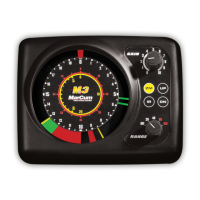
Note: In this above image the GPS Map Setting had the
SonarChart™ selected and Navionics® Hotmaps chip; with
depth contours all changed to zero. Very High chart density
and Mode History selected in the Sonar Chart Live™ menu to
view after turning the Record feature off


 To Next Page