10
MADRIGAL AUDIO LABORATORIES
R
display
intensity
monitor record select balance
inverted
polarity
mono
123456
standby
PREAMPLIFIER
Nº 38
S
mode
mute
987
321 5
10
64
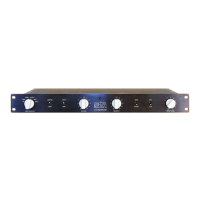
Front panel
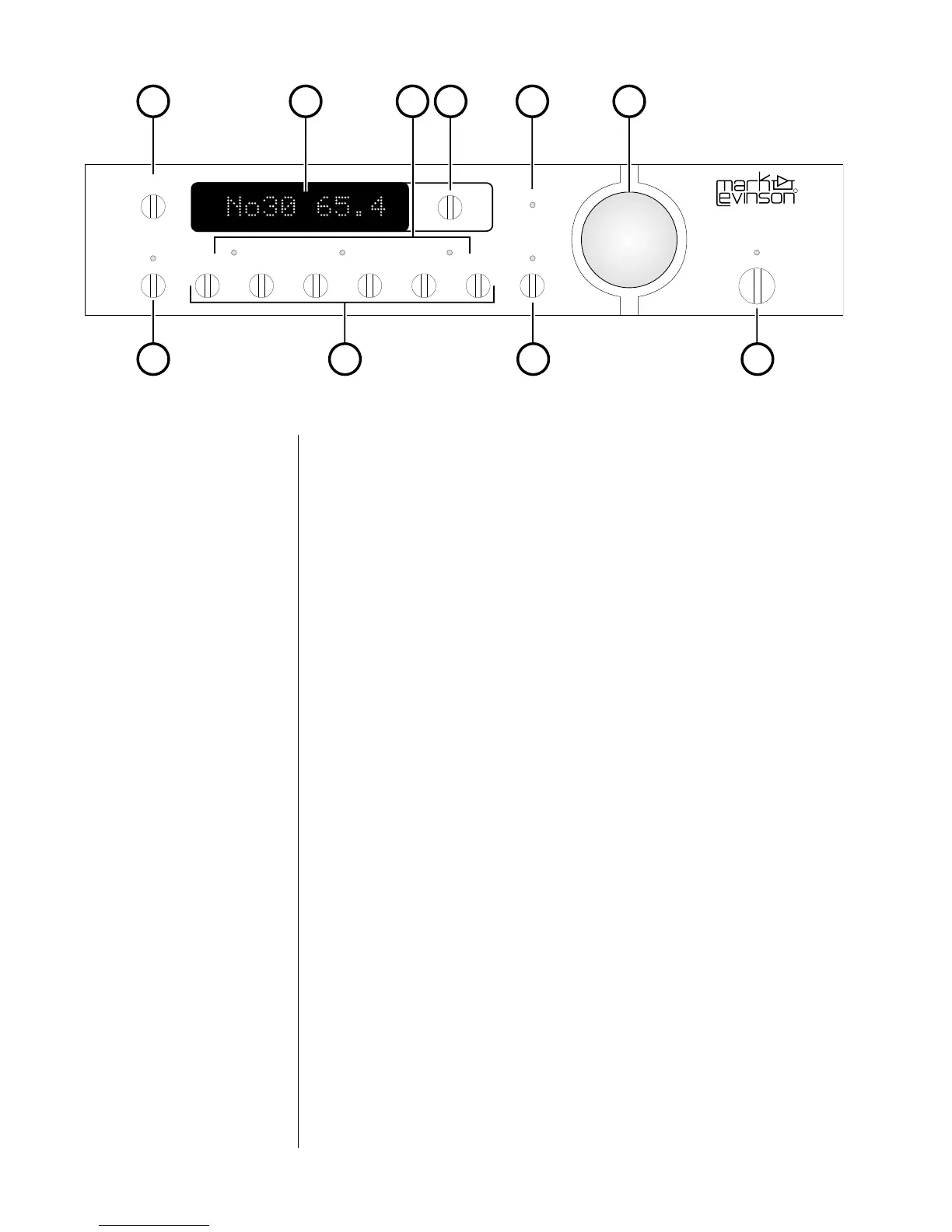
1 DISPLAY INTENSITY BUTTON
Cycles among four levels of brightness (including “off”) for the
display, allowing adjustment for various ambient lighting
conditions. When “off,” the display will turn on for a few seconds
whenever a setting is changed. When used in conjunction with
certain compatible Mark Levinson components, this button will
control the display intensity of all linked components. (For more
information, see “Linked Functions.”)
2 ALPHANUMERIC DISPLAY
Provides a wide range of information concerning the operational
status of the Nº38S. The information displayed depends on the
operating mode the Nº38S is in at any point in time. The
information displayed is summarized below:
Monitor Selected (audible) Source and Volume
Record Select “RECD” and Source to be recorded
Balance Direction and Magnitude of Offset
In addition, when used with Mark Levinson power amplifiers that
incorporate our communications link circuitry, this display is used to
indicate the presence of a fault condition (if any) in the amplifier.
Please refer to the owner’s manual of your amplifier for more
information. For more detailed information on the preamplifier’s
use of this display, see “Operational Modes.”
3 MODE INDICATORS
Three LEDs give visual confirmation of the Operational Mode the
Nº38S is in at any moment.
4 MODE BUTTON
Cycles among the three primary Operational Modes of the Nº38S:
Monitor (the source being listened to); Record Select (the source
being provided to the Record Outputs); and Balance (the relative
volumes of the Left and Right channels). Confirmation of these











 To Next Page