4.0 Operating manual.
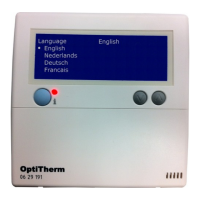
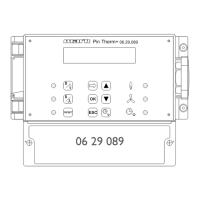
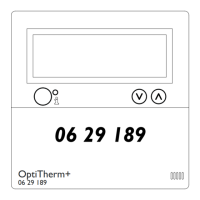
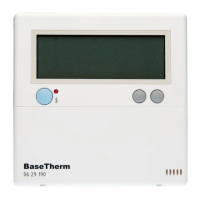
4.1 Explanation of the push-buttons and display.
06 29 190
BaseTherm
RESET
MODE
FAN
HEAT
AUTO
B
C
D
E
F
K
L
M
G
H
I
J
A
°C
TEMP
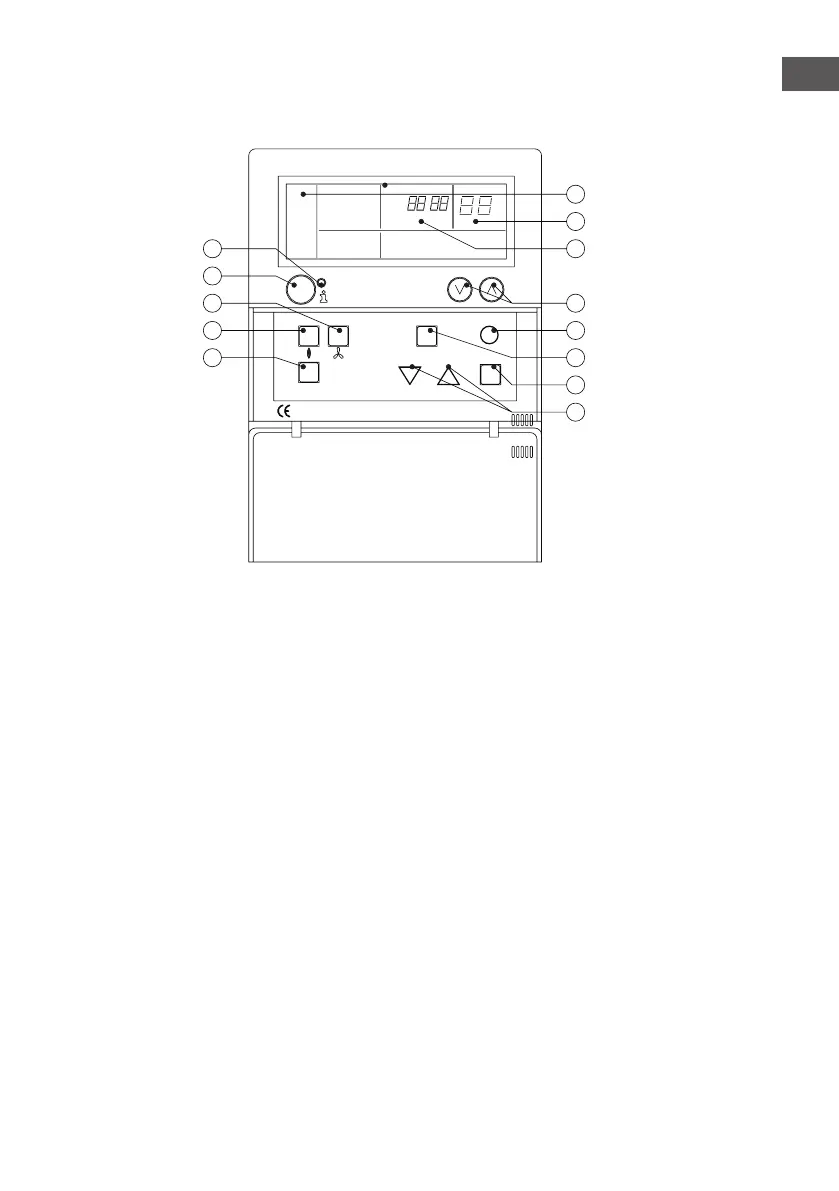
A - Red LED, lights up in the event of a message or fault code.
B - Info button
C - Push-button, “ventilation”, this button is used to switch the fan on and off.
D - Push-button, “HEAT”, this button is used to switch the heating mode on and off.
E - No function.
F - Up and Down push-button
Push-button for incrementing or decreasing settings, or, when using the info button,
for viewing all the messages for the connected appliances.
G - “Reset” push-button
H - No function.
I - No function.
J - No function.
K - The function mode is displayed in this part of the screen: heating (auto, heat), ventilation (fan)
L - The temperature, set-point value or fault code is displayed in this part of the screen.
M - The messages are displayed in this part of the screen (set, off, Err).
7
EN


 To Next Page