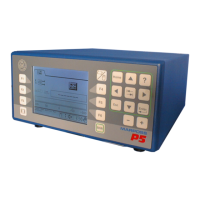
E20N Configuration – Front Panel 7
1.
E20N CONFIGURATION – FRONT PANEL
1.1
E20N Configuration
• E20N with one GAP channel
The E20N is connected to one microphone for GAP control.
• E20N with one CRASH channel
The E20N is connected to one microphone for CRASH control.
• E20N with two GAP channels in switching
The E20N is connected to one or two microphones for GAP control with two
independent and switching channels.
In case of applications with two microphones, each channel is connected to a
given microphone.
Only one channel at a time is active.
When the E20N is switched on, channel 1 is automatically inserted.
• E20N with one GAP channel + one CRASH channel
The E20N is connected to one or two microphones for gap and crash control:
• Channel 1 for GAP control
• Channel 2 for CRASH control
In case of applications with two microphones, each channel is connected to a
given microphone.
Both channels are active at the same time.



 To Next Page