50
•
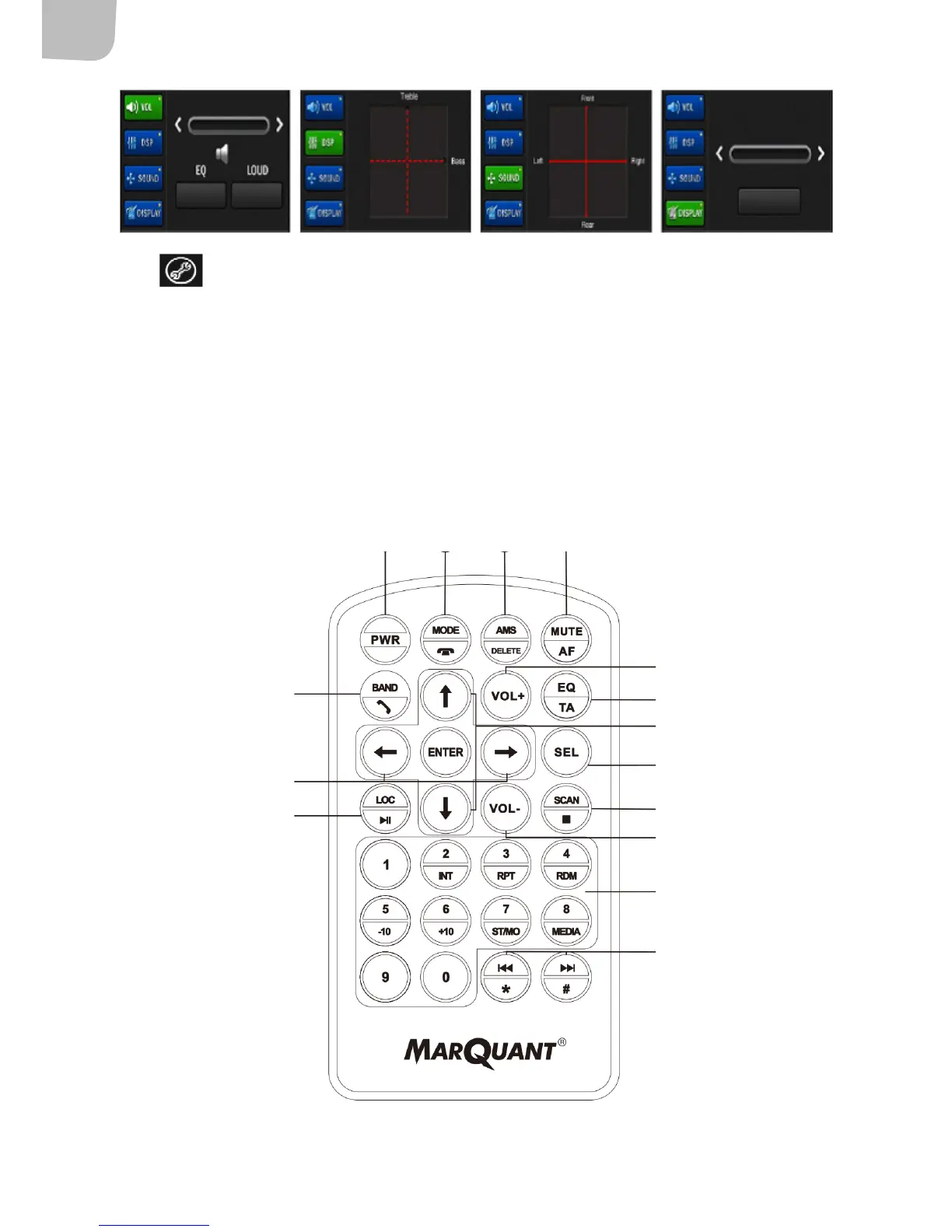
Press to switch to multifunction mode. If VOL has been selected, use the slider control to
adjust volume. Press DSP and change bass and treble using the slider control. Press SOUND and
adjust balance using the slider control. Press DISPLAY and use the volume button to switch between
brightness (Bright), colour (Chroma), contrast and sleep mode (Sleep). Once you have selected your
settings, move the slider control to the required position. (The DISPLAY function is unavailable in
radio mode.)
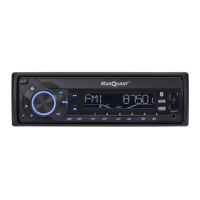
REMOTE CONTROL
1
5
7
8
6
10
13
12
14
15
9
11
2 3 4


 To Next Page