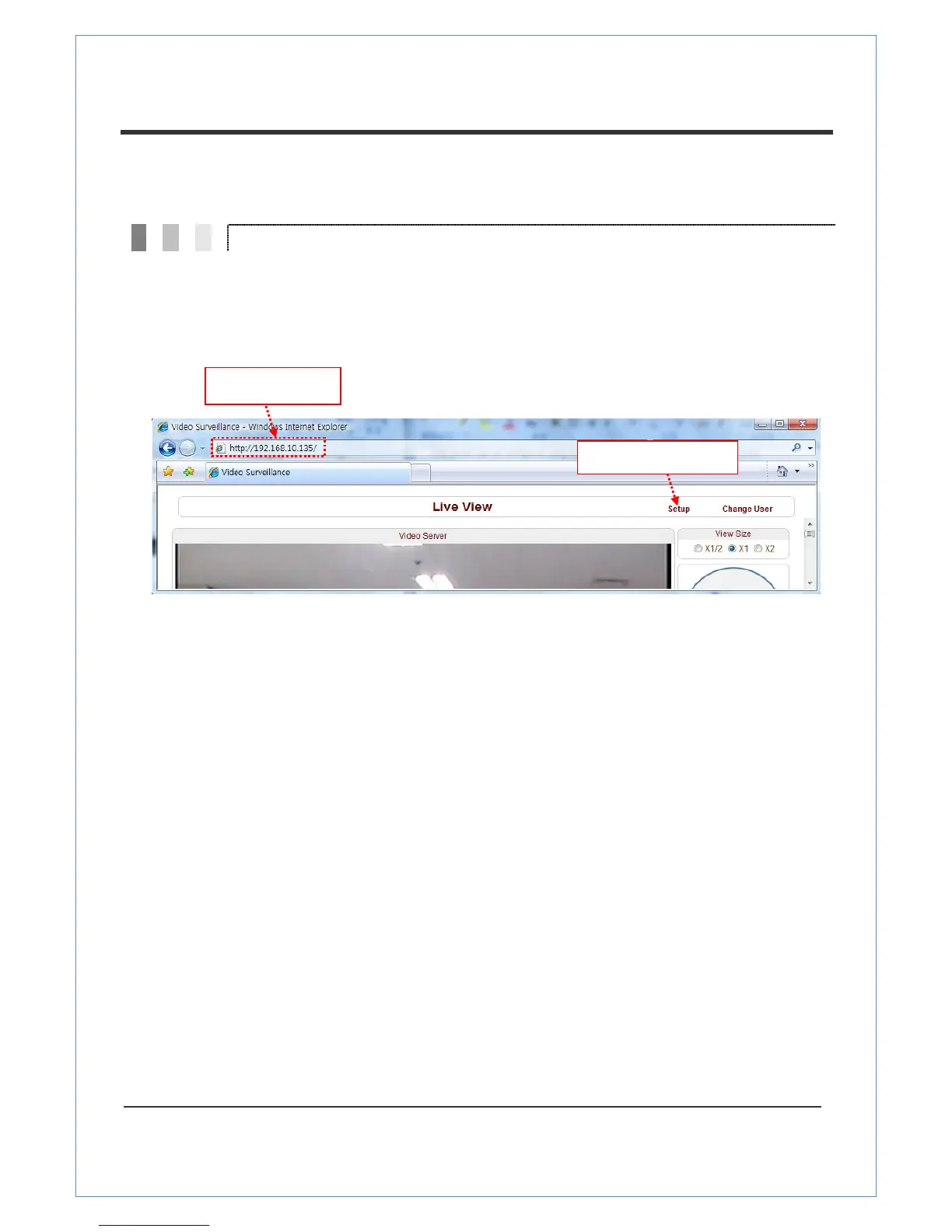
Remote configuration of the server is available by web browser. Enter the IP address of the VS-102-HDSDI
and then a live view screen appears as shown below. Press the Setup button in the screen to set the server.
For Remote Setting, the user should be authorized higher than manager level.
The remote configuration window may be slightly different depends on the system modes (Encoder,
Decoder). The general explanation of the configuration in this manual is based on Encoder system and
differences according to the modes will be clarified when needed.
The configurations are grouped into 9 categories: System, Video, Audio, Network, Serial, Event,
Preset, Record and User. Any configuration changes are not applied until Apply button is pressed.
Leaving the page without pressing Apply button, any changes in the page will be discarded.


 To Next Page