IP Server Instruction Manual
File record
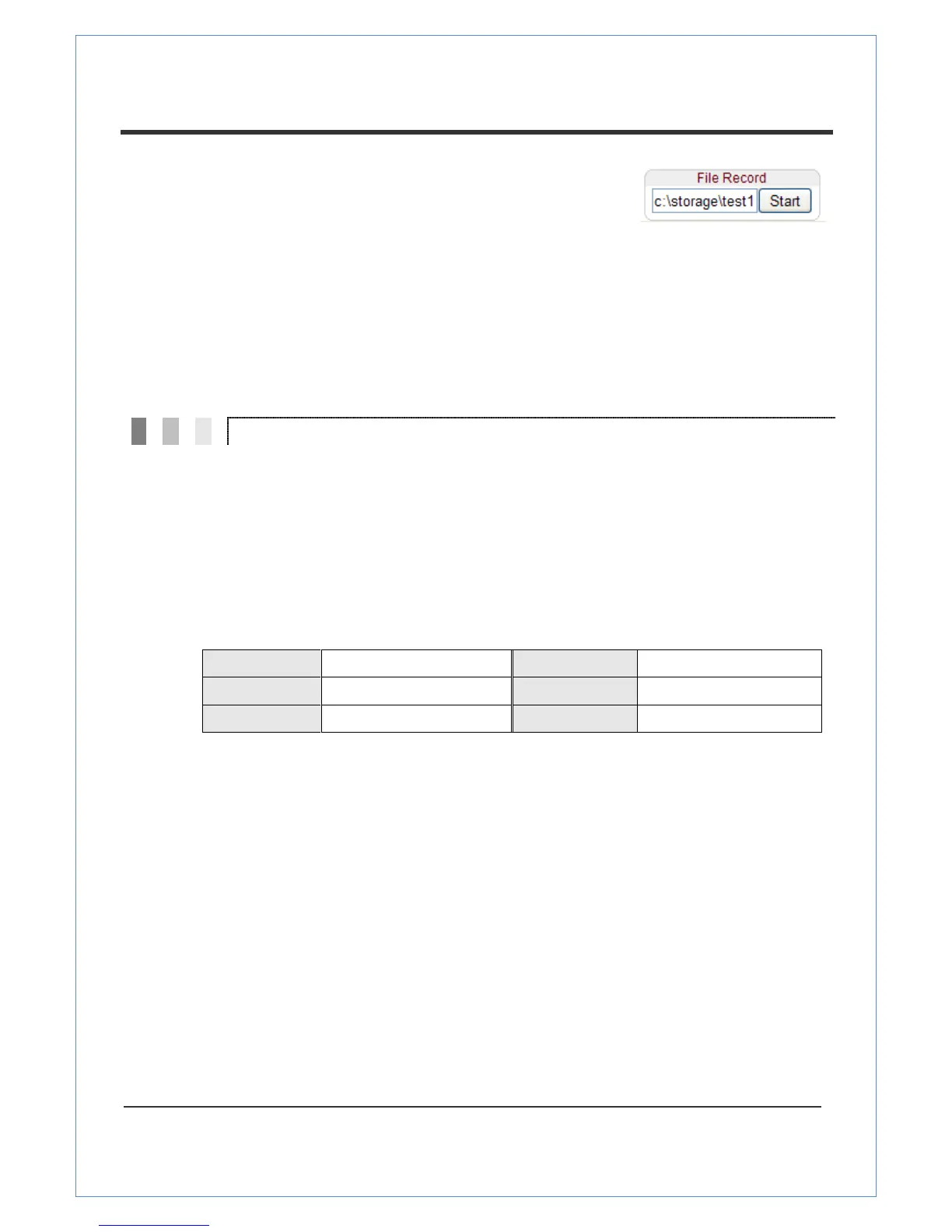
Recording to an AVI file on Live view page is available. AVI files
are generated in the specified folder or in specified file name on
the PC where web browser is running.
1. Enter the drive and the folder name on the PC and enter the AVI file name to be used.
2. Press the “Start” button to record.
3. Press the “Stop” button to stop the recording.
4. AVI file named “File name_IP address_hh_mm_ss” will be generated in the specified
folder.
3. Initialization of IP Address
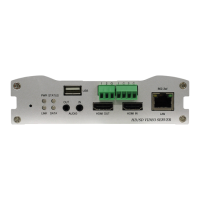
If a system IP address is lost, the system can be reset to the system default IP address using the reset
button on the back side of the system.
① While system is in operation, press the reset button for more than 5 seconds.
② The system will reboot automatically
③ Once the system reboots, the IP address will be set to the system default as below.


 To Next Page