e-Tracker portable energy monitor operating and maintenance manual
7
6) Start recording
If memory is full or all of the 5 files are used, CLEAR is displayed,
change NO to YES and press ENTER. Otherwise a FILE END
message will indicate the duration of memory available. If duration is
insufficient for the next test press CHANGE, press CLEAR to revert to
2) then refresh memory.
If memory duration is OK press ENTER.
7) Stop recording
Press STOP TEST at the end of a recording exercise and press ENTER to confirm. All data will be
retained until a Clear Memory function is performed. e-Tracker will stop automatically when memory is
full, it will not roll on. Recording will stop if the battery supply is switched off. It is always
recommended to use STOP TEST button.
8) Switching off
Before switching the e-Tracker off, ensure that you stop recording, please refer to 7).
Slide battery supply switch to OFF at all times when the unit is not to be used. All recorded data
remains in memory until cleared, please see 2).
NB: Always wait 5 seconds after switching off before switching back on.
9) Downloading e-Tracker to USB memory stick
With USB memory stick fitted and e-Tracker switched on, hold down START button until green LED is
illuminated. It will then flash to indicate data processing. 'Serial out' will also appear on display while
data is buffered prior to loading on USB memory stick.
Only remove USB memory stick when green LED is permanently off.
NB: Loading may take many minutes if recording period is extensive or on short integration.
ERROR INDICATION – Red LED sequences:
1) Slow flash for 10 seconds – an error has been detected
2) Permanently on for 10 seconds – non compatible or no USB memory stick fitted
3) Fast flash – insufficient space remaining on USB memory stick
4) Intermittent flash 3xon – off – 3xon – no recorded data in e-Tracker files.
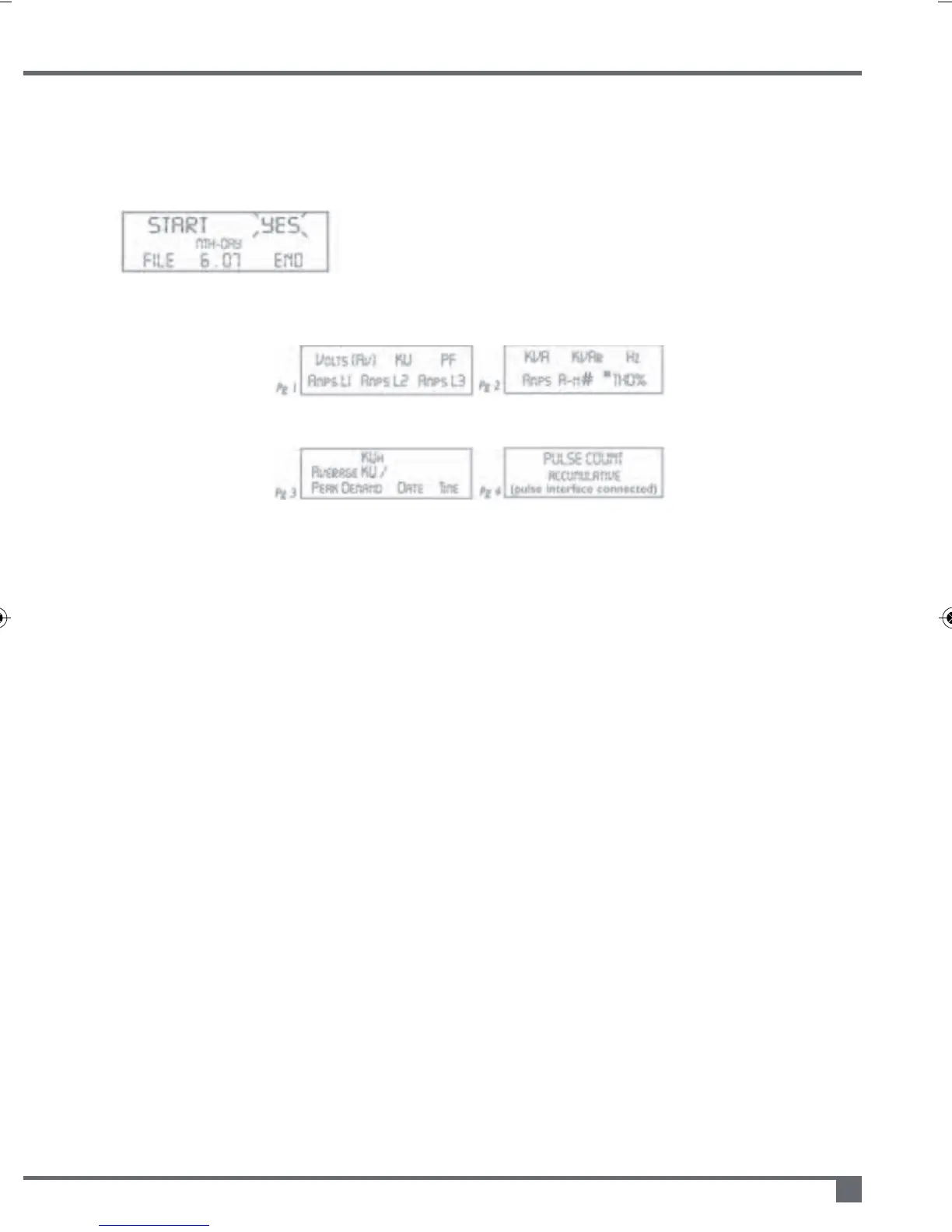
When the
recording/test is
started the e-Tracker
displays Pgs 1 – 3 (4).
Page change
Advances the display
to Pg2, 3 (& 4). AUTO
scrolls pages until
Page is pressed.
Notes Pg2
#Vectoriallycalculatedvalueof
neutralcurrentA-n
*Displayedvalueofcalculated
THDto5thharmonic(not
recordedinmemory)Pg2only
Notes Pg3
Peakdemandandthetimeand
dateoccurred



 To Next Page