e-Tracker portable energy monitor operating and maintenance manual
6
e-Tracker set up prompts and controls
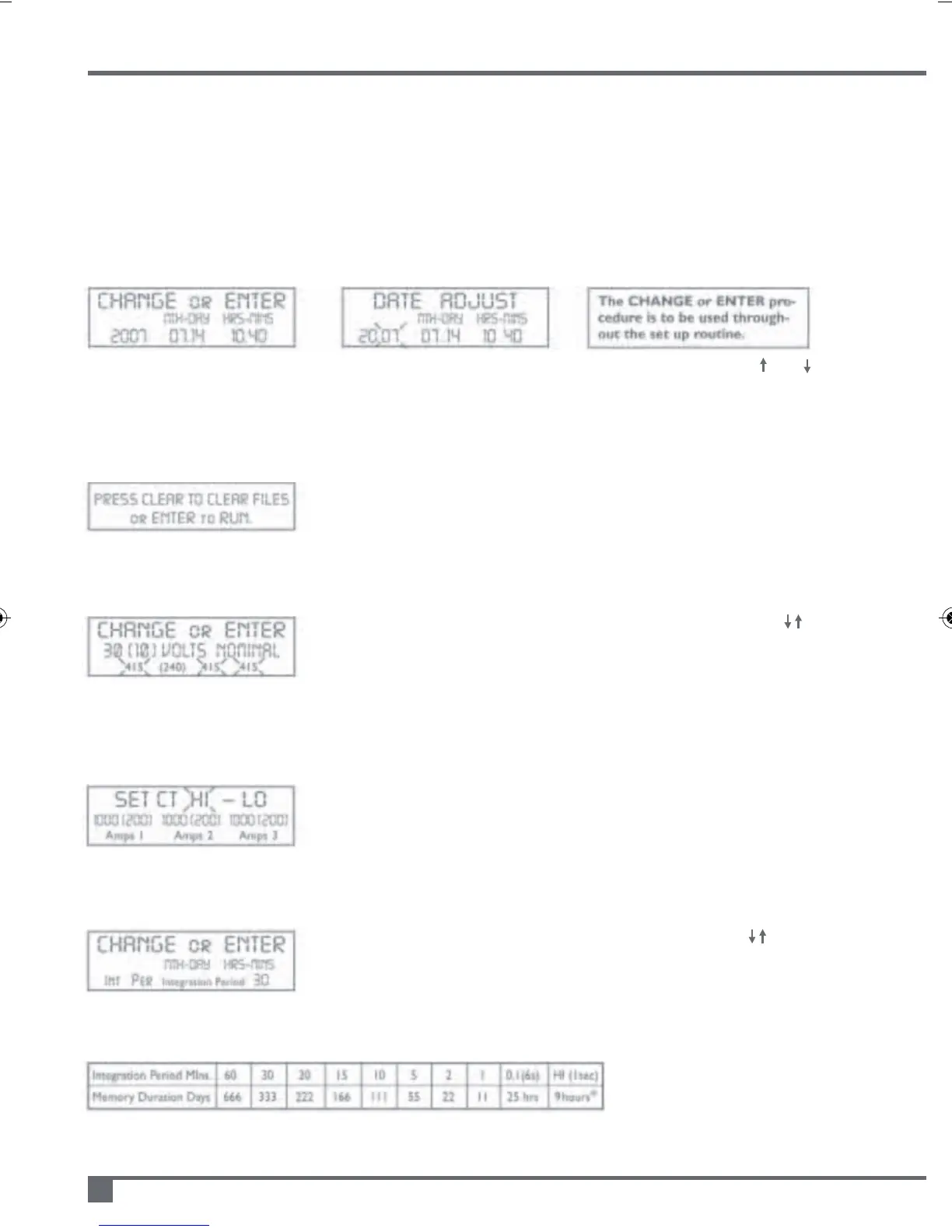
1) Time and date adjustment
If date and time correct press ENTER Alter flashing character(s) using CHANGE and
Press CHANGE to alter any number if required press ENTER to continue and proceed to 2)
2) Memory refresh and/or continue set up
If all data has been downloaded or is redundant press CLEAR &
CHANGE to alter ‘NO’ to ‘YES’.
Press ENTER to confirm memory refresh and continue to 3)
3) Voltage range auto set
For diagrams 3 & 4 on page 5 (battery only use) press CHANGE to
alter default value. Choose a nominal value (default +/-10%). Press
ENTER to continue to 4).
NB: Recorded kVA(h) accuracy dependent on variance of service
voltage, PF defaulted to unity.
4) CT HI/LO range selection
Press ENTER to accept the high range (normally 1000Amp) or press
CHANGE to select LO (200Amps i.e. 20% of HI range)
Press ENTER to continue to 5).
5) Integration period adjust
Press ENTER to accept displayed value or press CHANGE to
select periods of 60, 30, 20, 15, 10, 5, 2, 1 minutes, 6 seconds (0.1), 1
second (HI) integration*
Press ENTER to select and continue to 6)
Memory span
(duration related to aggregate total of 5 memory files)
*V
1
, V
2
, V
3
, I
1
, I
2
, I
3
only recorded
for 1 second integration
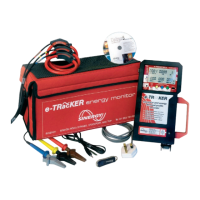
Once the e-Tracker has been installed slide BATTERY SUPPLY switch ON.
The display will show SELF TEST followed by:


 To Next Page