16
Adjusting the Auto-Switch(Optional)
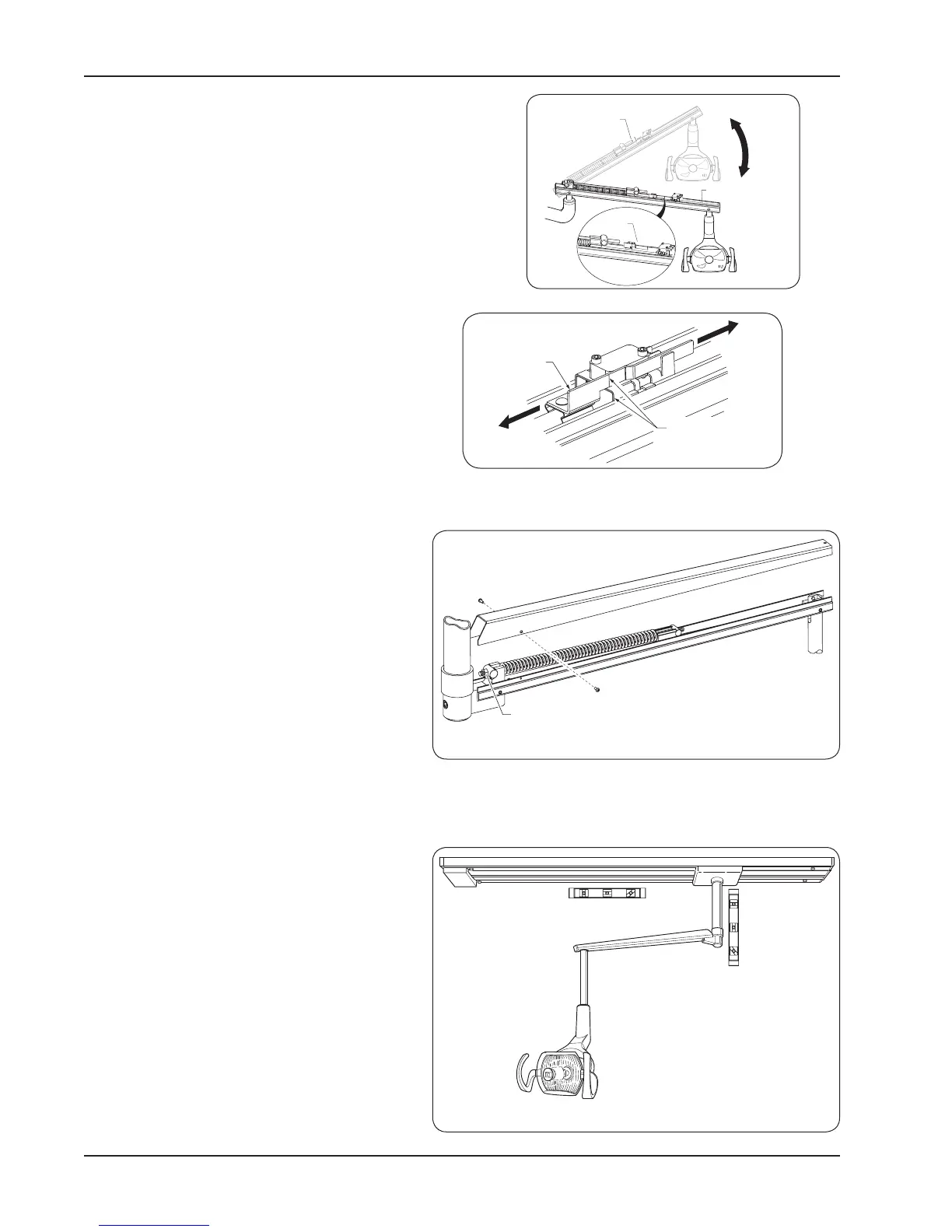
The Switch assembly is clipped onto the light arm
tension rod. To change the position at which the light
activates:
1. To adjust the position at which the auto switch
activates, simply slide the switch bracket towards
or away from the switch bracket until the desired
position is attained.
Flex Arm Adjustment
Vertical
1. Remove the two socket head screws using
a 5/64 hex wrench.
2. Remove the ex arm cover.
3. Using a 1/2” wrench, adjust the tension bolt
until desired tension is set. Turn clockwise
for more tension; turn counter-clockwise for
less tension.
4. Replace cover and end caps.
Horizontal
If ex arm sways from side to side and will not
hold a steady position.
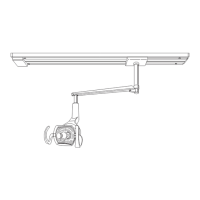
1. Make certain that the vertical mounting post
and track are level. Use spacing washers to
adjust as necessary.
Range of
adjustment
Contact turns light off
Tension rod
Auto switch
Tension
Bolt
Line up brackets
edge to alignment
mark
Slide actuator bracket
forward or backward
for adjustment


 To Next Page