2. When water is running steadily at the drain, open the bypass valve’s inlet
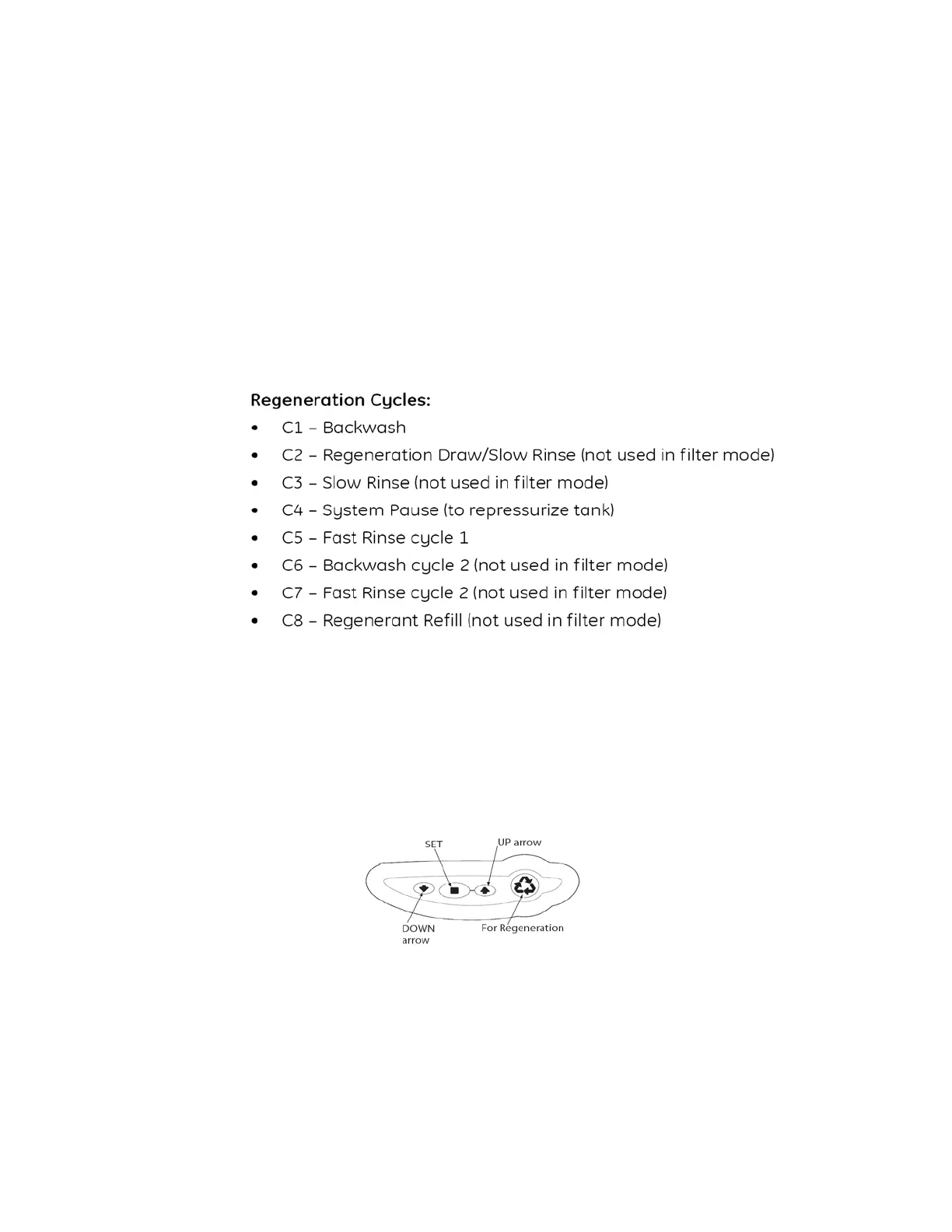
and outlet to their maximum position. Simultaneously press the SET
and UP buttons on the controller for 1 second then release, the motor
will advance the cam to C2. Once C2 is displayed simultaneously press
the SET and UP buttons on the controller for 1 second then release, the
motor will advance the cam to C3. Repeat this procedure until the timer
enters the C7 (FAST RINSE) position. The filter will go through the
rinsing cycle and then automatically advance to (REGENERATION
COMPLETE) C0 and Time of Day will be displayed. This is treated
water.
Logix Control Valve Timer Settings:
Note: The control valve is preset at the factory. You only need to set the
time of day, day of week and regeneration frequency, which is preset at 1
am.
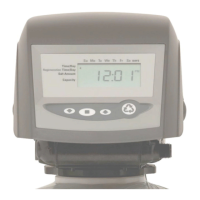
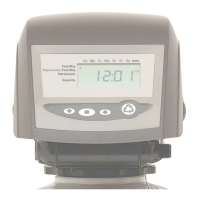
Figure 5
Time of Day Setting
1) Press the SET button. The screen will show the Time of Day in
blinking numbers.
2) To change the Time of Day, use the UP or DOWN arrows.
3) Press the SET button.



 To Next Page