USE OF MASTERADJUST SOFTWARE
8 September 2008 / MasterBus - USB interface / EN
4.5 CONFIGURATION
4.6 PROGRAMMING OF EVENT-BASED
COMMANDS
One of the main features of MasterBus is the
possibility of programming for interactive operation
the connected devices. This is done by means of
event based commands. See example below where
programming of event based commands is
explained.
4.7 EXAMPLE
If the battery voltage is almost too low, the DC-load
which is connected to output 3 of the DC Switch
must be switched off.
• As the battery voltage is measured by the
MasterShunt, this device is considered as the
command source. (Command source =
MasterShunt)
• “Battery voltage almost too low” is considered to
be the event (Event = Pre low battery)
• The DC Switch is the device that should take
action (switching of a part of the DC-load), and is
therefore considered to be the target. (Target =
DC Switch)
• Event command: at the DC Switch the status of
output 3 should change (Event command =
State 3)
• The status of output 3 should change to Off
(Event action = Off)
Follow below steps to program this event based
command:
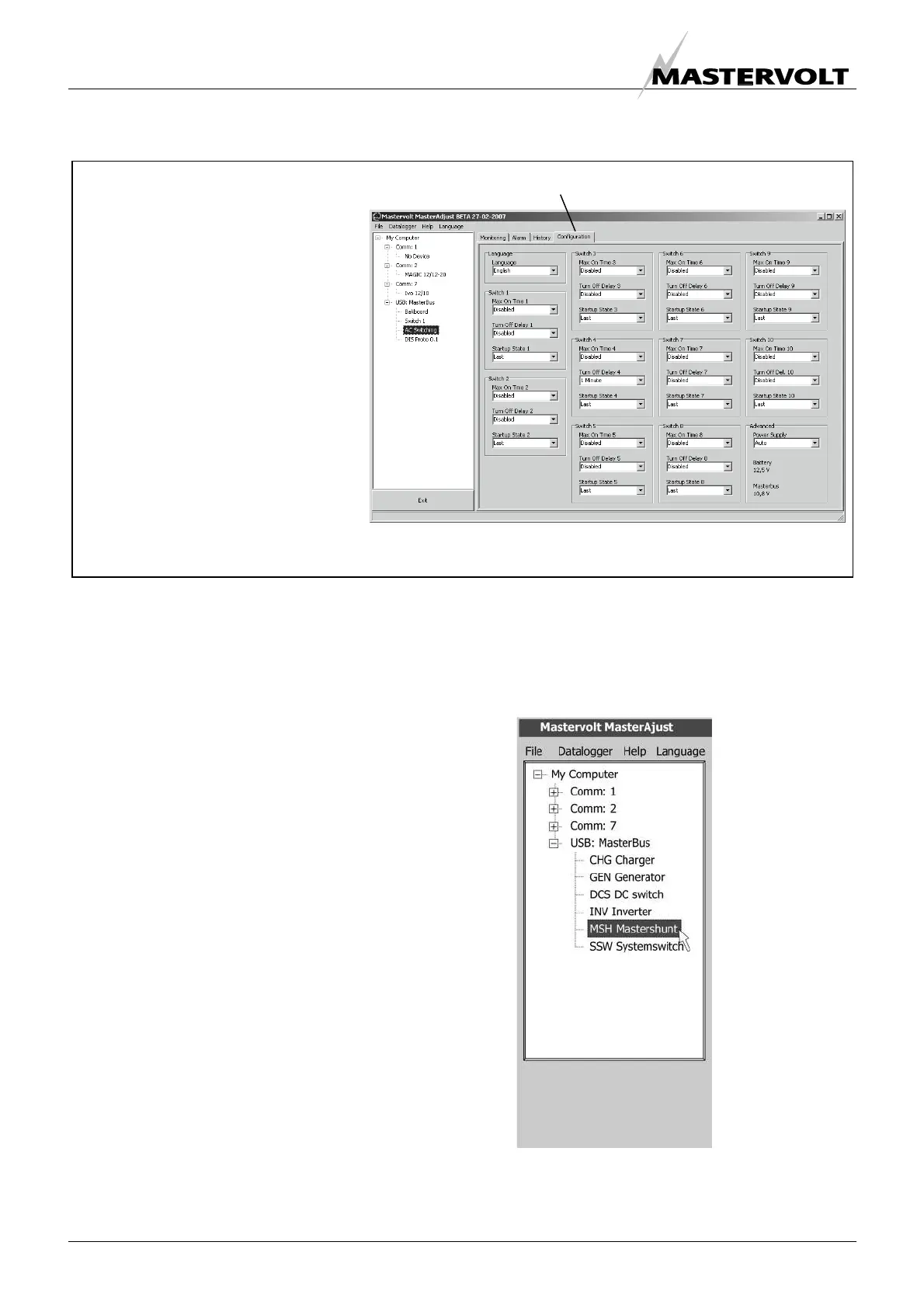
1 See figure 12. In the left tree-view click on the
command source (Example: MasterShunt).
Click on the “Configuration” tab
At “Configuration” you can adjust
several parameters of the selected
device in accordance with the
specifications of the electrical
installation.
The default configuration is optimal for
most installations. In some
applications however, it is desirable to
change the configuration. Refer to the
user’s manual of the connected
device
The configuration is stored in the
memory of the connected device. This
means that closing the MasterAdjust
software will not affect this
configuration
Figure 11
Figure 12


 To Next Page
 Loading...