20
Installation of car-specic sound setup les
The PP 62DSP offers the easy option of conguring the internal DSP amplier to a specic vehicle type.
All you need is a MicroSD or MicroSDHC memory card. The card may contain other data such as photos
from a digital camera. However, note that it may contain only one “af1” and one “af2” setup le at a time.
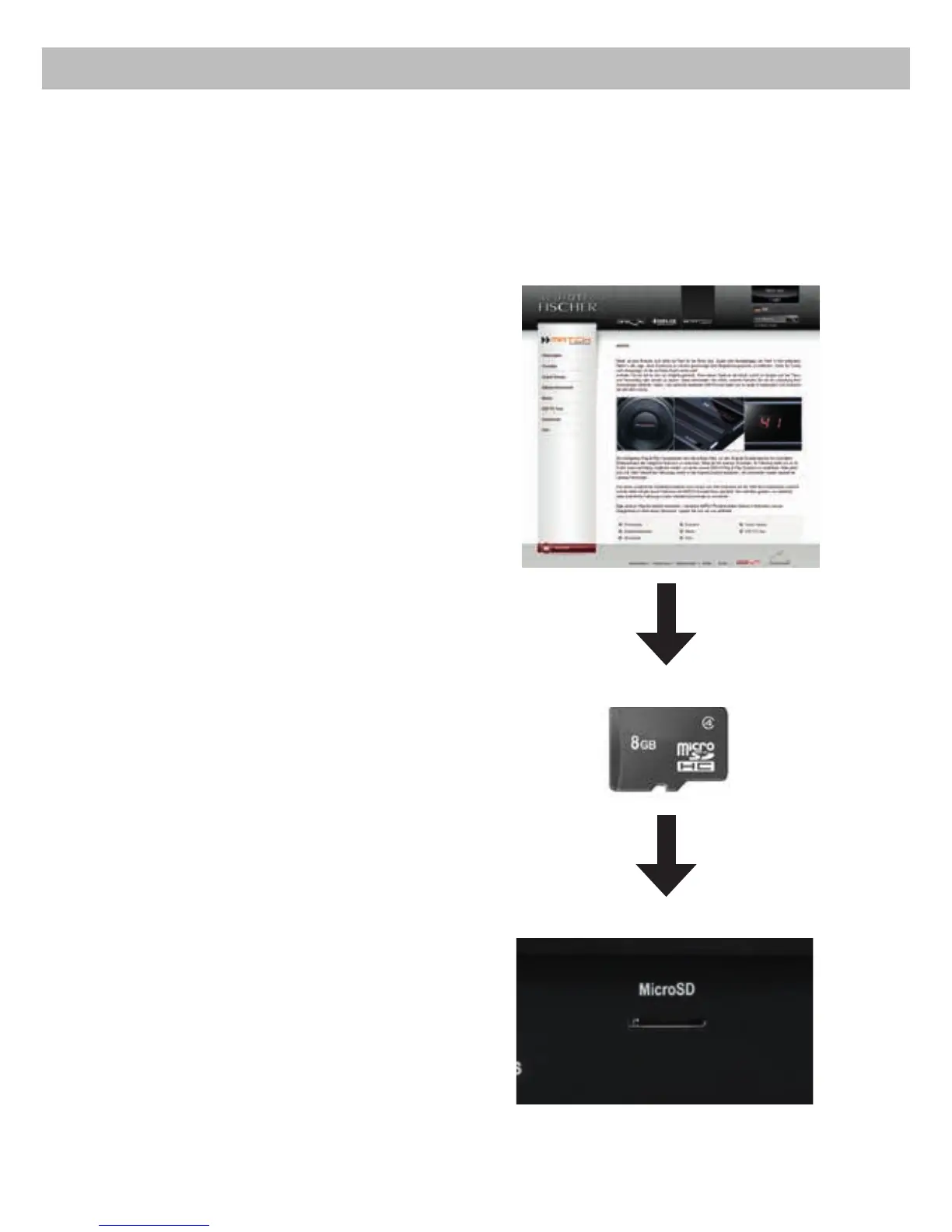
2. Transfer the downloaded setup onto your
MicroSD card. You’ll need less than 200 kB of
free memory space.
1.
Access the Audiotec Fischer website
www.audiotec-scher.com.
Go to MATCH → Sound setups and select
PP 62DSP, driver position and your vehicle make.
Next you can choose an appropriate sound setup
le from the list and download it.
www.audiotec-scher.com
MicroSD card
MicroSD card reader
The 3 most important steps:
3. Finally insert the card into the MicroSD slot of the
PP 62DSP. The Status LED will blink red for a
few seconds. After the upload process is nished
the LED stops ashing and the MicroSD card
should be removed.



 To Next Page