28
User Manual
MDMAXPROHD
www.matcotools.com 877-853-3738
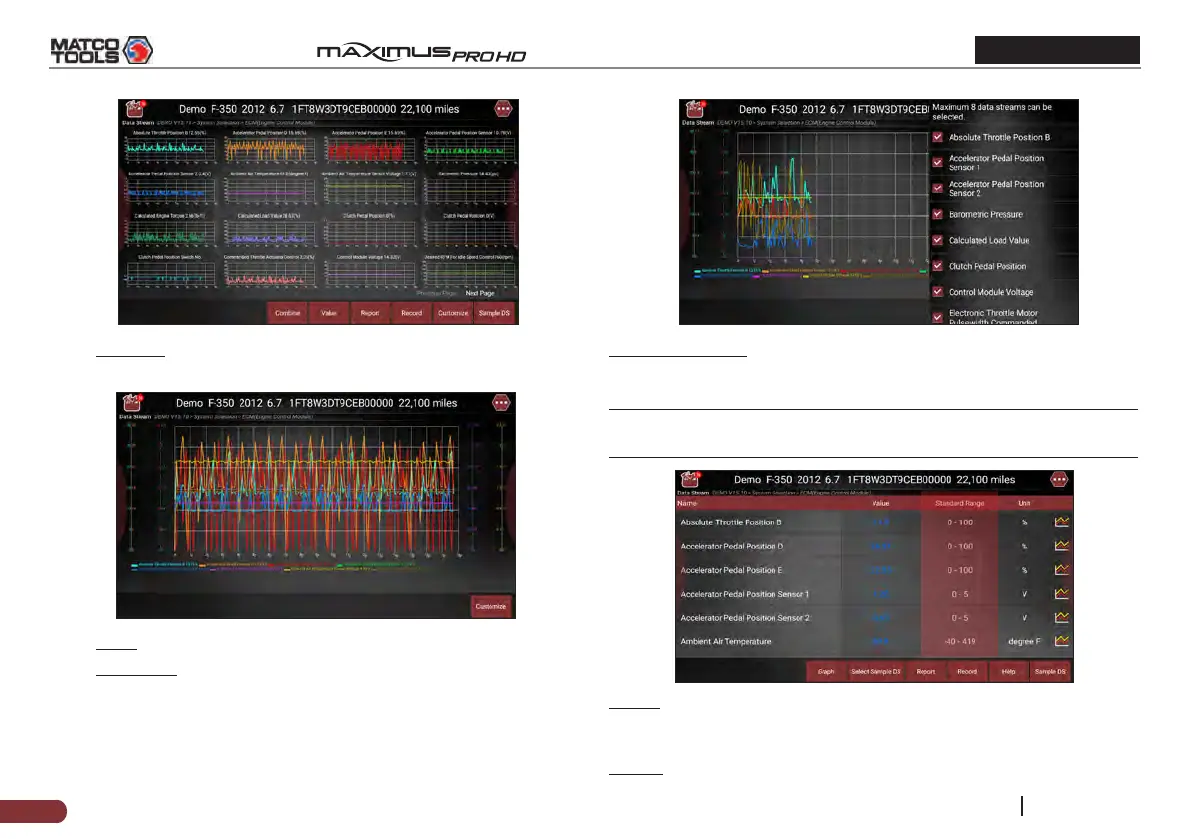
• Combine: This option is mostly used in graph merge status for
data comparison.
• Value: Tap to display the parameters in texts.
• Customize: This option allows you to select only the PIDs that
you wish to display. Tap it, a pull-down list of the data stream
items appears on the screen. Select (Up to 8 data stream items
can be selected)/deselect the desired items and then screen
will display/remove the corresponding waveforms immediately.
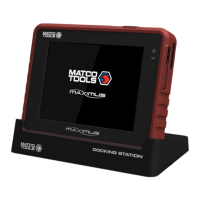
Select Sample DS: Tap it to select the sample DS le, the values you
customized and saved in process of DS sampling will be imported into
the “Standard Range”(See below) column for your comparison.
*Note: Before executing this function, you have to sample the values
of data stream items and save it as an sample DS le.
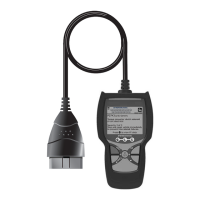
Report: To save the current data as a diagnostic report. All diagnostic
reports can be accessed from “Toolbox” -> “Saved Reports” -> “Health
Report”.
Record: Tap to start recording diagnostic data. Recorded live data can


 To Next Page