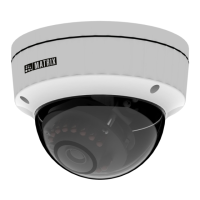
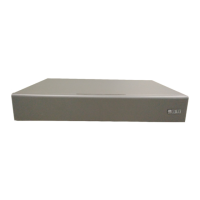
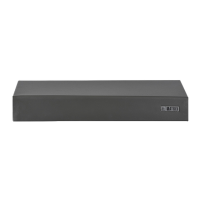
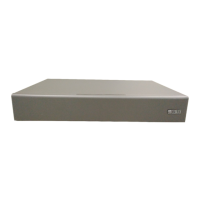
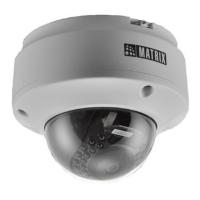
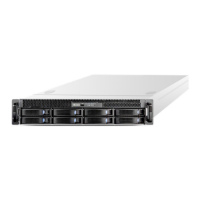
What your Package Contains
Know your Camera
Powering the Camera
Accessing via Web Browser
4
Camera Variants
Installation
Network Configuration
Accessing Reset Switch and SD card slot
Technical Specification
IP66 Protection Accessory Installation
Figure 1
1
3
5
2
4
6
Contents
Please read this guide first for correct installation and retain it for future reference. The
information in this guide is prevailing at the time of publication. However, Matrix Comsec
reserves the right to make changes in product design and specifications without prior
notice.
Copyright
All rights reserved. No part of this document may be copied or reproduced in any form or
by any means without the prior written consent of Matrix Comsec.
Warranty
Limited Warranty. Valid only if primary protection is provided, mains supply is within limit
and protected, and environment conditions maintained within product specifications.
Complete warranty statement is available on our website:
www.matrixvideosurveillance.com
Things you will Need
Installing Mounting Template
Mounting the Camera
Adjusting Camera Angle
Know your Camera
1. Cable Guide
2. Cable Assembly
3. Top Glass
4. Enclosure Top
5. Enclosure Bottom
6. Hole for Mounting
The Standard variant consists of 2 connectors: Power Connector and
Ethernet Connector (POE).
The Premium variant consist of 4 connectors: Power Connector,
Ethernet Connector (POE), Audio IN and Audio OUT.
7
8
5
5
10
12
15
16
19
21
5
22
26
4


 To Next Page
 Loading...