23
24
Network Configuration
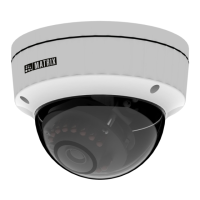
To view and configure the camera via LAN (Local Area Network),
you need to connect the network camera in the same subnet with
your PC. Then install the software to configure the IP address.
Steps to get the IP Address
• Once the camera is connected to the network, it will automatically
be assigned a dynamic IP address by the DHCP server. You can
view the assigned IP address through any IP scanner utility.
• If DHCP server is unavailable or is not able to provide an IP address
then 192.168.1.126 will be set as default IP address.
• You can change the IP address and subnet mask of Camera from
the Basic Settings page of camera.
Never look at the transmit laser while the power is on. Never
look directly at the fiber ports and the fiber cable ends when
they are powered on.
Use of controls or adjustment to the performance or procedure
other than those specified herein may result in hazardous laser
emission.
LED: CLASS1 (Category RS1)
M12 4-PIN
Female
Connector
DC
Connector



 To Next Page
