11
Connecting the Multi cable to your system
Connecting the Multi cable to your system
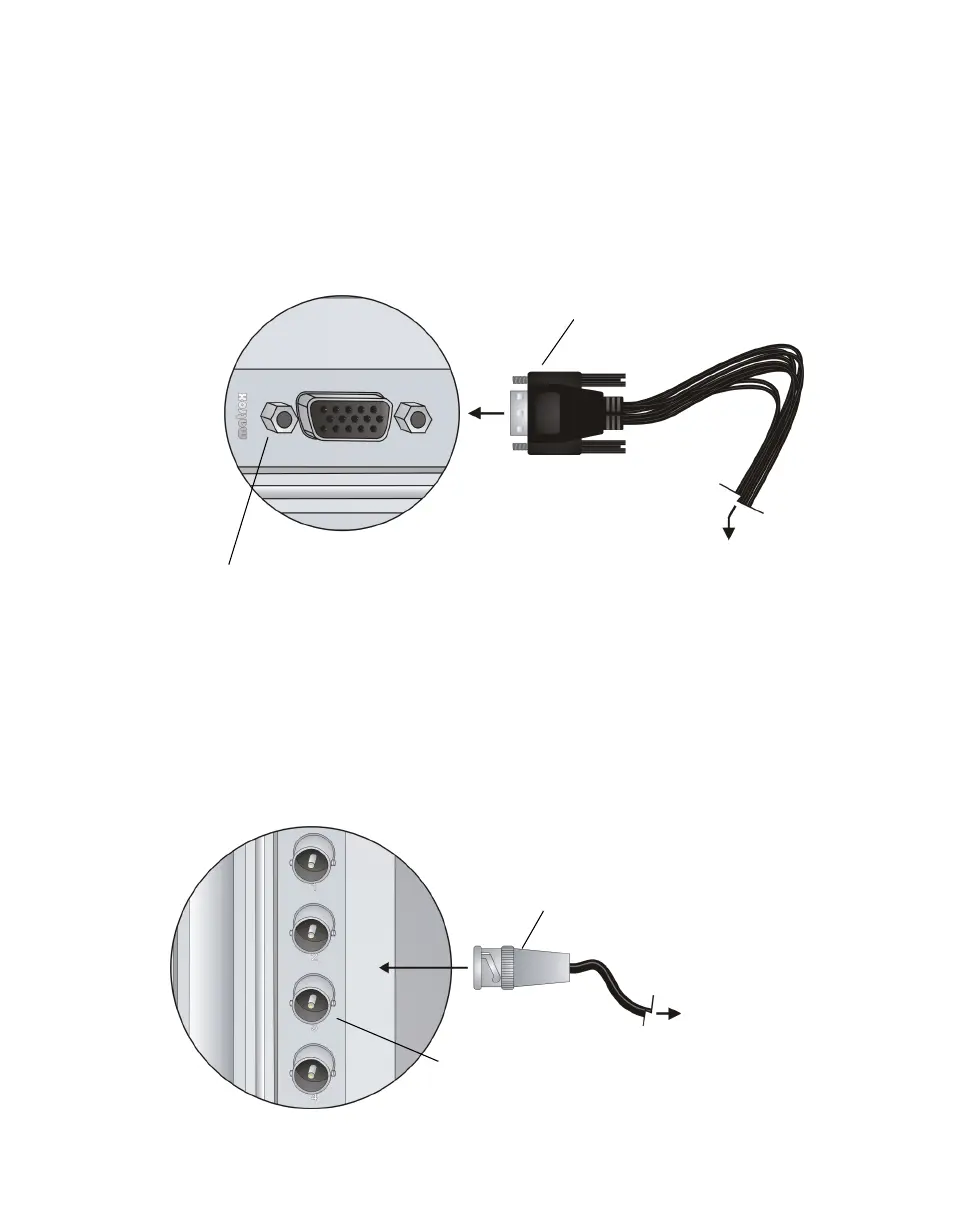
The Multi cable is the link between the Multi card and your external devices. The
Multi cable includes all the available connectors for your Multi system, except
for the SDI connectors, which are located on your Multi card (see “Connecting
SDI devices to Multi” on page 11).
Connect the Multi cable to the corresponding connector on your Multi card, and
your external devices to the corresponding connectors on the Multi cable.
Connecting SDI devices to Multi
Your Matrox Multi card includes four SDI connectors. Connect an SDI device to
your Multi via an SDI cable connected to the corresponding connector on your
Multi card.
Matrox Multi card
(installed in Mac system)
Matrox Multi cable
To the corresponding connectors
on your external devices (see
“Multi input and output
descriptions” on page 13).
Matrox Multi card
(installed in Mac system)
To the corresponding
connector on your
external device (see
“Multi input and
output descriptions”
on page 13).
SDI cable
(BNC connector)











 To Next Page