23
Specifying your analog audio output settings
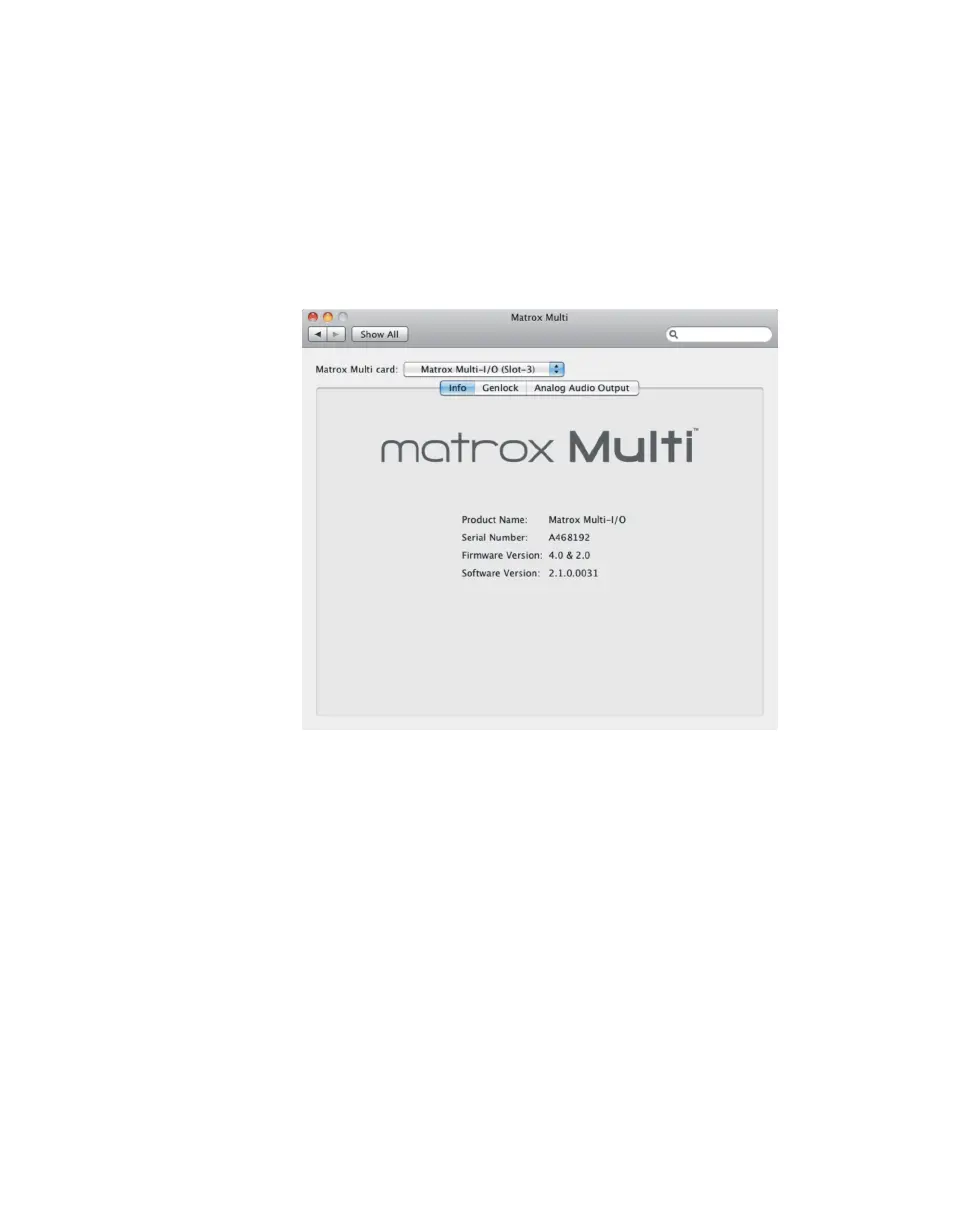
Viewing Multi information
To view your Multi’s serial number, firmware version, and software version:
1 From the Apple menu, click System Preferences, and then click the
Matrox Multi icon.
2 If you have more than one Multi card installed in your system, select the card
that you want to configure from the
Matrox Multi card list (see “Matrox
Multi card selection and settings” on page 18).
3 Click Info.
4 If a message appears indicating an unsupported firmware version on your
Multi hardware, you must update the Multi firmware as explained in
“Updating your Multi firmware” on page 6.











 To Next Page