12
Chapter 3, Connecting External Devices to Matrox Multi
Multi RS-422 serial connection
The RS-422 connector on the Multi cable allows a third-party application to
control a device that uses the RS-422 SMPTE time code protocol, such as a VTR
or digital disk recorder, to ensure frame-accurate capture and edit-to-tape.
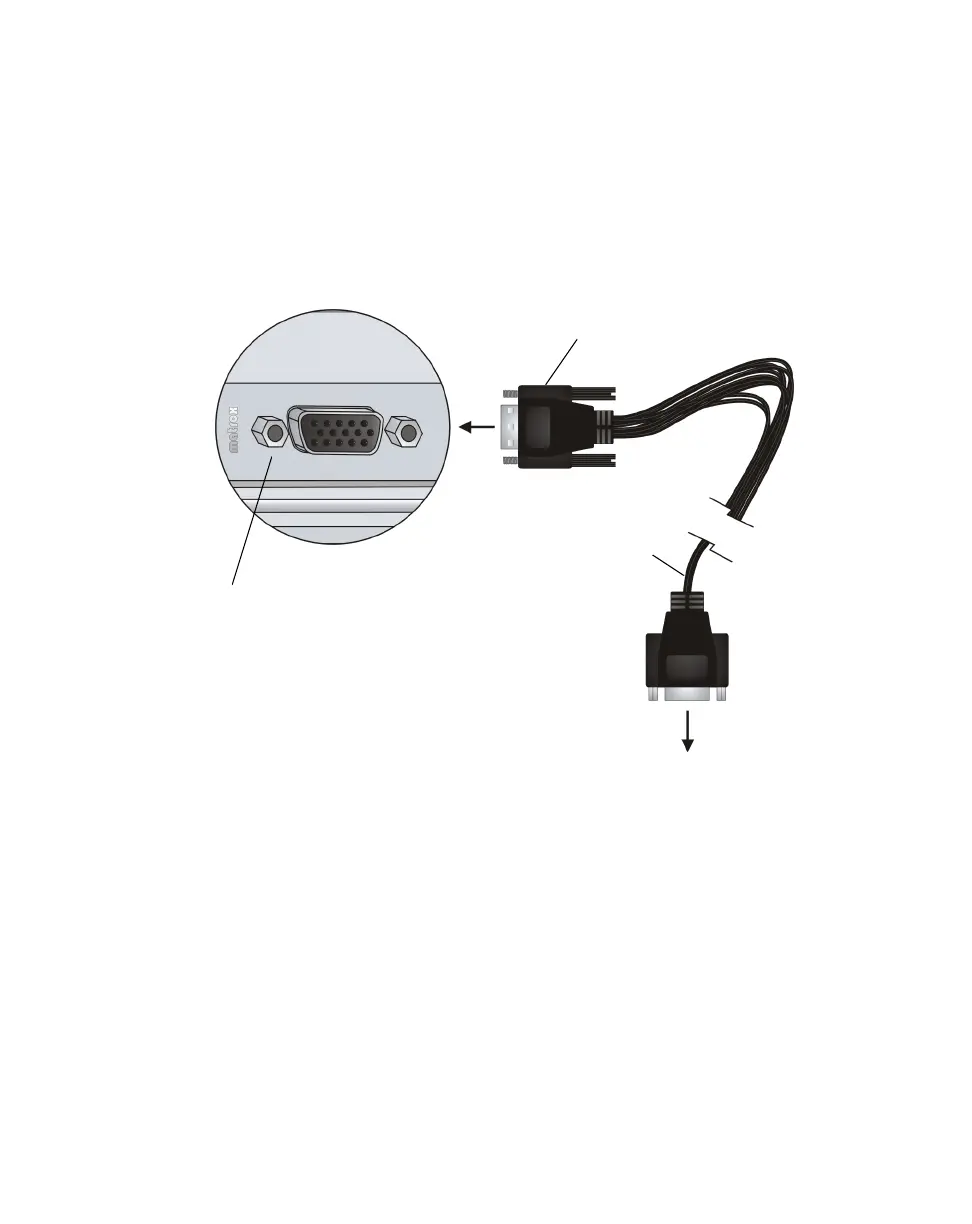
To use Multi’s RS-422 serial connector for device control, connect the Multi
cable to your Mac system, and then connect the RS-422 cable on the Multi cable
to the RS-422 serial connector on your external device.
Matrox Multi card
(installed in Mac system)
Matrox Multi cable
To the RS-422 serial
connector on your
external device.
RS-422 cable











 To Next Page