Meshing
To mesh a project for export, navigate to the Mesh tab within
the Project Editor.
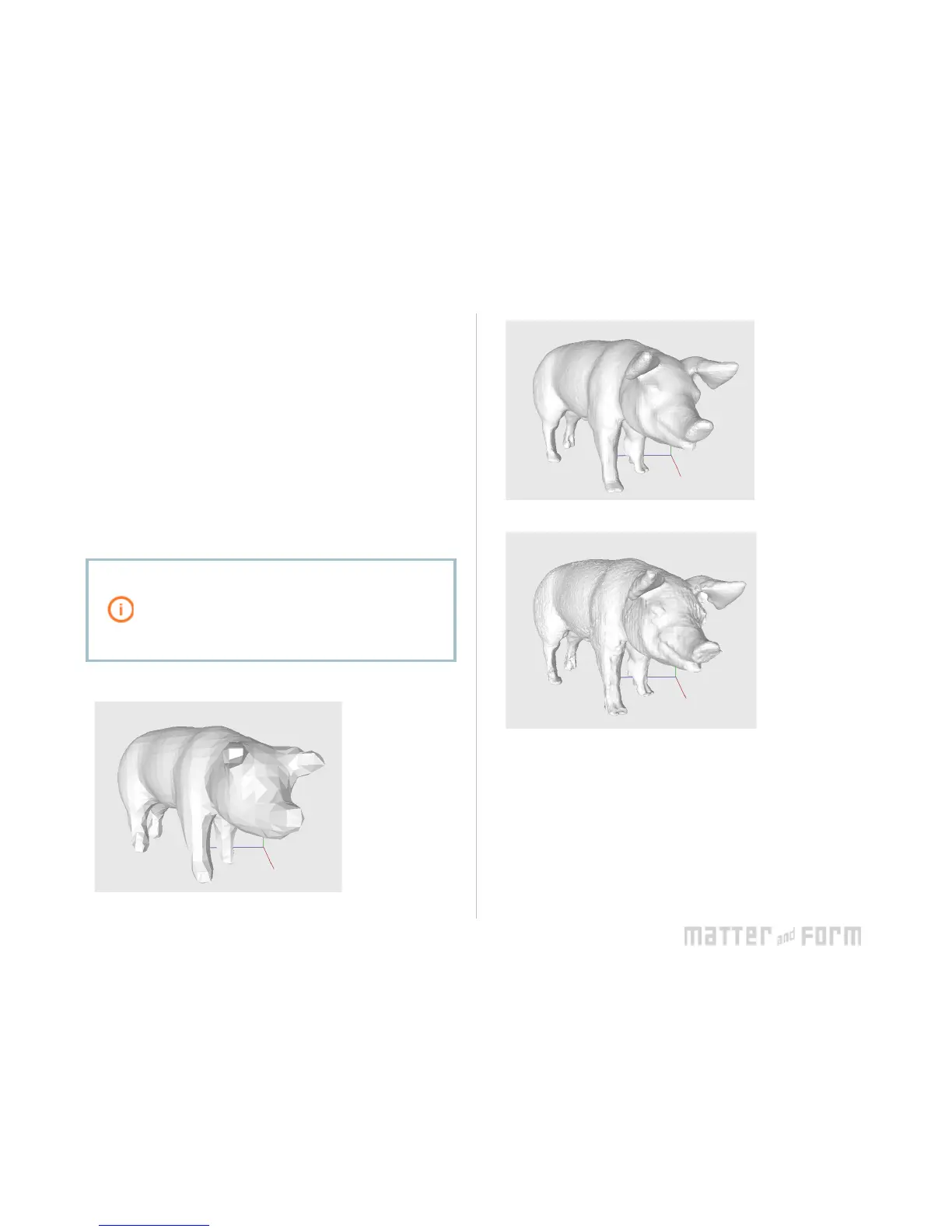
The Mesh Options slider controls the level of detail in the
mesh: to the right for lots of detail, to the le for low detail.
If textures have been captured for the project, check Enable
texture to texturize your mesh .
Click Mesh .
The ideal level of detail for meshing may vary by
object and project. Further changes made to
point clouds in the Point Cloud tab will not be
reflected in the Mesh tab until Mesh is clicked
again.


 To Next Page