MFStudio
Starting a New Project
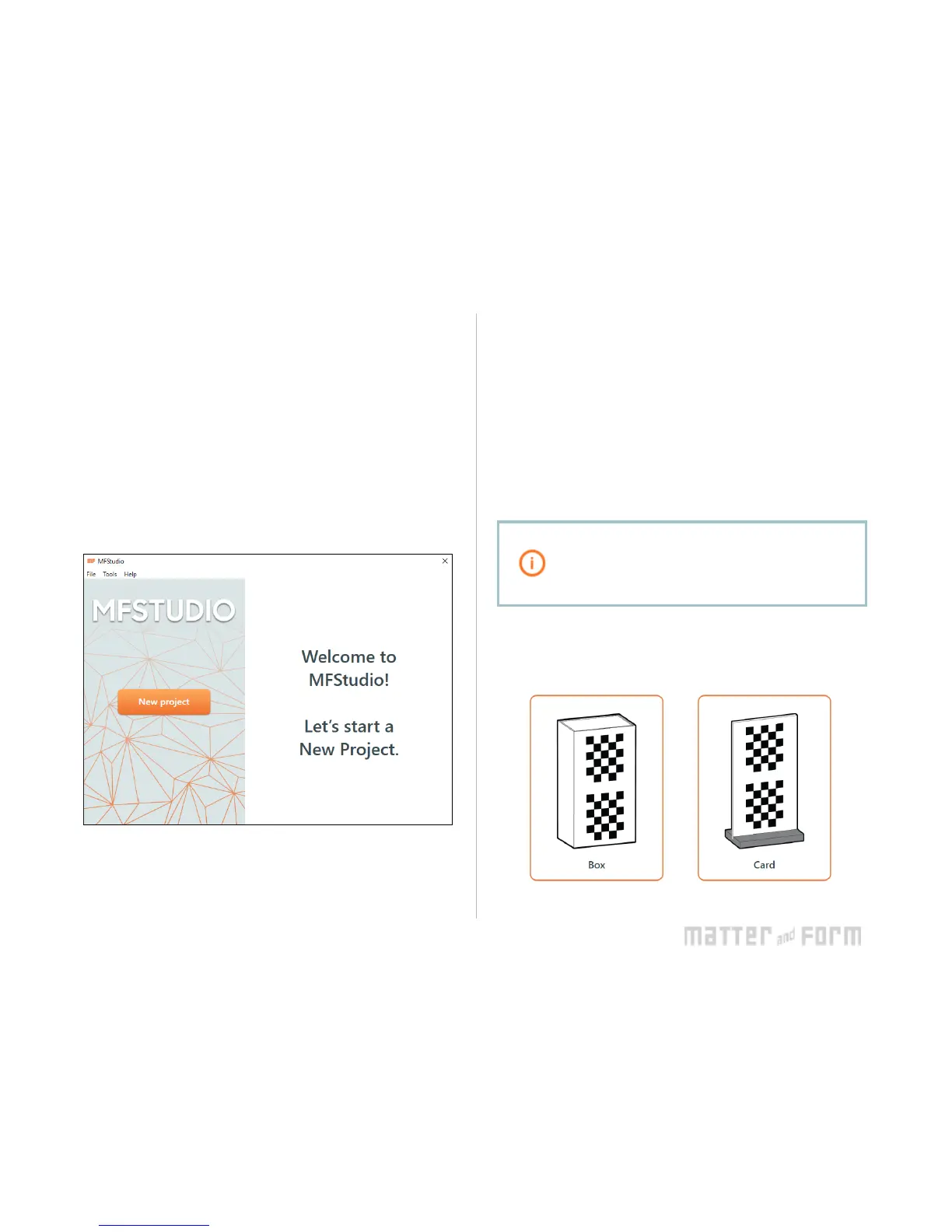
To start a new project, click New Project on the MFStudio
homepage. Enter a Filename , select a Save to: location, then
click Continue .
To open a project, click the thumbnail of a recent project on
the MFStudio homepage, or navigate to Open from the File
menu.
Calibration
Calibrating the Scanner
Calibration is very important to getting the best out of your
scanner. From time-to-time or with brand new scanners,
MFStudio will remind you when it’s time to calibrate, but you
can calibrate whenever you need to by selecting Calibrate
from the File menu.
Calibrate your scanner when it gets moved or
your lighting changes drastically! The turntable
can shi when moved, causing the scanner to
scan incorrectly.
Click to select the calibration device, card or box, that came
with your scanner. Follow the instructions to assemble the
card, if needed.


 To Next Page