11
Calder Brothers Corp
V1.0
Serial Number Range:
848-S-56TCG9Y2*03848 to ________________
Page 11
Model: 1560 Paver
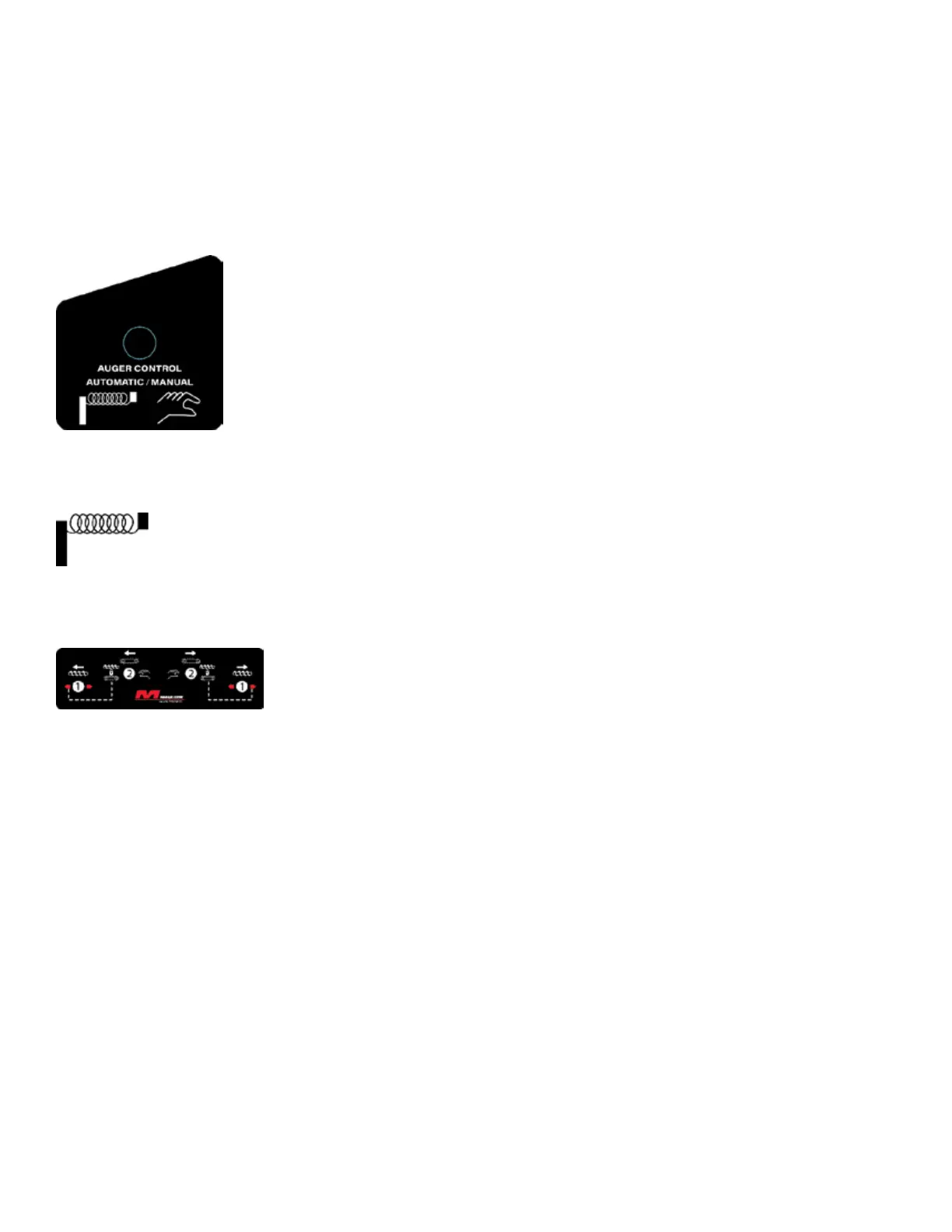
2. Locate the AUTO – MAN switch labeled:
3. Set the switch to “AUTO”
4. Locate the CONV & AUG switches labeled:
5. Set the AUG switch to “OUT” Labeled 1 in Figure A
6. Follow the dotted line and set the CONV switch to the “locked” setting. Labeled 2
in Figure A
7. To control size of the head of material:
See Display Screen Section



 To Next Page