12
Calder Brothers Corp
V1.0
Serial Number Range:
848-S-56TCG9Y2*03848 to _____________
Page 12
Model: 1560 Paver
MANUAL FEED OPERATION
1. Go to the LH operators’ station
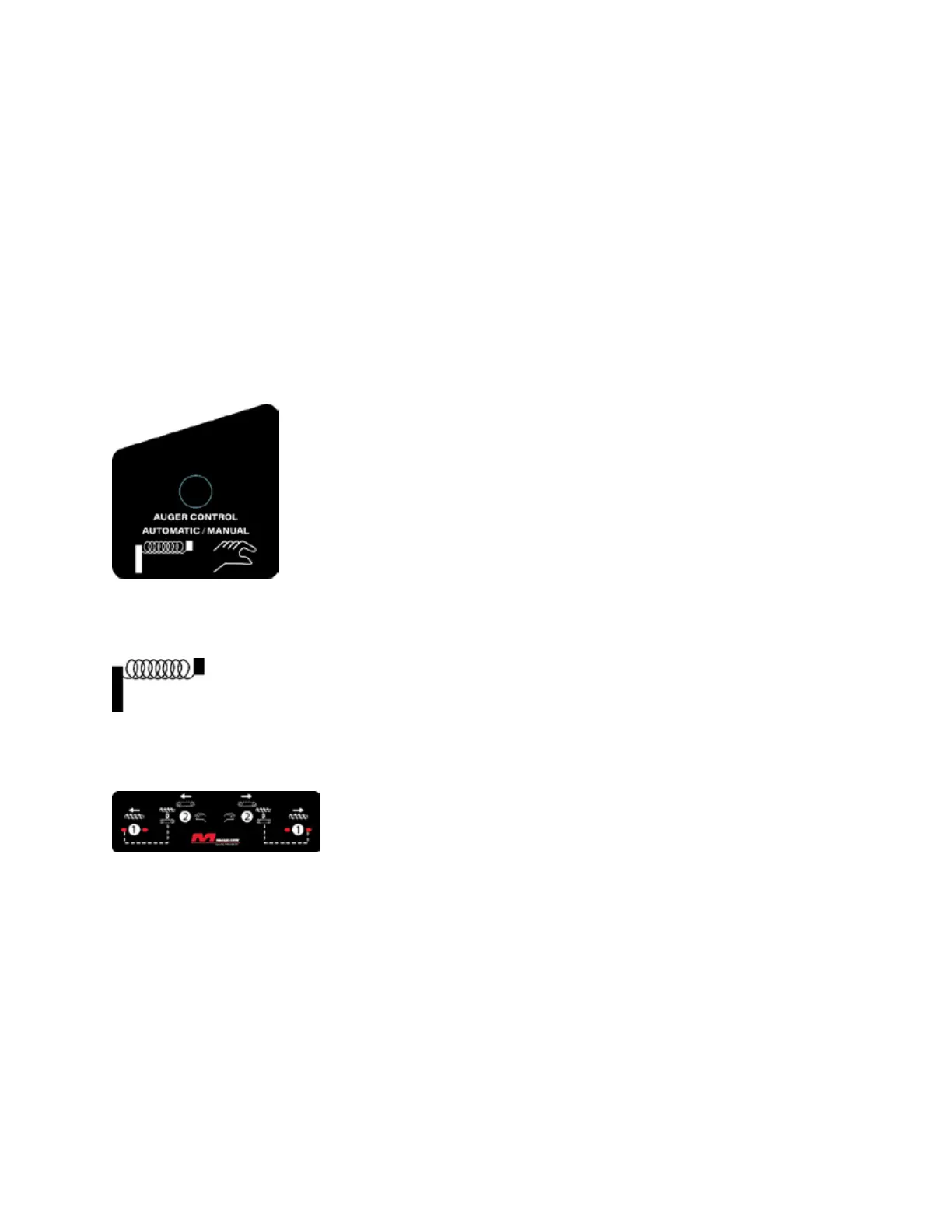
2. Locate the AUTO – MAN switch labeled:
3. Set the switch to “MAN”
4. Locate the CONV & AUG switches labeled:
5. Set the AUG switch to “OUT”. Labeled (1) in Figure A.
6. Follow the dotted line and set the CONV switch to the
“locked” setting. Labeled (2) in Figure A.
7. To control size of the head of material set the AUG switch to
OUT or OFF as desired.



 To Next Page